RS.LinkedModels
Version history
1.1.23 | 20.09.2026
Fixes
- The RS Tools panel on the Modify tab appears only when Revit links are selected and is hidden in the Family Editor.
- Fixed the panel reappearing after changes to the view, document or editing context; duplicate panel instances are removed.
- Selection checks now account for the active document. Deleted elements no longer leave the panel in an incorrect state.
1.1.19 | 18.09.2026
- “Update from…” now searches the selected folder and all subfolders for any number of selected links, ignores Revit *_backup folders, reports ambiguous matches and can apply the found paths immediately.
- A new duplicate-link checker finds repeated files, copies with the same name in different folders, extra instances and nested duplicates; they can be reviewed, removed or redirected. Nested links are shown for review only and must be managed through their parent link.
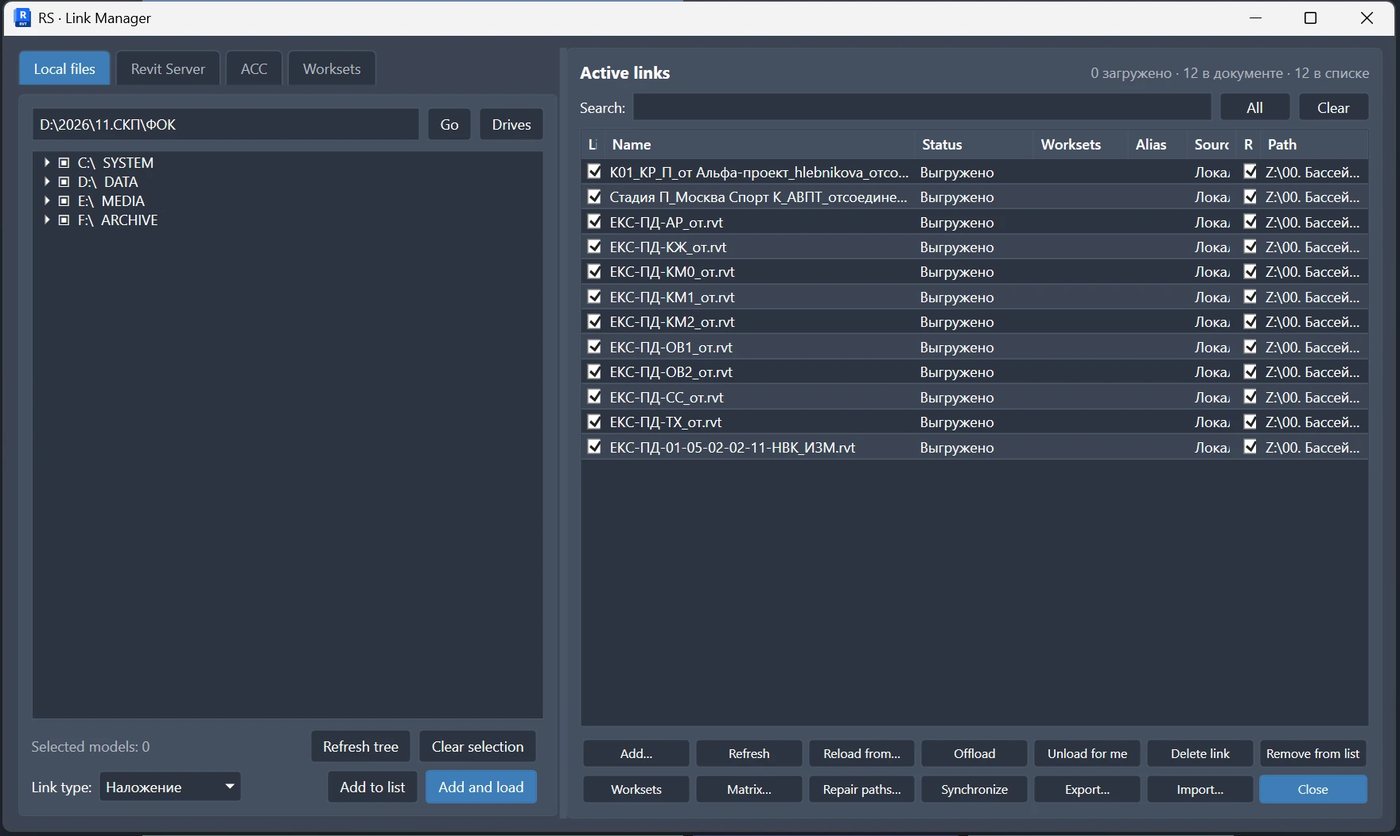
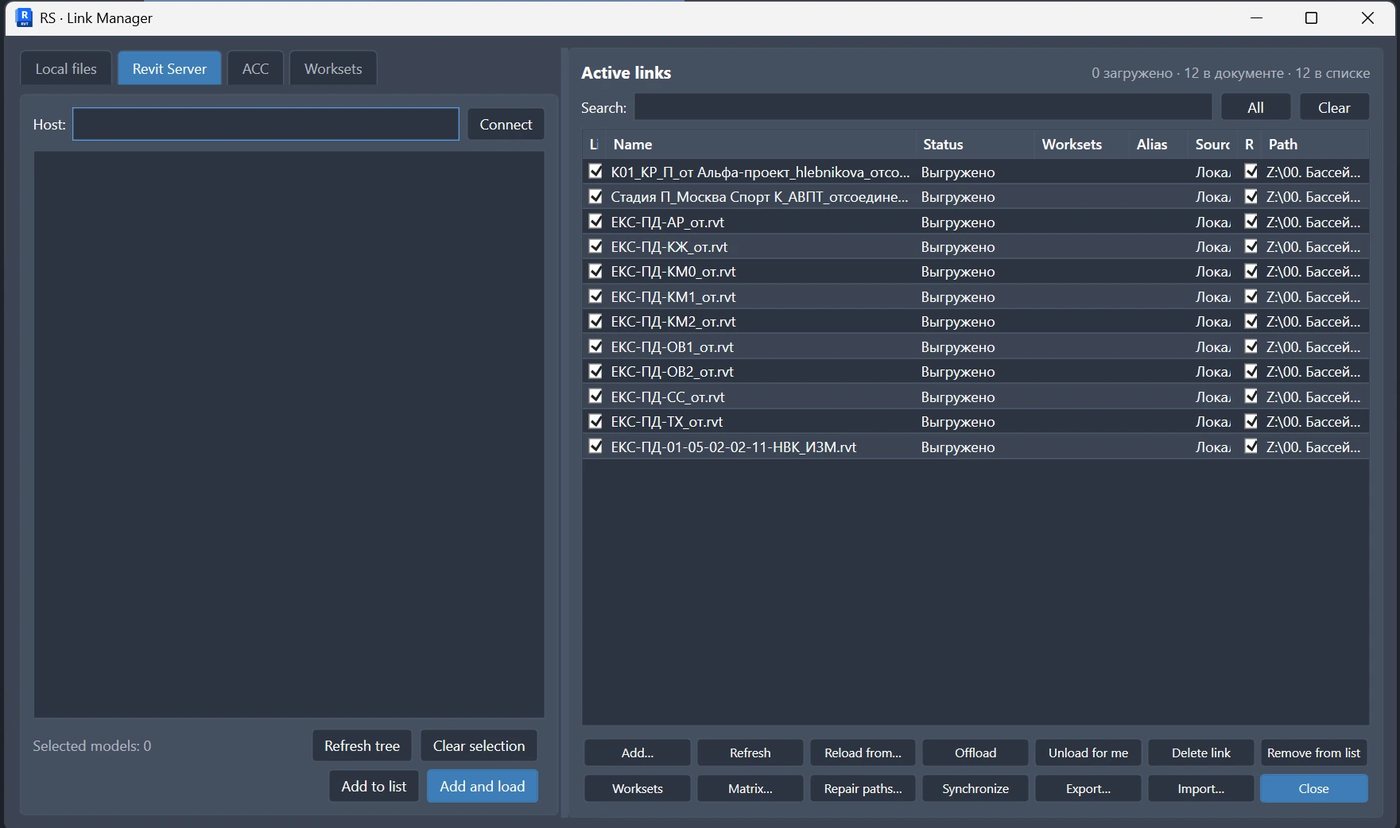
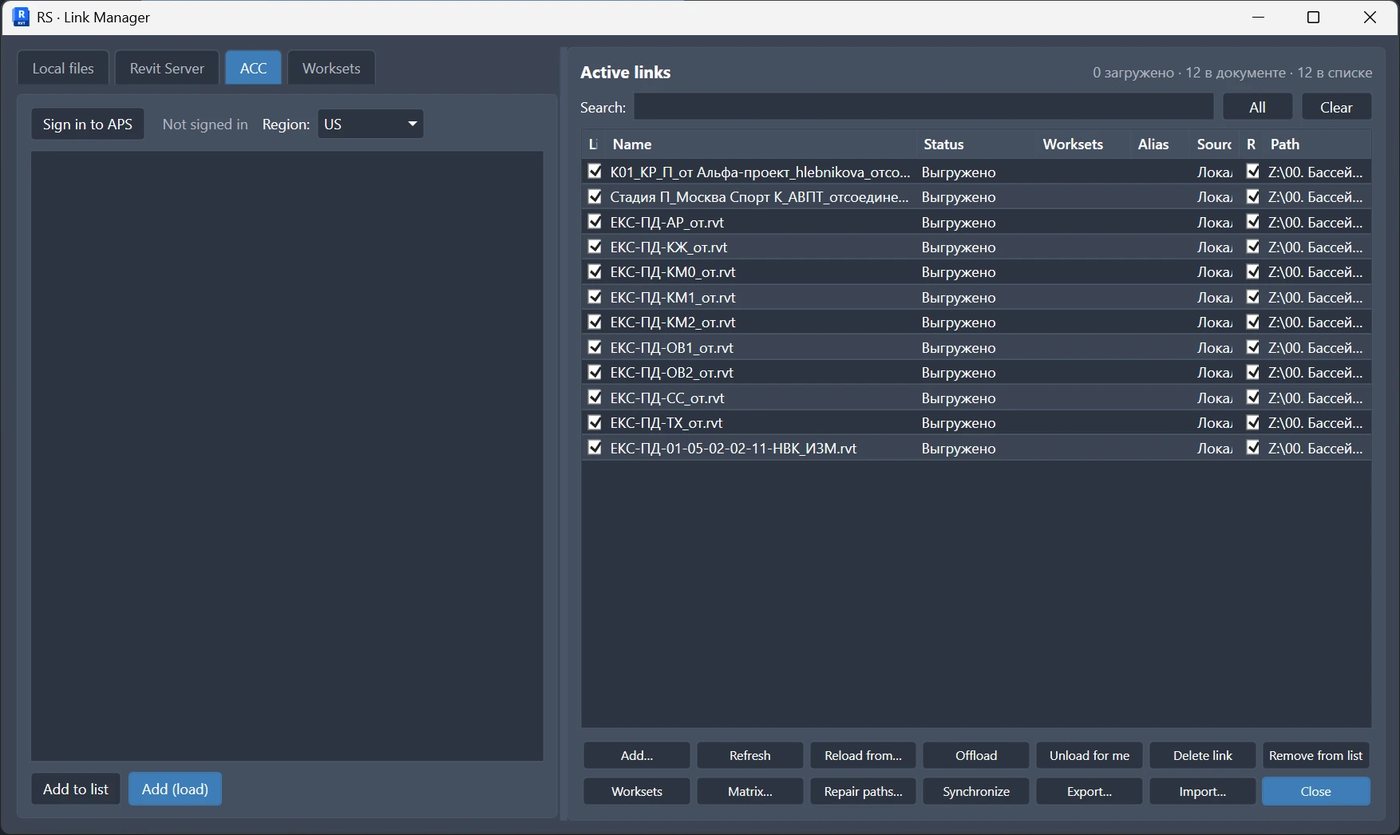
- When Revit links are selected, Link Manager is available from the contextual Modify tab and opens with those links already selected.
1.1.18 | 10.09.2026
- Windows now use the application icon. F1 help is available on the ribbon button and opens the English product page.
- The update window, messages, status bar and licence tab are translated into the supported Revit interface languages.
1.1.12 | 27.08.2026
- New links are placed by shared coordinates when possible, and the Site column lets you see and apply shared sites.
1.1.9 | 24.08.2026
- “Update from…” is clearer, preserves the resulting selection, recovers links on closed worksets and remembers the window layout.
- Broken relative link paths are repaired automatically.