RS.ClashViewer
Version history
1.3.37–1.3.40 | 12–16.10.2026
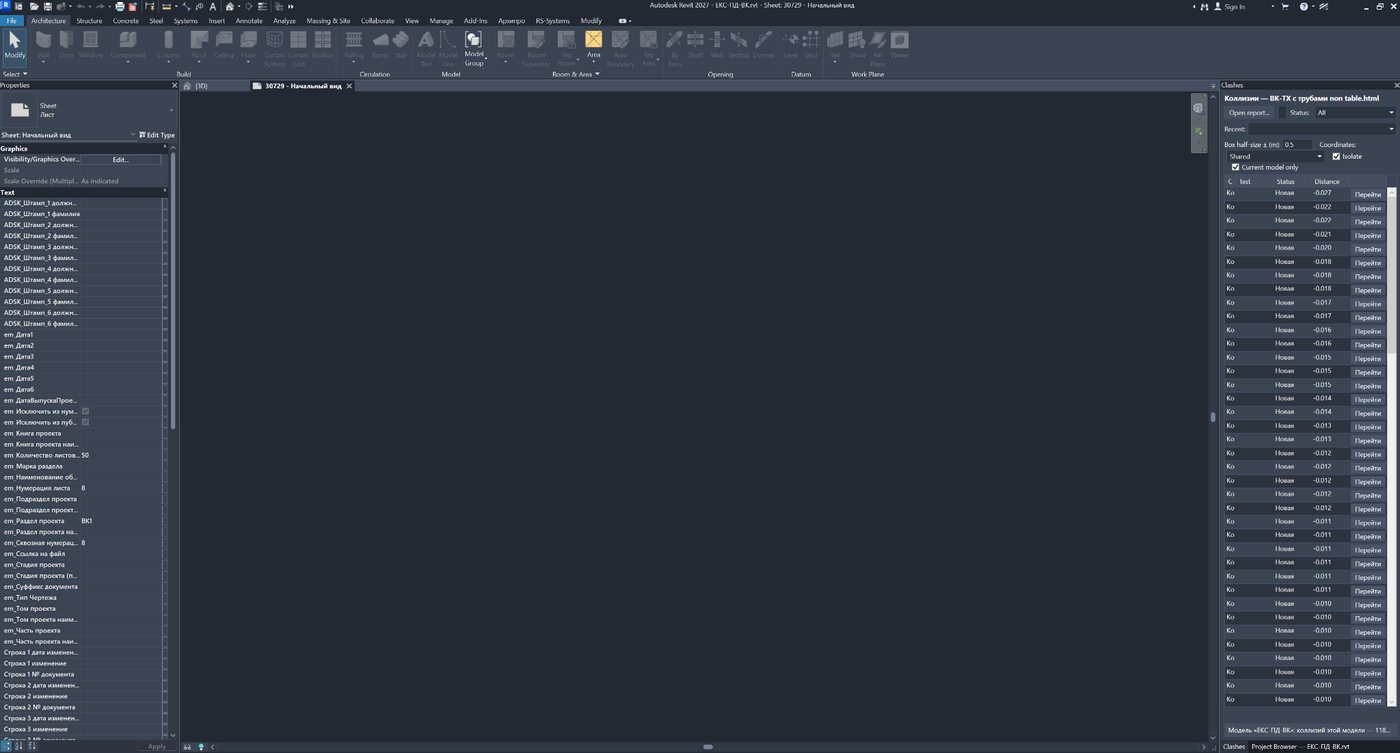
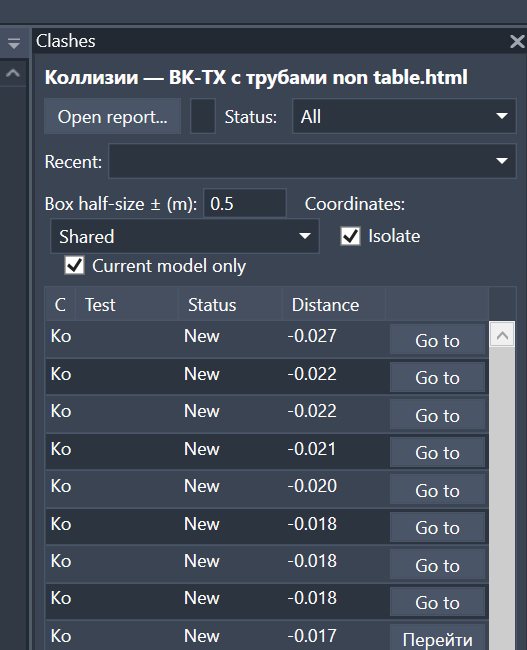
- The appearance now follows the unified RS-Systems style: square corners, recessed fields, lists, and clash table, and raised buttons; colours in all four themes (Auto, Light, Dark, RS-Systems) match Revit windows. Changing the theme, including in “Auto” mode, now also recolours windows that are already open.
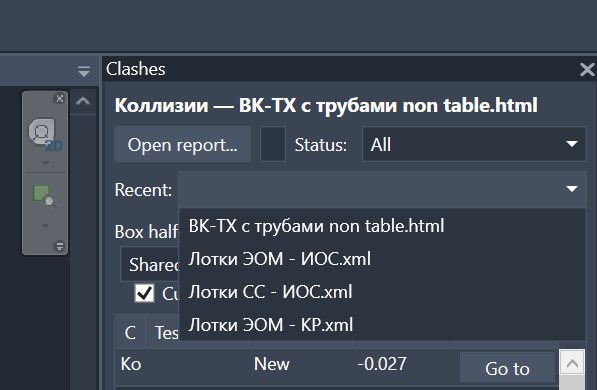
- Buttons and lists in windows now behave like standard controls: they support keyboard input (Enter for the primary action, Esc to cancel); view, model, and sheet selection lists support arrow keys, Enter, and double-clicking. Dropdowns, including “Recent”, support search as you type: Enter selects the match and Esc clears the search.
- The “Settings...” button at the bottom of the panel has been replaced with a “⚙ Settings” gear and an available-update indicator. Plugin windows do not create their own buttons on the Windows taskbar and remember their position and size between sessions; the table menu follows the range's style, and long menus can be scrolled.
- The RS.CDE folder beside the model and the discussion databases are no longer created when the model, panel, or report is opened. They are created only on the first write: a message, assignment, import into the cumulative database, status change, transfer, or attachment.
- Revit view tab colouring: the entire tab is now filled by default (the strip can be selected again), and the active tab is no longer brighter than the others; it is marked by a strip in the project colour at the top.
- RS.BIMManager can click the RS.ClashViewer ribbon button: the window opens just as it does on a manual click, with a licence check.
- The solution is now named rs.ClashViewer in windows and RS.RVT.ClashViewer in the installed programs list; licences and the trial period are retained during upgrades.
- Licensing and updates (shared across the range): trial extension by code; activation using an RS-XXXX-XXXX-XXXX code from the website, a Suite licence, or an offline licence for this computer; a more convenient activation window; a single “RS-Systems Updates” window for all installed solutions and an “Updates for all RS-Systems solutions…” button in “Settings”; stronger licence and update protection.
1.3.26–1.3.32 | 05–09.10.2026
- New access mode, “Pay by time”: instead of licensing each plugin, you can top up your website account balance and use any plugin in the range for 1 cent per minute of actual work. A minute is billable when you enter data, launch a command or processing is underway. An open but idle window is not charged, and using several plugins simultaneously still costs 1 cent per minute. The account is connected using a code on a website page; the plugin does not receive your password. Connecting through one plugin connects all of them.
- Access priority: plugin licence → regional promotion → trial period → pay by time. A new plugin first runs free for 90 days, and charging starts only afterward. Your balance is not used while a licence or trial is active. The remaining balance and a “Top up” button, when less than an hour remains, are shown in the status bar. There are no balance pop-ups.
- Pay by time works online only. Without a connection or with a zero balance, new commands and panels cannot be launched, but open windows and processing already underway are not interrupted. Offline use is available only during a trial or with a license.
- Licence protection has been strengthened: setting the computer clock back no longer extends the trial or license. The plugin reports: “The computer clock has been set back. Set the correct date and time.” Existing trials are not reset. A purchased licence activates automatically in the background after reinstalling Windows or Revit, or after purchasing it on another device.
- Usage data has been reduced to a minimum: only a “plugin in use” flag and accumulated working minutes are sent. The installation identifier, versions, licence status and details of your actions in the model are not sent.
1.3.16–1.3.24 | 30.09–01.10.2026
- Fixed a SQLite library incompatibility that could disrupt the clash discussion database (and also prevent messages from being sent in RS.Messenger).
- The “Settings” window is now resizable, and mouse-wheel scrolling works on every tab; theme selection has moved to a separate “Appearance” tab. Fixed black, hard-to-read text on the “Revit Tabs” tab in the dark theme.
- Fixed: small plugin windows no longer stretch across the full screen width and are sized to their contents.
1.3.12–1.3.15 | 28–29.09.2026
- Website updates have been reworked. Checks now distinguish between an up-to-date version, an available update, an unpublished installer and an unavailable website. Downloads run in the background with progress and cancellation. The installer is verified using SHA-256 and starts after Revit closes. “Settings” brings together theme, licensing, updates and build information. Ribbon button placement has been standardised: Params in Manage, Browser in Tools, and MCP in AI.
1.2.0–1.3.9 | 23–26.09.2026
- Updated RS-Systems interface: Manage / Tools / Models / AI panels, compact uniform buttons with short English labels, Revit-style icons for light and dark themes, automatic window placement within the monitor's work area with DPI awareness, and optional Revit view tab colouring by project or file.
- Clash discussions, assignments, statuses, snapshots/attachments, and the cumulative clash database now use the project's shared CDE, so participants in the same CDE see shared, up-to-date data. The old storage is not migrated automatically.
1.1.31 | 19.09.2026
- The “Result” command checks every row in the open report and saves an XLSX file with 22 columns. Quick mode checks element availability; full mode also checks geometric intersection and its volume.
- The “Type” column displays hard clash, conservative hard clash, clearance, or duplicate. The type is included in the XLSX file; when explicit data is unavailable, it is inferred from the test name.
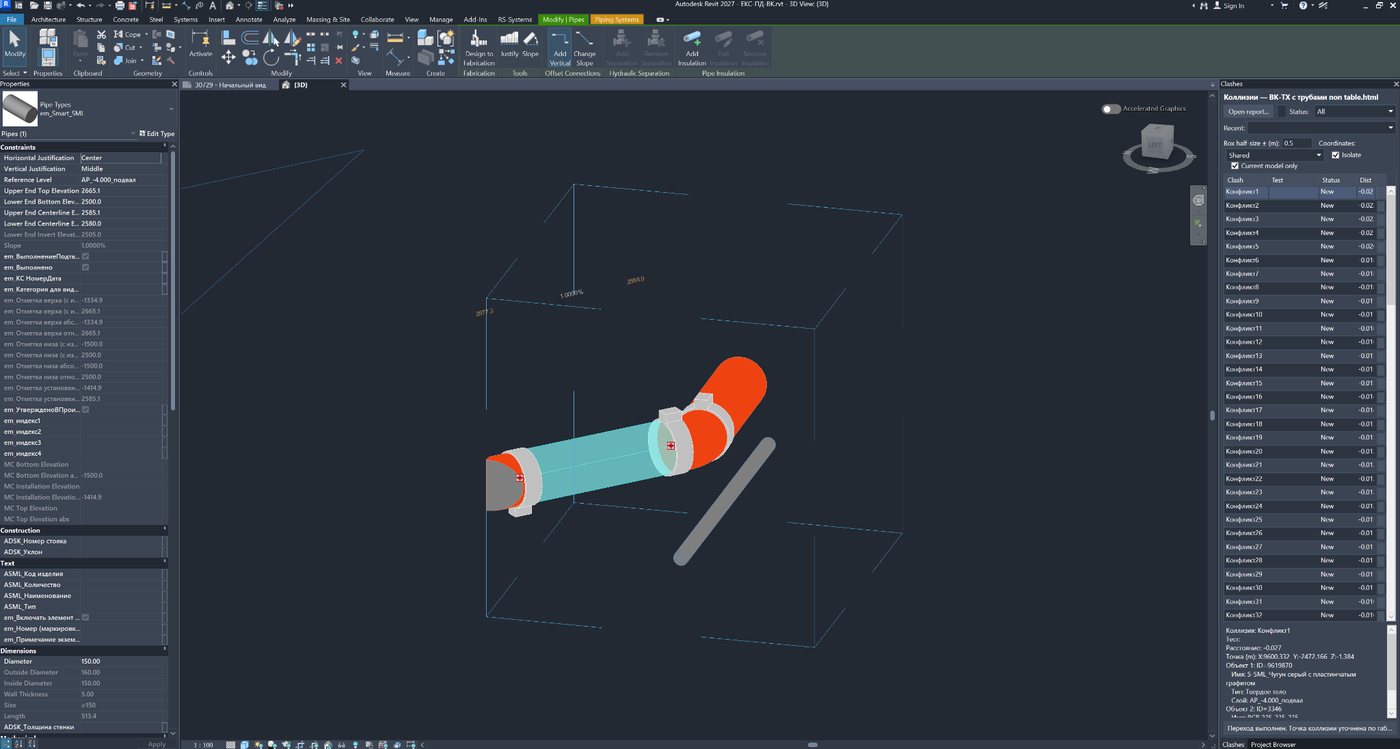
- Fixed enabling and resetting isolation for both sides of a clash. Plans, sections, and 3D views with temporary visibility modes are supported; for linked models, the link instance is isolated. Reasons for failure are displayed in a message.
- The “Select element 1” and “Select element 2” buttons let you select either side of a clash separately and zoom in. If a side is unavailable, the reason is explained.
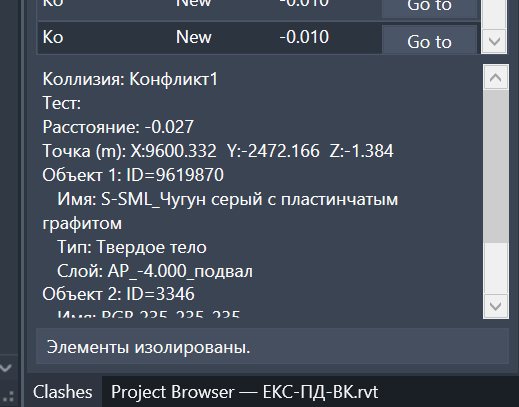
- The window can be reduced to 400 × 320 pixels. The lower details area and preview have been removed; the selected row has a red background and bold white text. Translation of all 606 interface strings into the supported Revit languages is complete.
1.1.26 | 18–19.09.2026
- The main window is now freely movable and modeless, so Revit remains accessible. The open report and the window's size and position are retained within the session.
- Selecting a report again in the history reloads the file, while “Current situation” reloads the database. Fixed availability and selection of both sides, including stair components. The text search field has been removed; the availability, hidden clash, and model ownership filters remain.
1.1.17 | 15.09.2026
- Clash reports are now merged into a persistent model database. “Current situation” mode displays unresolved clashes accumulated from all imported reports.
- Multiple reports can be imported at once. Duplicate rows for the same pair of elements are merged, while clashes whose absence is confirmed by newer reports are automatically closed and hidden.
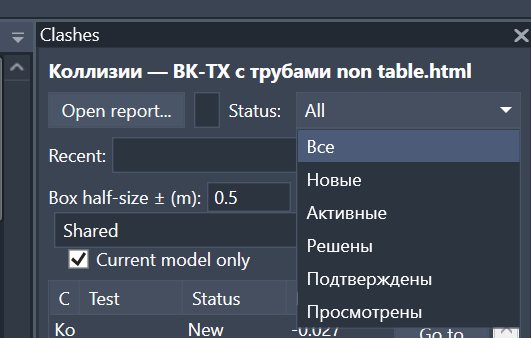
- A clash can be transferred to the responsible linked model with an optional comment and snapshot. Statuses now distinguish “Open”, “In progress”, “Fixed”, “Transferred”, and “Closed”.
- Navigation is more reliable: false clashes of an element with itself are hidden, stair runs and landings are mapped to their parent stair, both sides are correctly selected and isolated, and the actual geometric intersection can be rechecked.
1.1.12 | 02.09.2026
- Fixed clash navigation: the element is selected strictly within the model specified in the report. Unrelated elements with a matching ElementId are no longer selected by mistake.
- Added a check for actual element intersection. The “Go to” command displays the check result and builds a cube around the actual intersection area.
- Clashes are now matched more accurately to the open model by filename. Explicit mapping to a report model is available when a file has been renamed.
- Duplicates for the same pair of elements share a colour; fixing one row closes the entire group of duplicates.
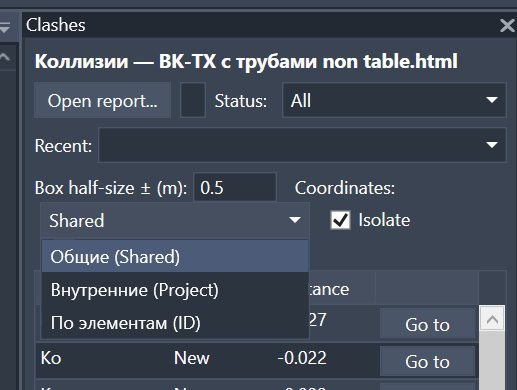
- Added a “Settings” window: navigation 3D view selection, always switching to that view, model mappings, and appearance theme.
- Another report can be opened directly from the mapping window. Fixed the display of element and model names, including worksharing central models.
- Fixed theme and settings tab issues, along with Revit 2027 compatibility.
1.1.9 | 01.09.2026
- Improved the reliability of discussion and attachment storage: ClashViewer data is separated from data belonging to other RS-Systems solutions, and old records are migrated automatically.
- RS.Messenger can still see ClashViewer discussions; the unnecessary RS.Talk folder is no longer created.
1.0.75 | 12.08.2026
- Added manual update checking with the installed version and check status displayed.
- Updates can be downloaded from the website directly within the plugin. Installation takes place after the current Revit session is closed, and the update is applied on the next launch.
- Update checking can be re-enabled from the interface if it was disabled.
- Old settings and data have been automatically migrated to unified RS-Systems storage; RS.CDE data interoperability has been improved.
1.0.71 | 11.08.2026
- Added a “Second model” column to quickly identify the other participant in a clash.
- Outgoing assignments are highlighted in green, and incoming assignments for the current model in red.
- Added an “All reminders” window for viewing and deleting personal reminders.
1.0.65 | 09.08.2026
- Added discussions for each clash: messages, files, and snapshots of the active view. Conversations are preserved when the report is updated.
- The row context menu now includes commands to open a conversation, reassign the fix to the second model, and set a personal reminder.
- Added a “Needs attention” section with assigned clashes and triggered reminders, independent of the current report.
- Inactive clashes now have clear tooltips explaining why they are unavailable.
- Fixed dropdowns, report history, and visual interface defects. A “‹None›” entry has been added to the history to close the current report.
- Improved the speed of processing large reports and registering discussion data.
1.0.59 | 07.08.2026
- Added “Auto”, “Light”, “Dark”, and “RS-Systems” themes, with the selection saved for each Revit version.
- Expanded interface localisation to Revit languages; fixed strings that previously remained in Russian.
- Activation windows and other interface elements follow the selected theme.
- Fixed a critical crash when launching the plugin.