
License API · 99.98%
Detacher
Publishing· Revit 2021–2027 ·Full version 1.1.39 ·↓ Downloads 252

Detacher

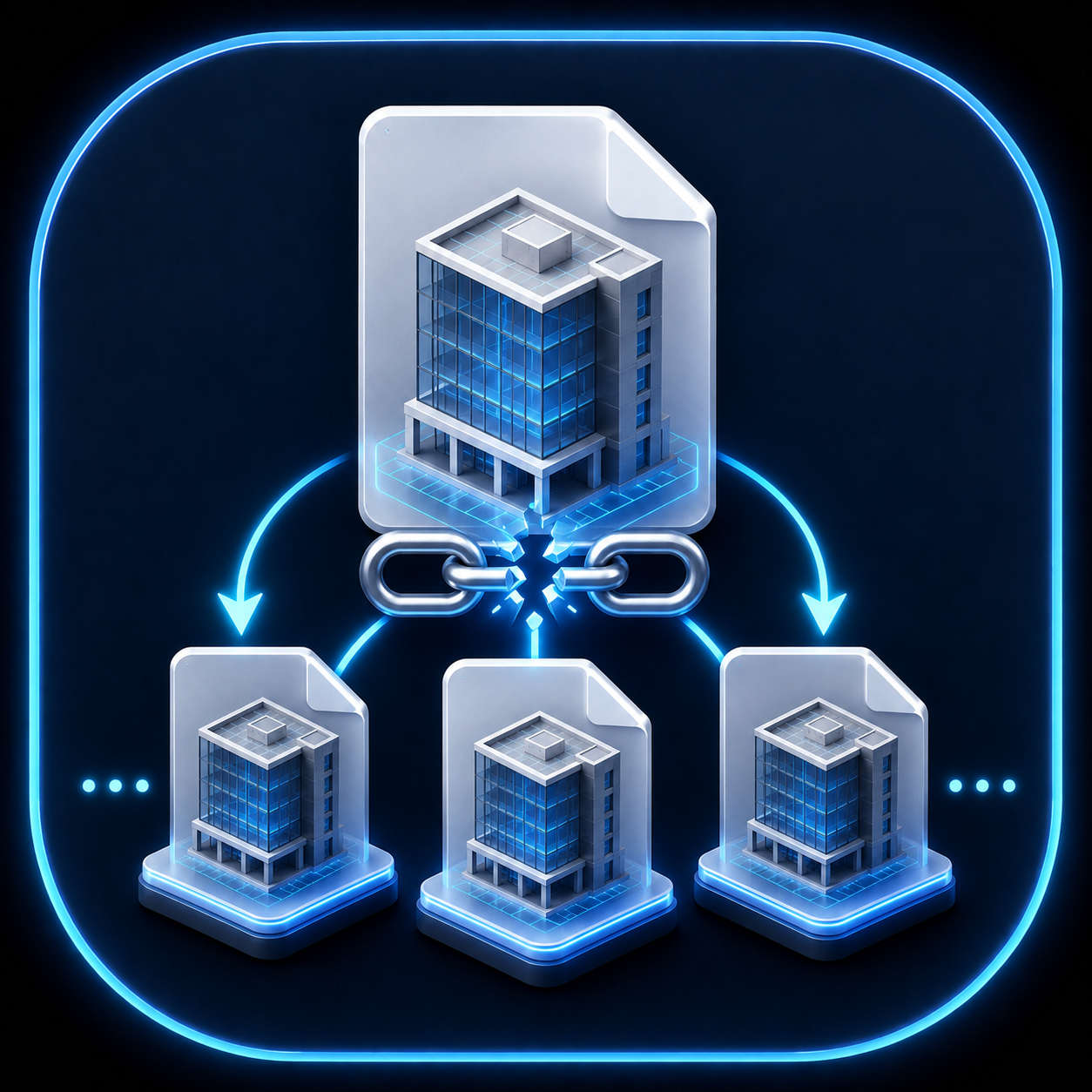
Batch detach central models and prepare standalone issue copies.

$100 Trial 90 days — · 0 reviews
Leave a review Reviews are moderated before publication. Registration is not required.
Your rating
WHAT'S NEW

RS.Detacher

Version history

1.1.28–1.1.31 | 28–29.09.2026

  • Website updates were redesigned: the check now distinguishes up-to-date, update available, installer not published, and website unavailable; downloads run in the background with progress and cancellation, the installer is verified by SHA-256, and installation starts after Revit closes. Settings now brings together theme, licensing, updates, and build information; ribbon placement is synchronized: Params in Manage, Browser in Tools, MCP in AI.

1.1.17–1.1.25 | 25–26.09.2026

  • Updated RS-Systems interface: Manage / Tools / Models / AI panels, compact uniform buttons with short English labels, Revit-style icons for light and dark themes, automatic window fitting to the usable monitor area at the current DPI, and optional coloring of Revit view tabs by project or by file.

1.1.16 | 10.09.2026

  • Windows now use the application icon. F1 help is available on the ribbon button and opens the English product page.
  • The update window, messages, status bar and licence tab are translated into the supported Revit interface languages.
  • The message about a path outside the output folder is translated.

1.1.10 | 01.09.2026

  • Licence status and update controls share a single row at the bottom of the options window.

1.1.7 | 24.08.2026

  • New central files release worksets correctly, prevent unsafe direct opening and support other users’ local copies.
  • Missing link paths no longer fall back to Revit’s installation folder and are verified after saving.

1.0.64 | 12.08.2026

  • Manual update checking now shows the installed version. The downloaded installer runs after Revit closes; disabled checking can be enabled from the interface.
  • Existing settings and user data are migrated automatically.
DESCRIPTION

Revit Detacher

Why it is needed

Model releases should not depend on repetitive manual detach operations

When a project contains many central models, manual detach-and-save operations are slow and error-prone. Revit.Detacher turns this into a controlled batch process.

How to use

Basic working scenario

Install

Download the MSI, close Revit and run the installer.

Select models

Add the central models that need standalone detached copies.

Run release

Check the output folder and run the batch operation.

Licensing

Unified purchase, trial and activation flow