Single master HDRI source
Load one HDR or EXR file and HDREnvironment routes it to environment, GI, reflections and background automatically. Changing the map in one place updates all slots simultaneously.
HDREnvironment manages a single master HDR or EXR map and routes it to multiple output slots: environment light, background plate, reflections and GI. All slots share one orientation control, eliminating the repeated manual sync that standard 3ds Max setups require.
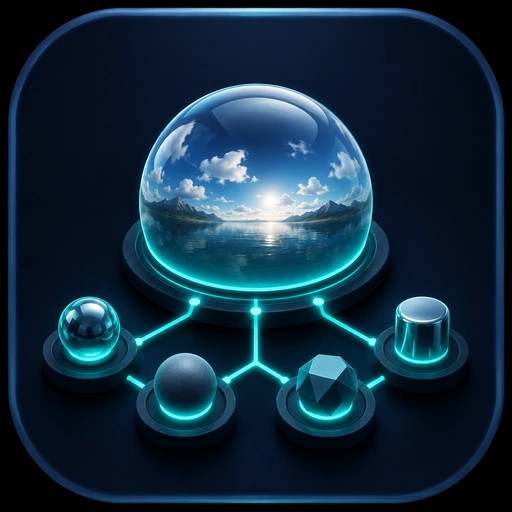
Maintaining consistent lighting across environment background, GI and reflection slots is error-prone in standard 3ds Max. HDREnvironment solves this with a shared source and independent per-slot controls.
Load one HDR or EXR file and HDREnvironment routes it to environment, GI, reflections and background automatically. Changing the map in one place updates all slots simultaneously.
A single horizontal rotation value is applied to all slots at once. No more having to update the rotation value in three or four separate map instances to keep the lighting and reflection directions aligned.
Each output slot — environment light, GI contribution, specular reflections — can have its own brightness multiplier and colour tint. This lets you balance the lighting without affecting the other outputs.
HDREnvironment integrates with both V-Ray and Corona render setups. The plugin maps each slot to the correct render engine parameter, so the workflow is identical regardless of which renderer the project uses.
Optionally assign a separate image to the background plate while the lighting remains HDRI-driven. This is useful for composite renders where the background must match a specific photographic reference.
Save the current combination of map, rotation and per-slot settings as a named preset and switch between setups with one click. Useful for trying multiple sky conditions on the same scene.
HDREnvironment has its own purchase page. After payment the license appears in your account and can be activated online or offline.
Perpetual license for the 1.x branch. Covers 3ds Max 2021–2027 on up to two machines per purchase.