
License API · 99.98%
Detacher
Publishing· Revit 2021–2027 ·Full version 1.1.47 ·↓ Downloads 289

Detacher

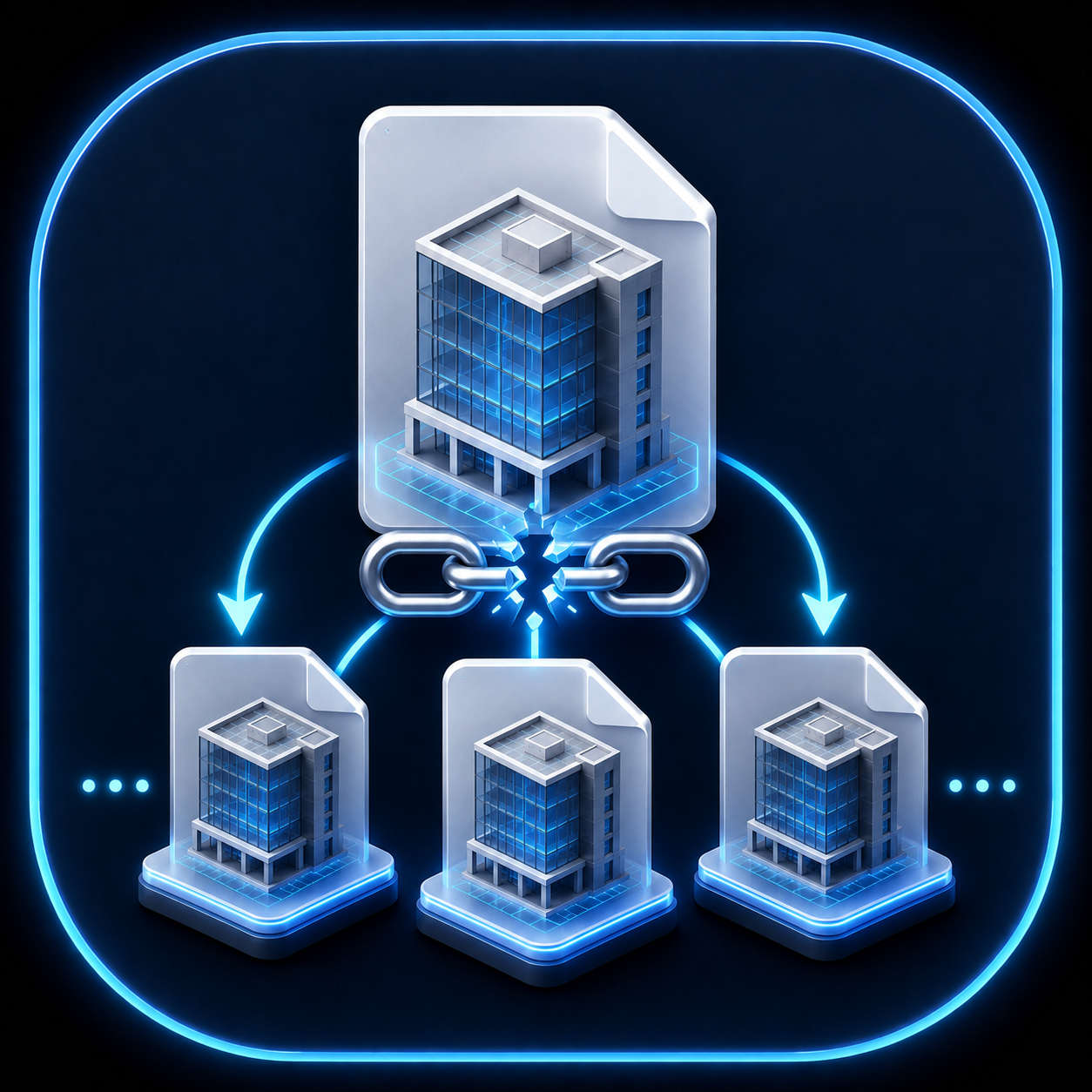
Batch detach central models and prepare standalone issue copies.

$100 Trial 90 days — · 0 reviews
Leave a review Reviews are moderated before publication. Registration is not required.
Your rating
WHAT'S NEW

RS.Detacher

Version history

1.1.39–1.1.40 | 05.10.2026

  • New licensing option: time-based billing for the entire RS-Systems product line. After the trial period, you can buy a license for a plugin or top up your rs-systems.org account balance through PayPal. Any plugin in the product line uses 1 cent per minute of actual work, with a maximum of 1 cent per minute per computer regardless of the number of plugins; idle time is not billed.
  • Connect your account once using a code in the license window. The connection covers all plugins in the product line on that computer. Each new plugin first uses its own 90-day trial; an individual plugin license takes priority, so that plugin does not draw from the balance.
  • The remaining balance and the “Top up” button appear in the status bar, without pop-up windows. This mode requires internet access: when the balance runs out, new commands cannot start, but processing already in progress is completed.
  • Batch processing. While the progress window is displayed, the time counts as working time, even when you are not pressing any keys.

1.1.28–1.1.31 | 28–29.09.2026

  • Website updates have been redesigned: the check now distinguishes between an up-to-date version, an available update, an unpublished installer, and an unavailable website. Downloads run in the background with progress and cancellation; the installer is verified using SHA-256 and launched after Revit closes. “Settings” brings together the theme, license, updates, and build information. Ribbon button order is standardized: Params in Manage, Browser in Tools, and MCP in AI.

1.1.17–1.1.25 | 25–26.09.2026

  • The RS-Systems interface has been updated: Manage / Tools / Models / AI panels, compact, consistently sized buttons with short English labels, Revit-style icons for light and dark themes, automatic window placement within the monitor’s work area with DPI awareness, and optional coloring of Revit view tabs by project or file.

1.1.16 | 10.09.2026

  • Windows use the application icon. Context-sensitive F1 help has been added to the ribbon button; it opens the product’s English-language page.
  • The update window, messages, status bar, and license tab have been translated into the supported Revit interface languages.
  • The message about a path extending outside the output directory has been translated.

1.1.10 | 01.09.2026

  • License status and update controls have been combined into a single line at the bottom of the settings window.

1.1.7 | 24.08.2026

  • New storage files correctly relinquish worksets, are protected against direct opening, and support other users’ local copies.
  • Missing link paths are no longer replaced with the Revit folder and are checked after saving.

1.0.64 | 12.08.2026

  • A manual update check has been added, showing the installed version. The downloaded installer runs after Revit closes; a disabled update check can be re-enabled through the interface.
  • Existing settings and user data are migrated automatically.
DESCRIPTION

Revit Detacher

Purpose

Model delivery should not depend on manually detaching every file

When a project contains many central models, manually detaching and saving them takes time and easily leads to mistakes. Revit.Detacher turns this into a controlled batch process.

How to use

Basic workflow

Install

Download the MSI, close Revit, and run the installer.

Select models

Add the central models for which you need independent detached copies.

Generate delivery copies

Check the output folder and start the batch operation.

Licensing

A unified purchase, trial, and activation process

The same arrangement applies to all plugins in the RS-Systems product line: a trial period first, followed by a choice of a license for an individual plugin or time-based billing for the entire product line.

90-day trial. The plugin is fully functional and free. The trial period is counted separately for each plugin.

Individual plugin license. Purchase it at rs-systems.org and activate it with a code or a .rslic file in the license window. A licensed plugin does not deduct funds from your balance.

Time-based billing for the entire product line. Top up your rs-systems.org account balance through PayPal, and any plugin in the product line can run at a rate of 1 cent per minute of use. You pay only for minutes in which the plugin is actually used: running a command, entering information in a window or panel, or processing in progress. An open but idle window is not charged. No matter how many plugins run on the computer simultaneously, the total never exceeds 1 cent per minute.

Connect once. On the “Time-based billing” tab in the license window, click “Connect account…” and confirm the displayed code in your account area. The connection applies to all plugins in the product line on this computer; your password is not passed to the plugin.

Each new plugin starts with its own trial. If your account is already connected, a newly installed plugin starts its own 90-day trial without extra prompts and switches to time-based billing when the trial ends.

A license takes priority over time-based billing. While using time-based billing, you can purchase a license for an individual plugin at any time: charges for that plugin stop, while the other plugins continue on time-based billing.

Balance and internet access. Time-based billing requires an internet connection. The remaining balance appears in the plugin window’s status bar; when it is low, a “Top up” button appears there, without popup reminders. If the balance runs out, new commands cannot start, but processing already in progress is completed. Top-ups, charge history, and connected computers are available in the “Time-based billing” section of your account area.

Batch processing. While the progress window is displayed, the time counts as working time, even when you are not pressing any keys.