버전 기록
이 페이지에는 현재 버전 기록이 게시되어 있지 않습니다.
BricksPattern generates real three-dimensional brick, tile, parquet and paving geometry on flat and curved mesh surfaces in Autodesk 3ds Max.
이 페이지에는 현재 버전 기록이 게시되어 있지 않습니다.
18Geometry-level brick and tile patterns applied directly to your mesh.
4Modifier capabilities
3DReal joint geometry
2021–20273ds Max 2021–2027
Workflow
Add the modifier, pick a pattern, set element dimensions and joint depth — the mesh is updated in real time. You can stack BricksPattern with other modifiers, or collapse it to a static mesh when the geometry is final.
How BricksPattern fits into an archviz pipeline.
01
Select a plane, wall segment or curved surface. Add BricksPattern from the Modifier list. The plugin reads the UV channel and subdivides the surface into the brick layout immediately.
02
Change pattern type, brick dimensions, joint width and joint depth. Add per-element height and size variation using the seed controls. All changes are non-destructive while the modifier stack is active.
03
Apply a Multi/Sub-Object material using the automatically assigned Material IDs. Render with V-Ray, Corona, Arnold or any other renderer. The real geometry produces correct shadows and AO without baking.
04
BricksPattern assigns separate Material IDs to brick faces and joint faces. This lets you apply different materials — glazed vs matte, weathered vs fresh — to each zone using a standard Multi/Sub-Object material.
Modifier capabilities
BricksPattern does not produce a texture map — it modifies the mesh itself. The result is a surface with actual raised or recessed element geometry that responds correctly to any lighting setup, especially in close-up renders.
▱
BricksPattern applies to any quad or poly mesh — flat walls, cylindrical columns, vaulted ceilings. The brick layout follows the local surface curvature and UV space, so curved surfaces look correct without manual adjustment.
⌁
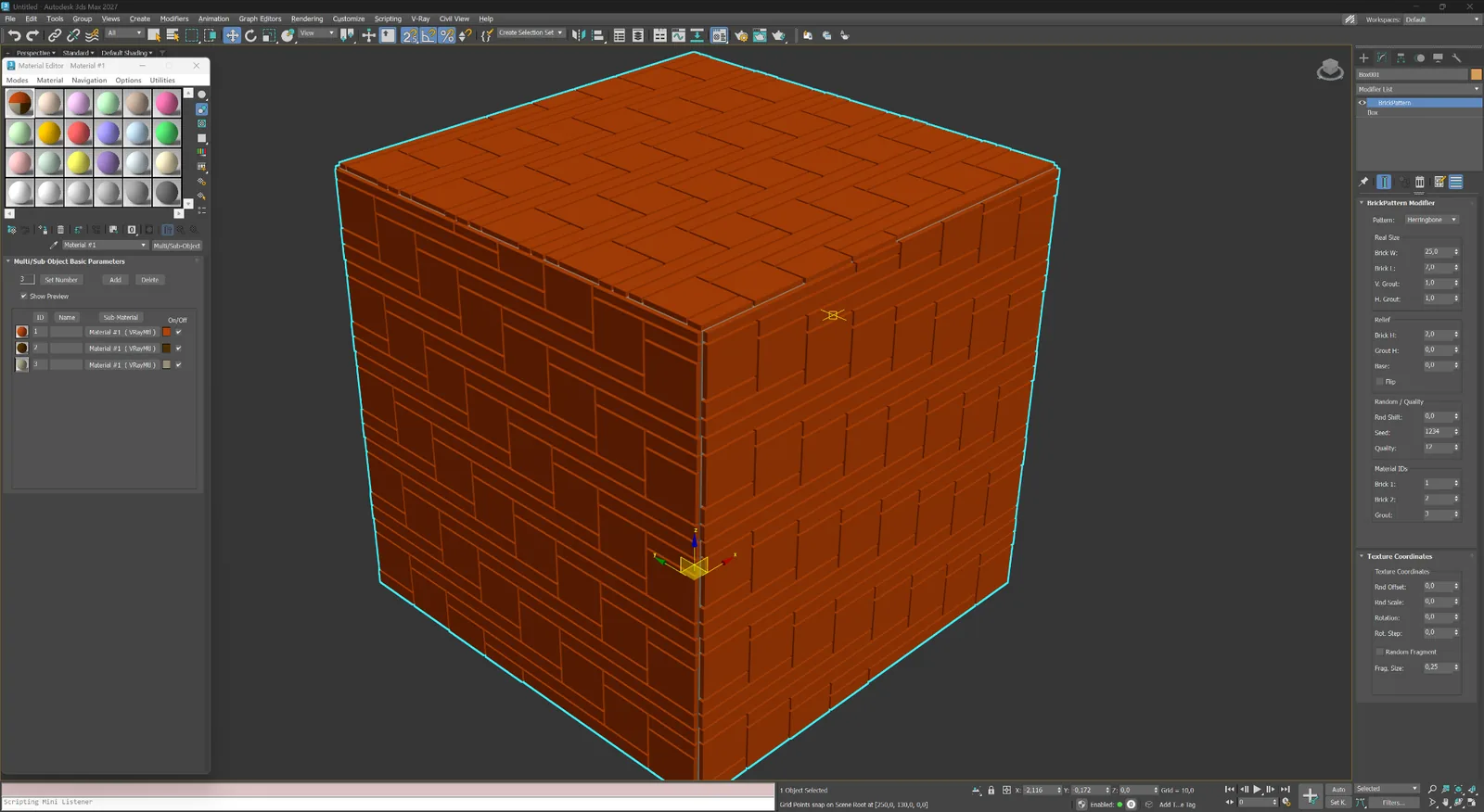
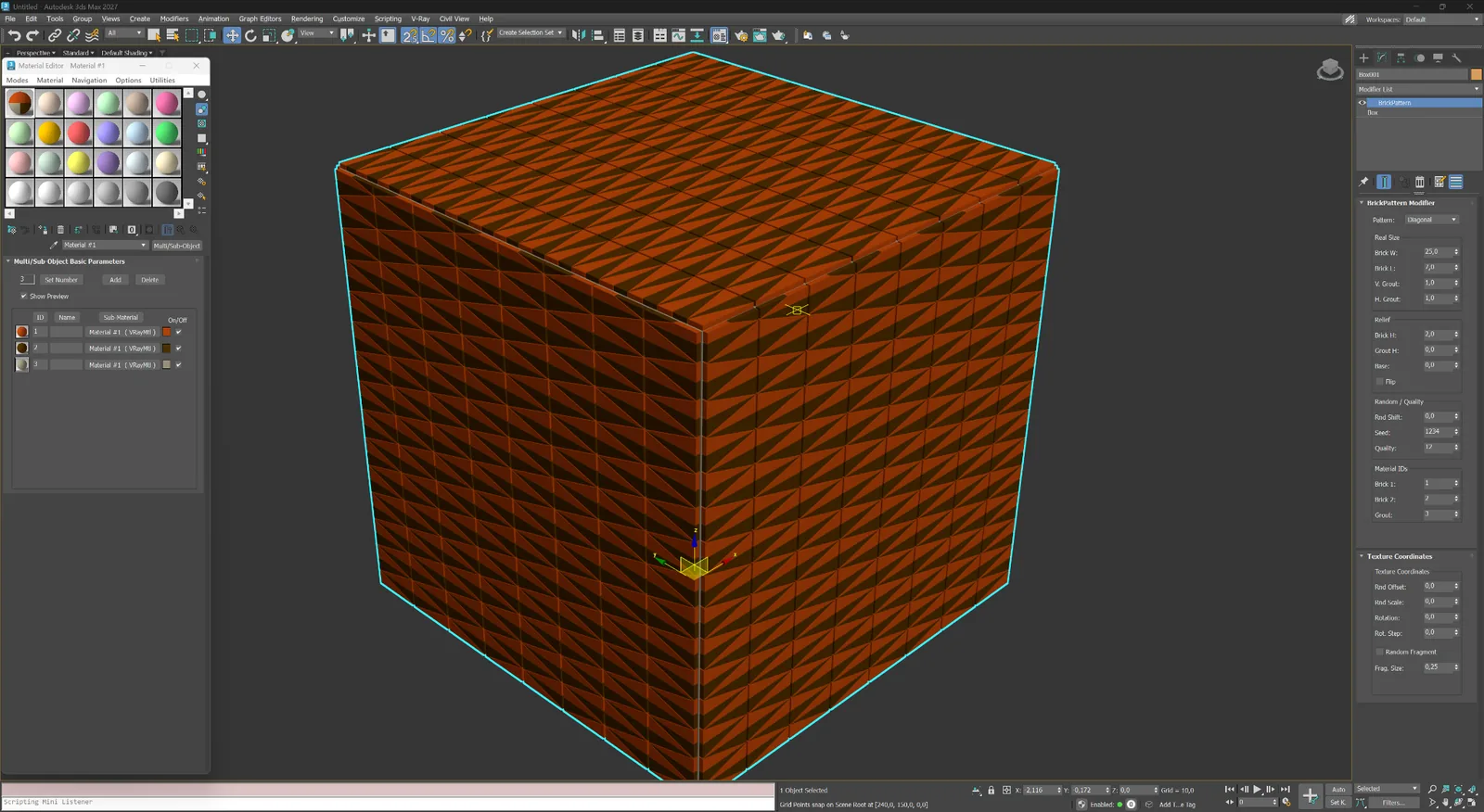
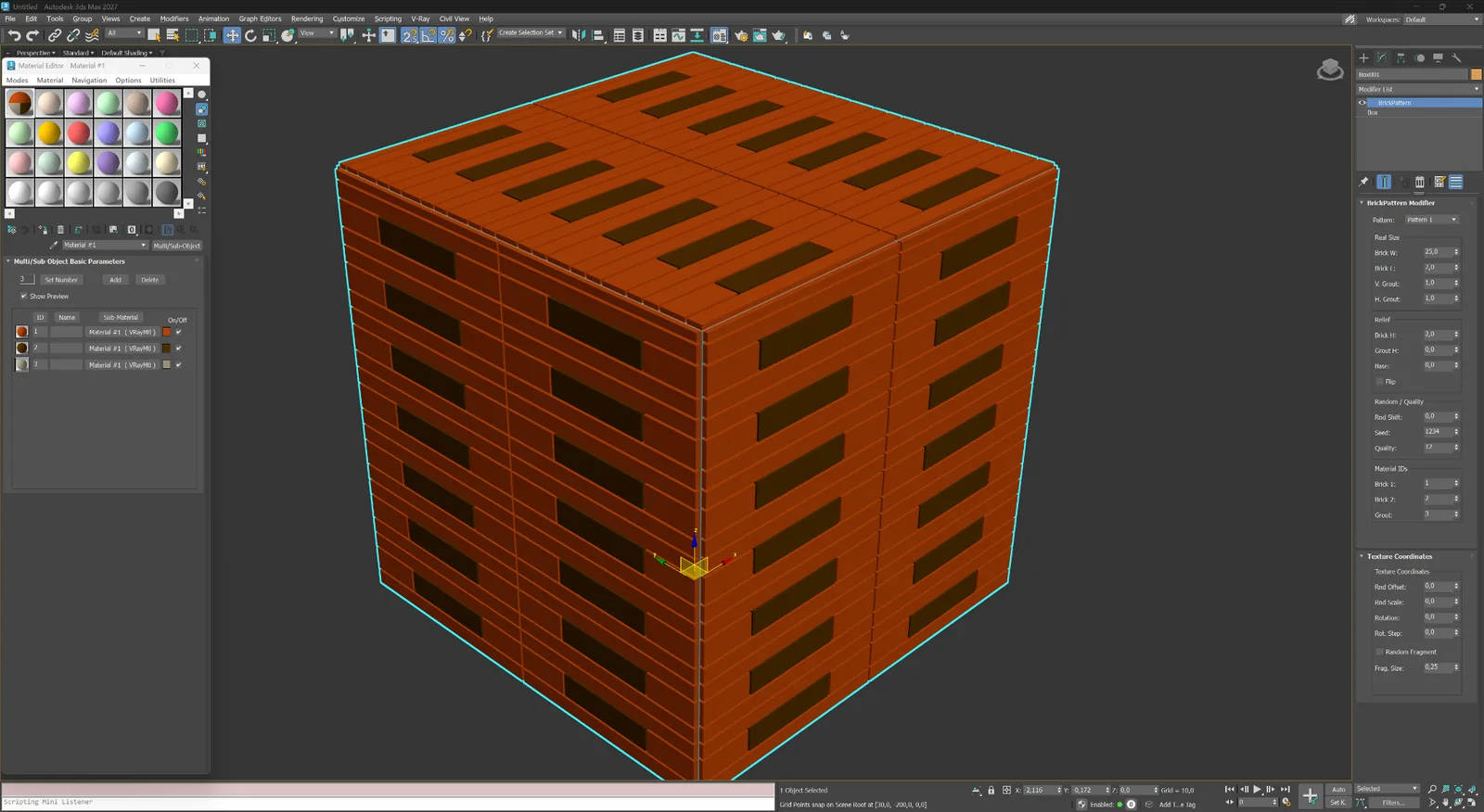
Choose from Running Bond (1:2, 1:3), Stack Bond, Flemish, Basket Weave, Herringbone, Hexagonal and more. Pattern geometry is built from parametric element dimensions: width, height, depth, and joint width.
#
Joints are three-dimensional: their depth, bevel angle and width are all controllable. This produces accurate shadowing and self-occlusion in renderers such as V-Ray and Corona without relying on bump or normal maps.
ID
Each brick or tile can receive individual random offsets in size, position and surface height. The variation is controlled by a seed value, giving you reproducible results while keeping the look natural and non-repetitive.
Modifier capabilities
BricksPattern does not produce a texture map — it modifies the mesh itself. The result is a surface with actual raised or recessed element geometry that responds correctly to any lighting setup, especially in close-up renders.
조적 마루 및 모듈 포장 및 장식 추상 및 사용자 정의
01
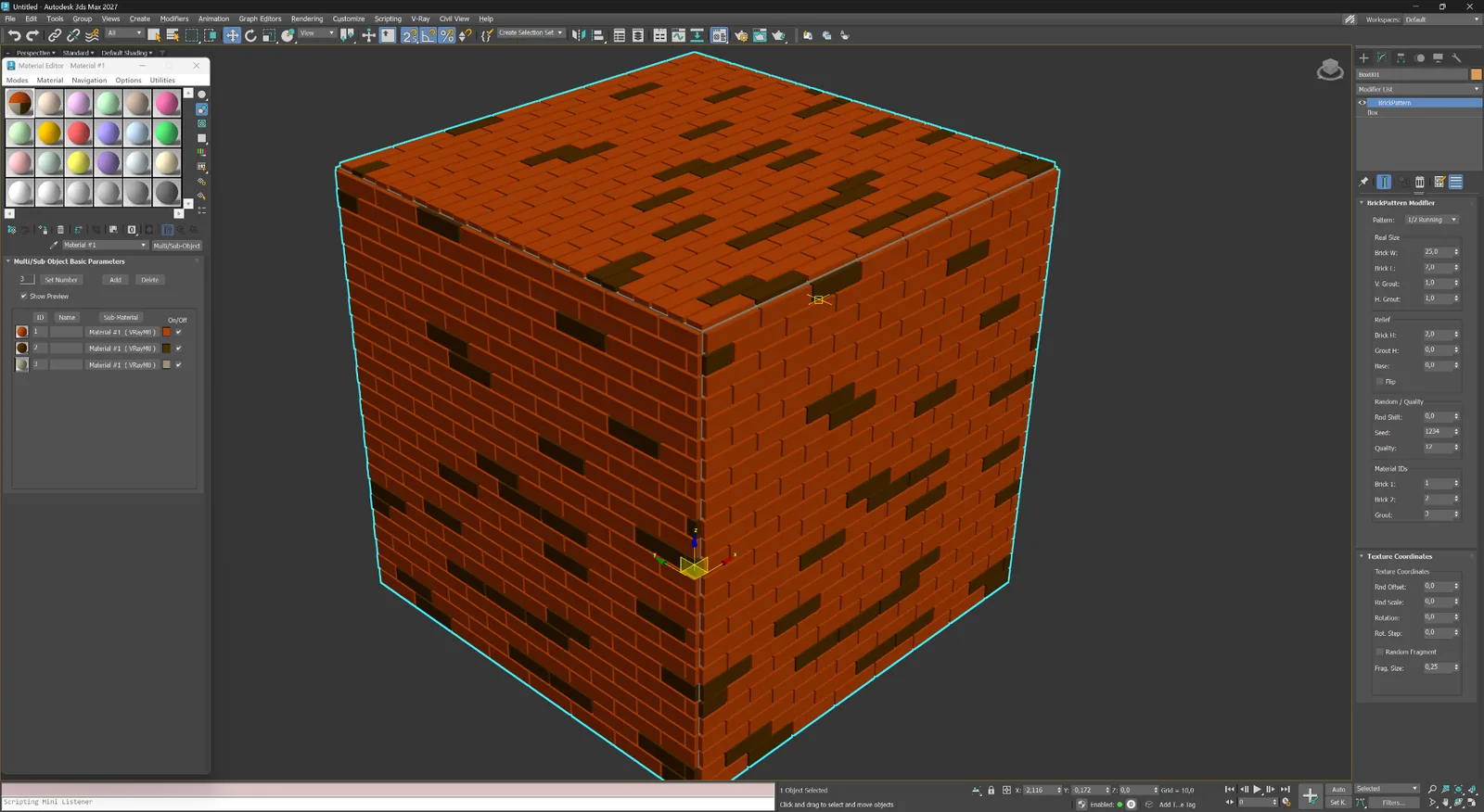
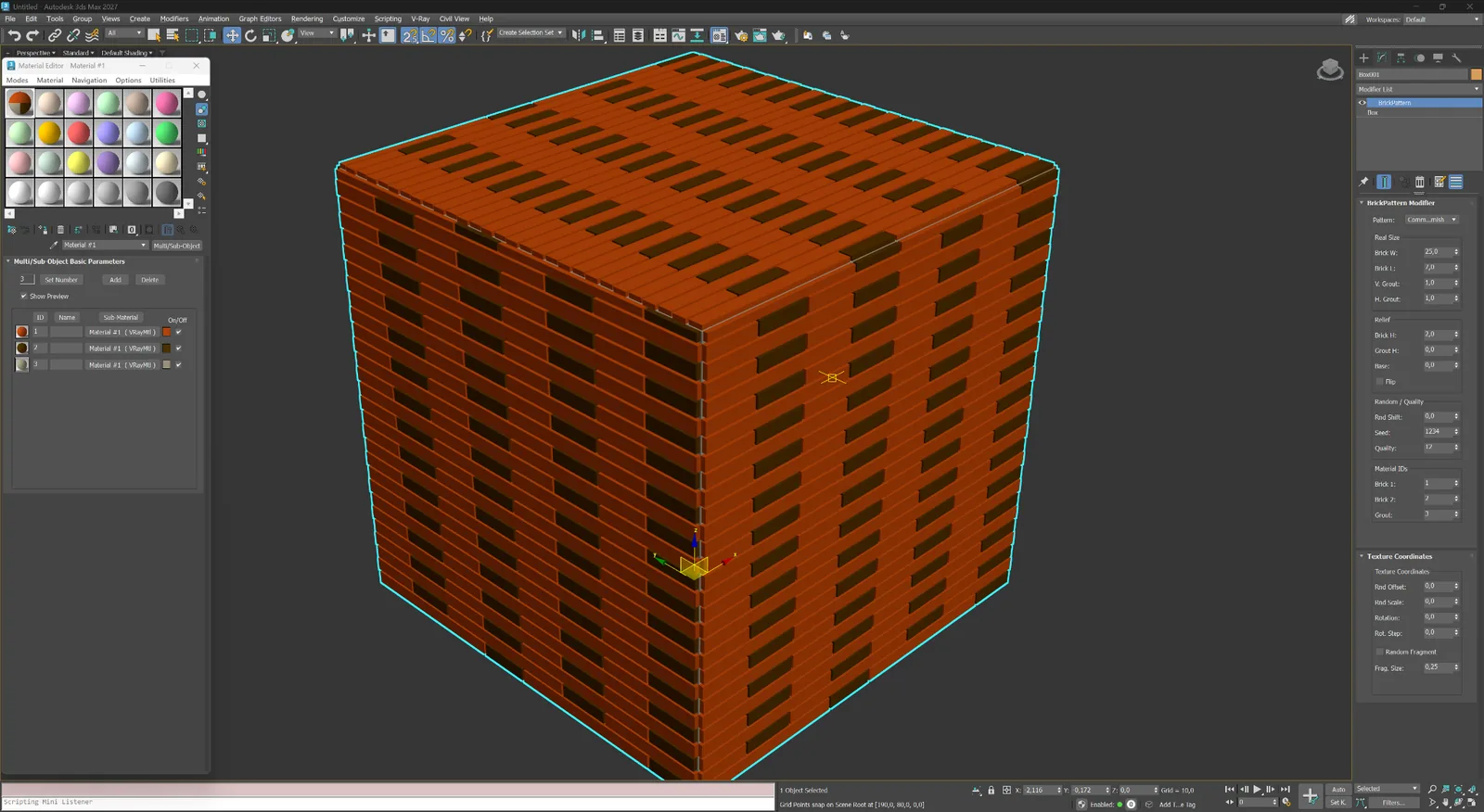
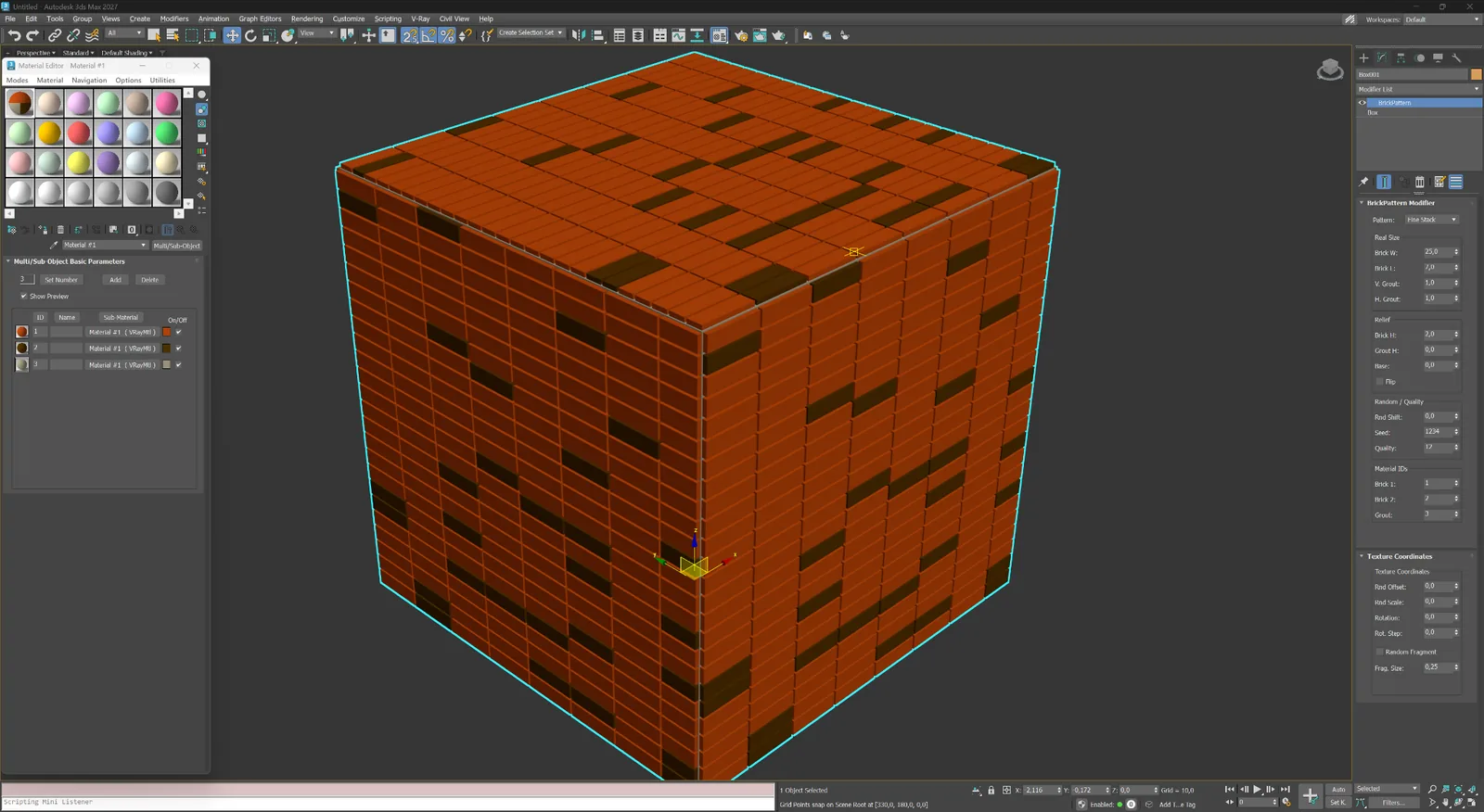
벽돌 파사드, 벽 및 세라믹 클래딩을 위한 러닝, 플레미시 및 스택 결합입니다.
조적
파사드, 벽 및 근접 조적 표현을 위한 반 벽돌 오프셋의 클래식 러닝 본드입니다.
조적
더 길고 반복감이 적은 조적 리듬을 위한 1/3 오프셋 러닝 본드입니다.
조적
전통적인 장식 벽돌 조적을 위한 길이쌓기와 마구리쌓기 교대 구성입니다.
조적
현대적인 벽돌, 타일 및 패널 파사드에 적합한 정밀한 스택 그리드입니다.
02
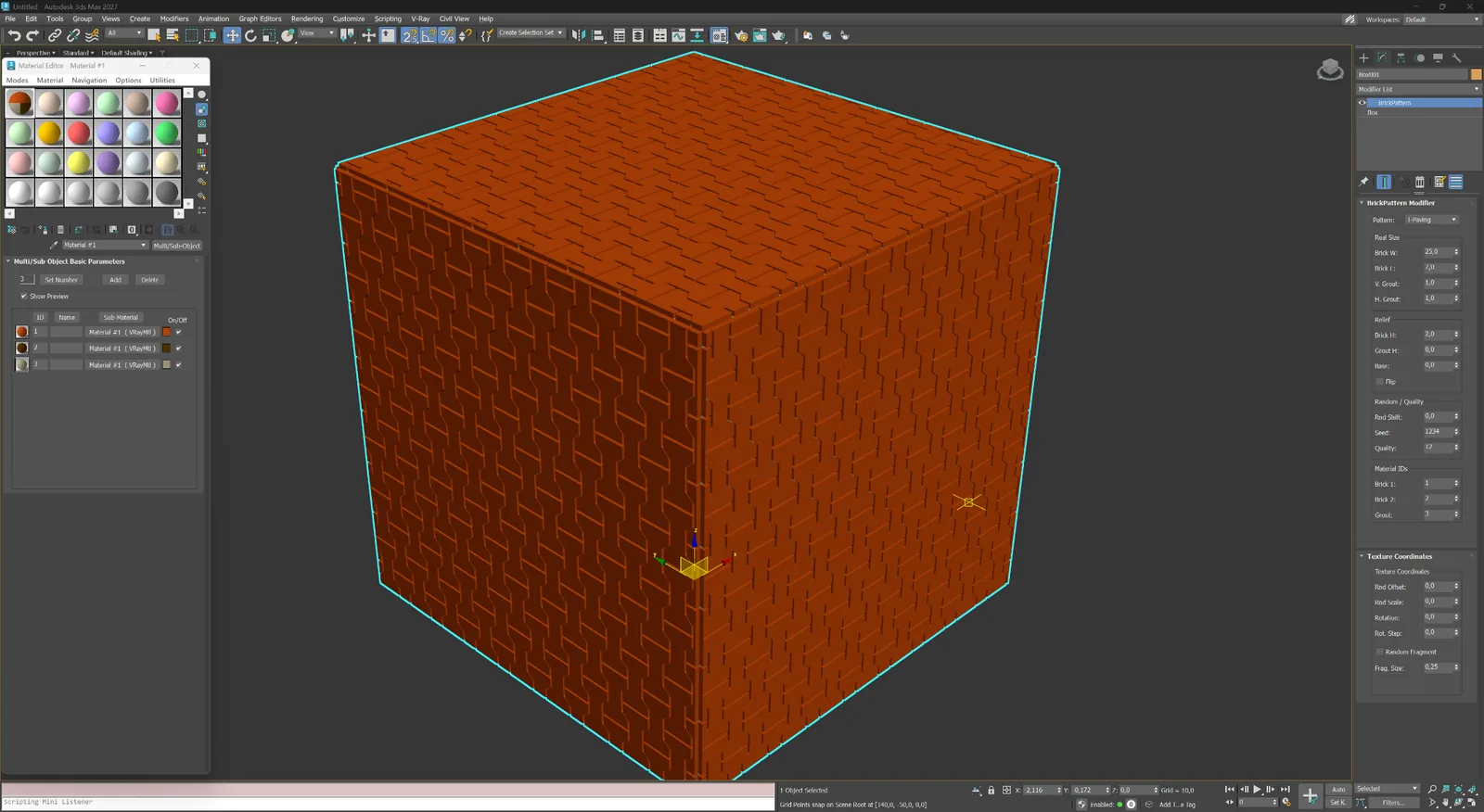
바닥, 타일, 석재 및 장식 건축 패널을 위한 방향성 및 모듈형 시스템입니다.
마루 및 모듈
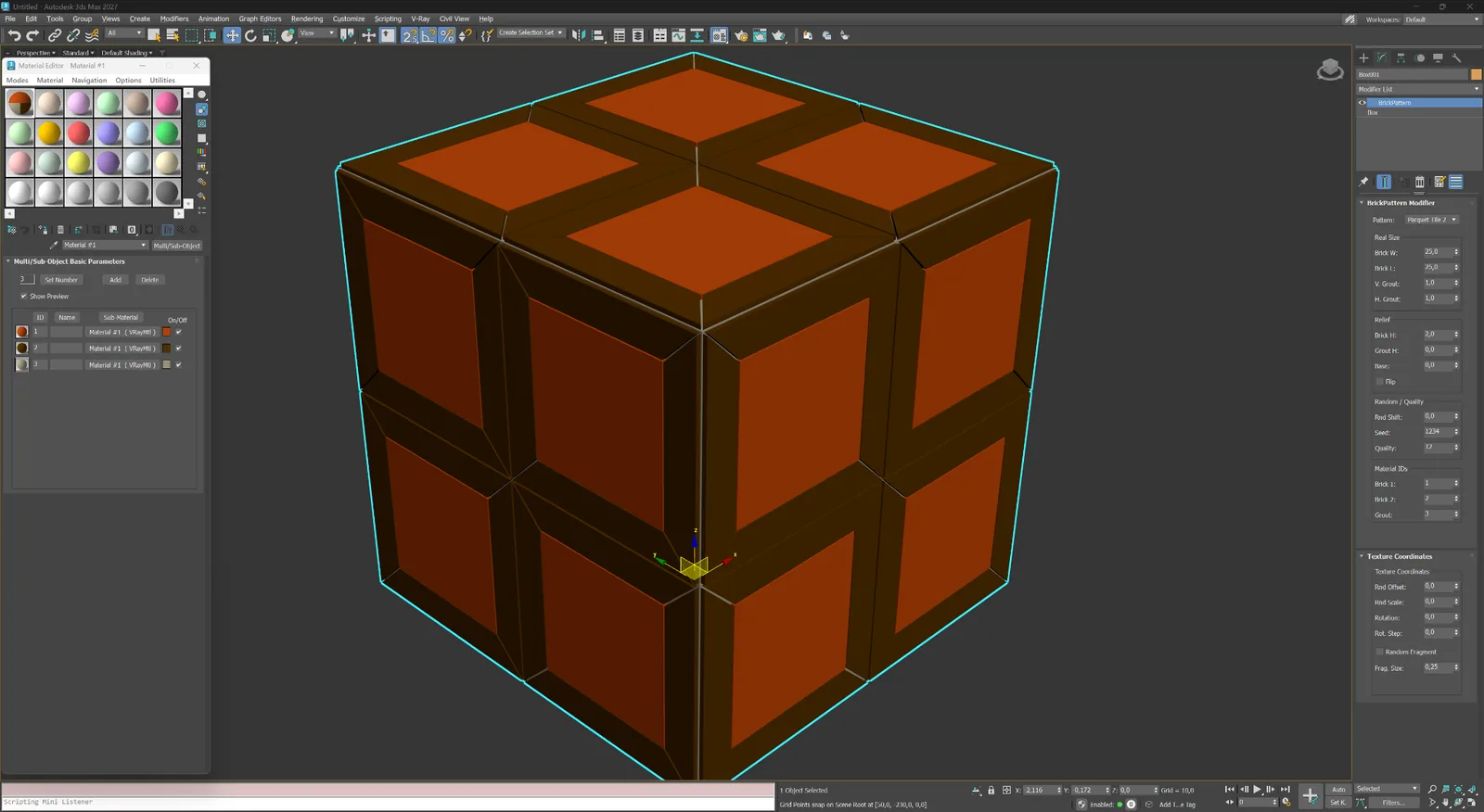
마루, 타일, 석재 및 장식 클래딩을 위한 맞물리는 직사각형 요소입니다.
마루 및 모듈
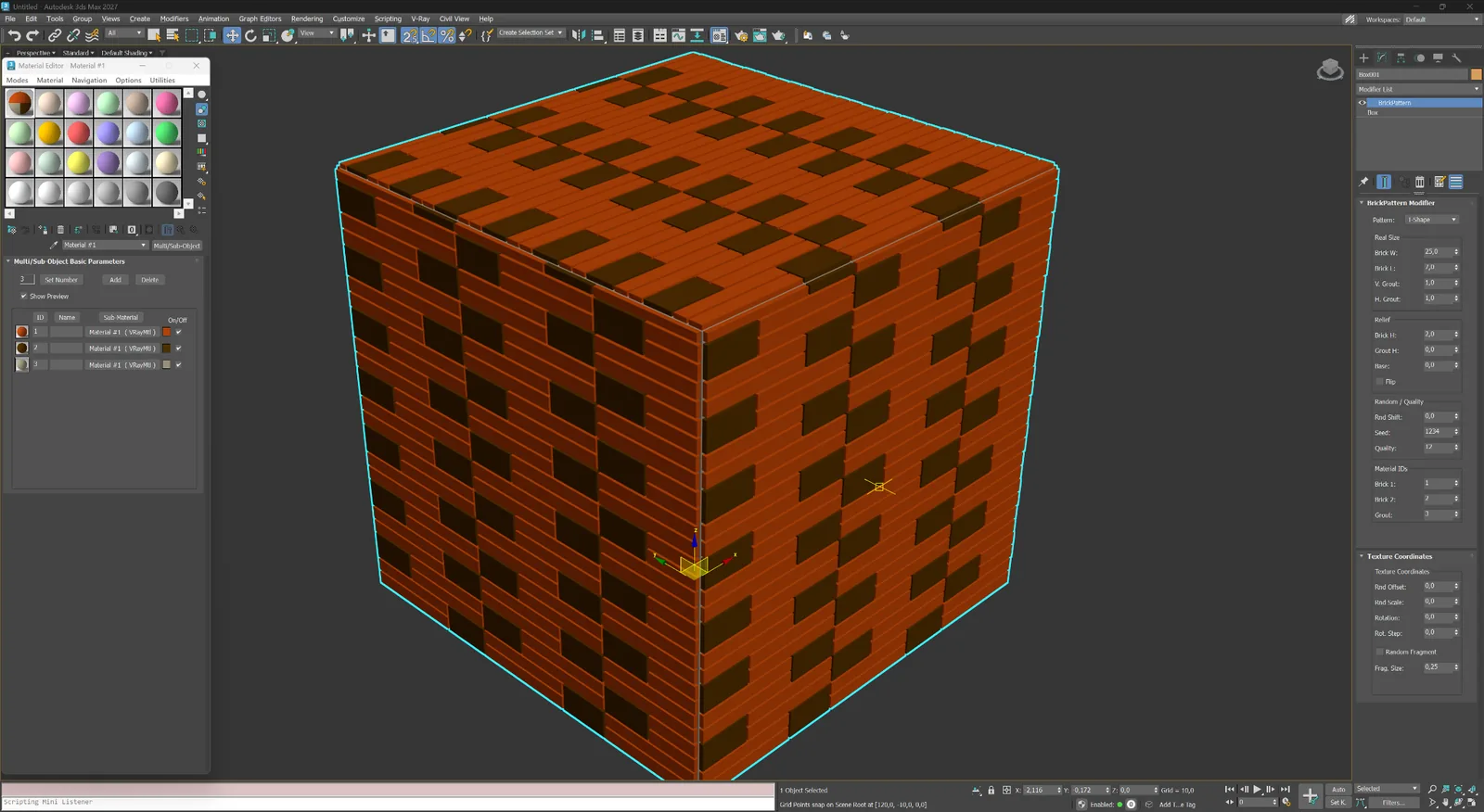
독특한 바닥, 스크린 및 건축 패널을 위한 모듈형 T자 레이아웃입니다.
마루 및 모듈
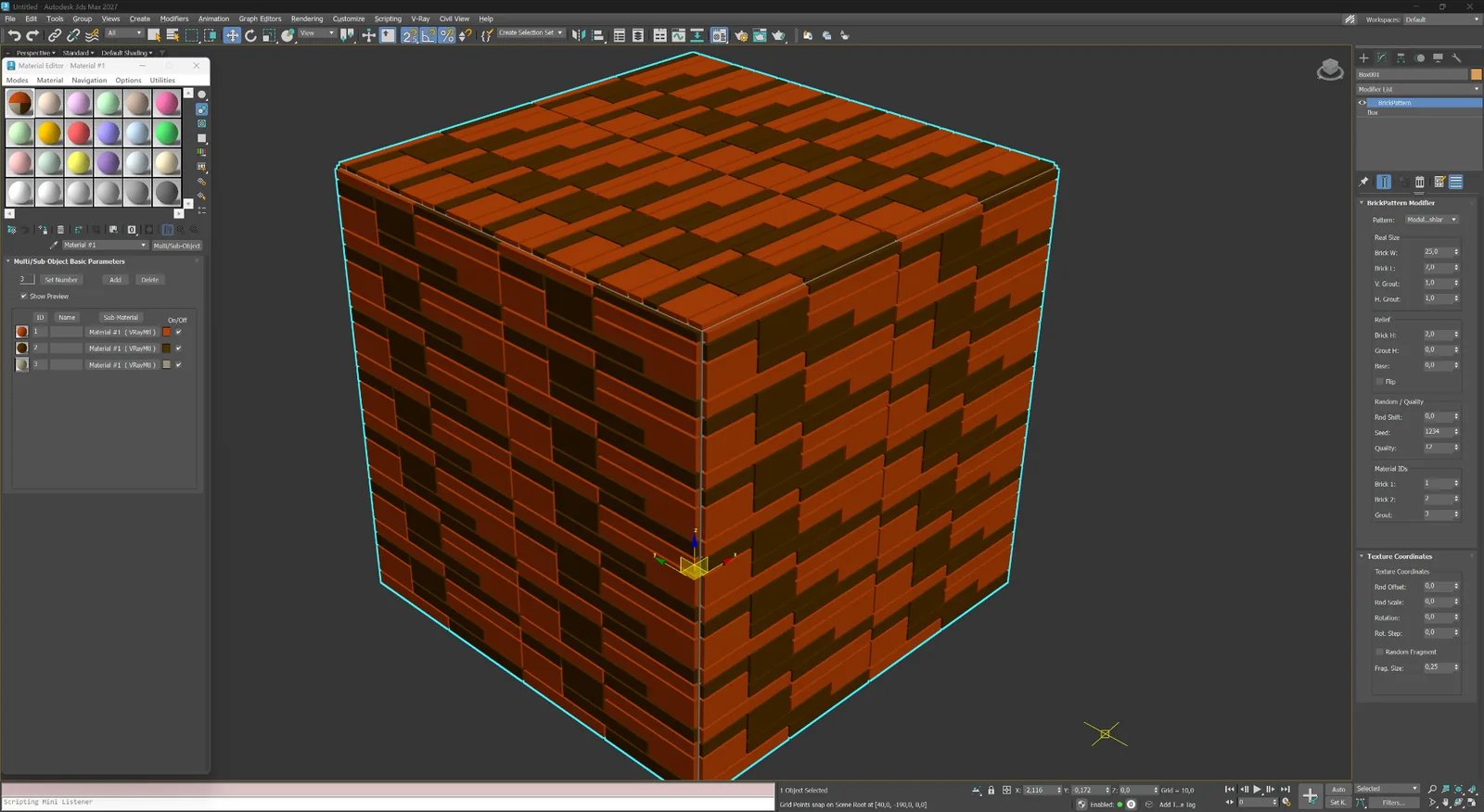
다양한 직사각형 모듈을 통제된 애슐러 구성으로 배열합니다.
마루 및 모듈
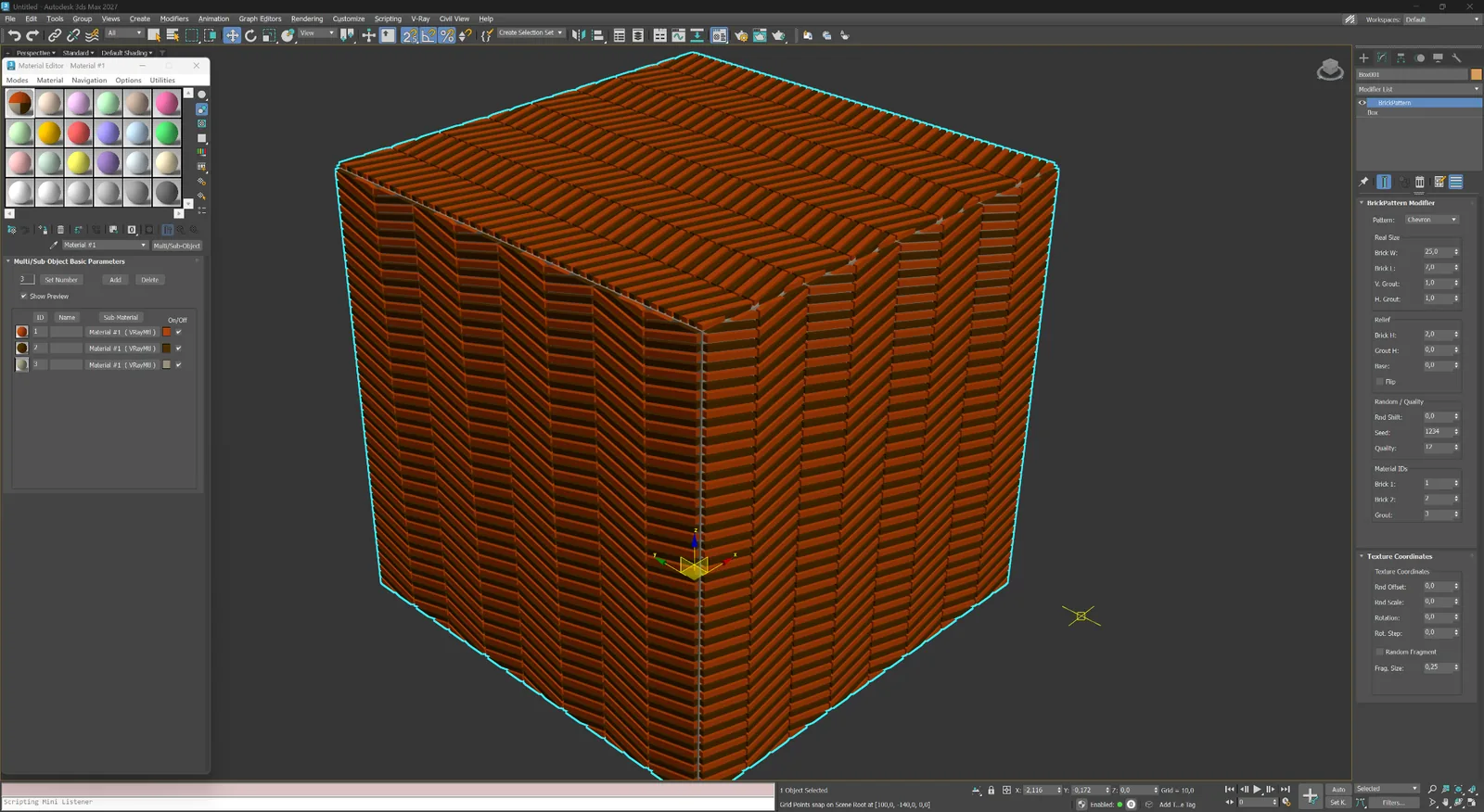
중앙 축에서 만나는 경사 요소로 선명한 방향성 표면을 만듭니다.
마루 및 모듈
장식 바닥과 벽 시스템을 위한 깔끔한 기하학 중심의 대형 프레임 모듈입니다.
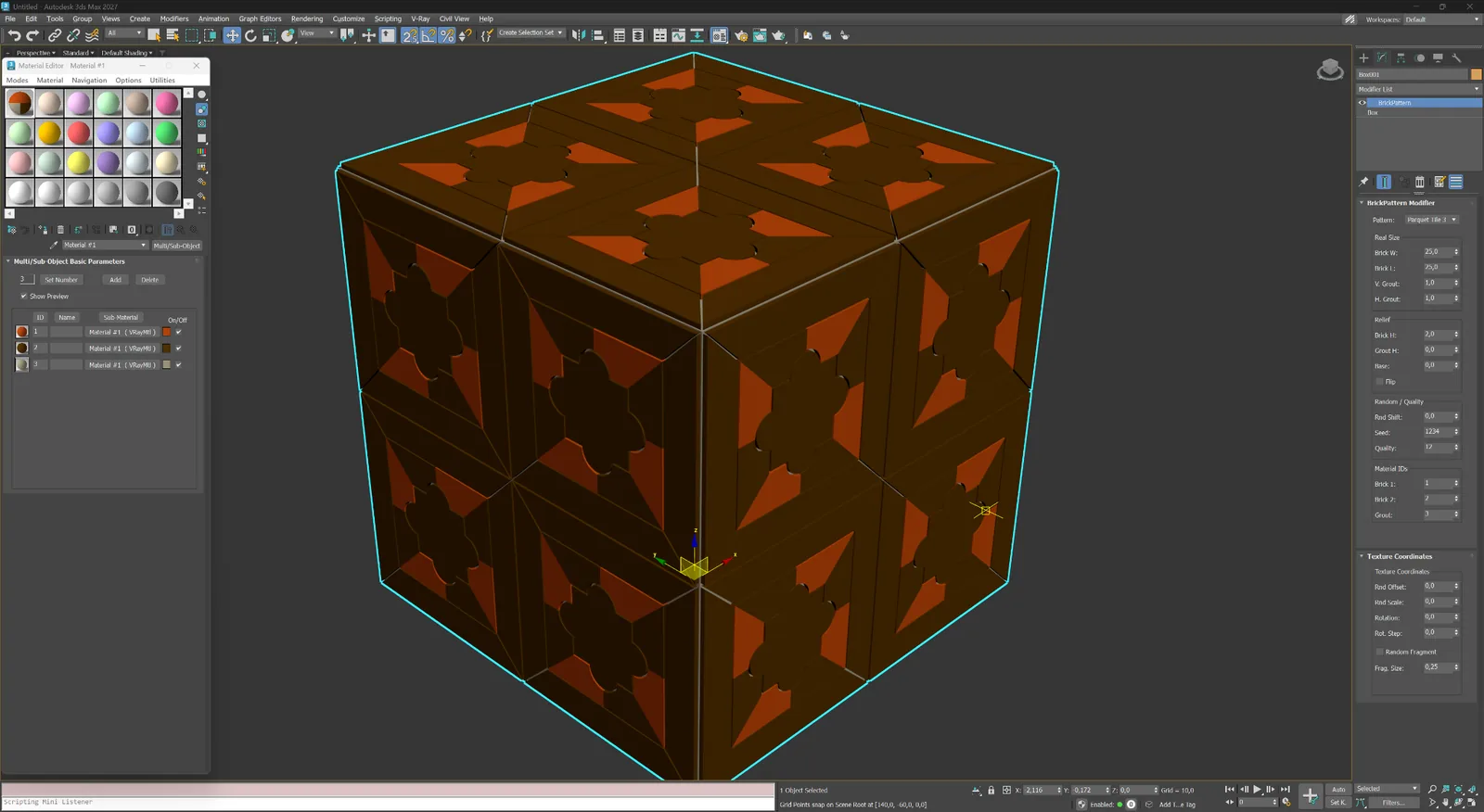
마루 및 모듈
표현력 있는 마루 및 패널 구성을 위한 꽃 모양 중심의 장식 프레임 모듈입니다.
03
조경 및 장식 표면을 위한 육각형, 웨이브, 잎사귀 및 프레임 타일 시스템입니다.
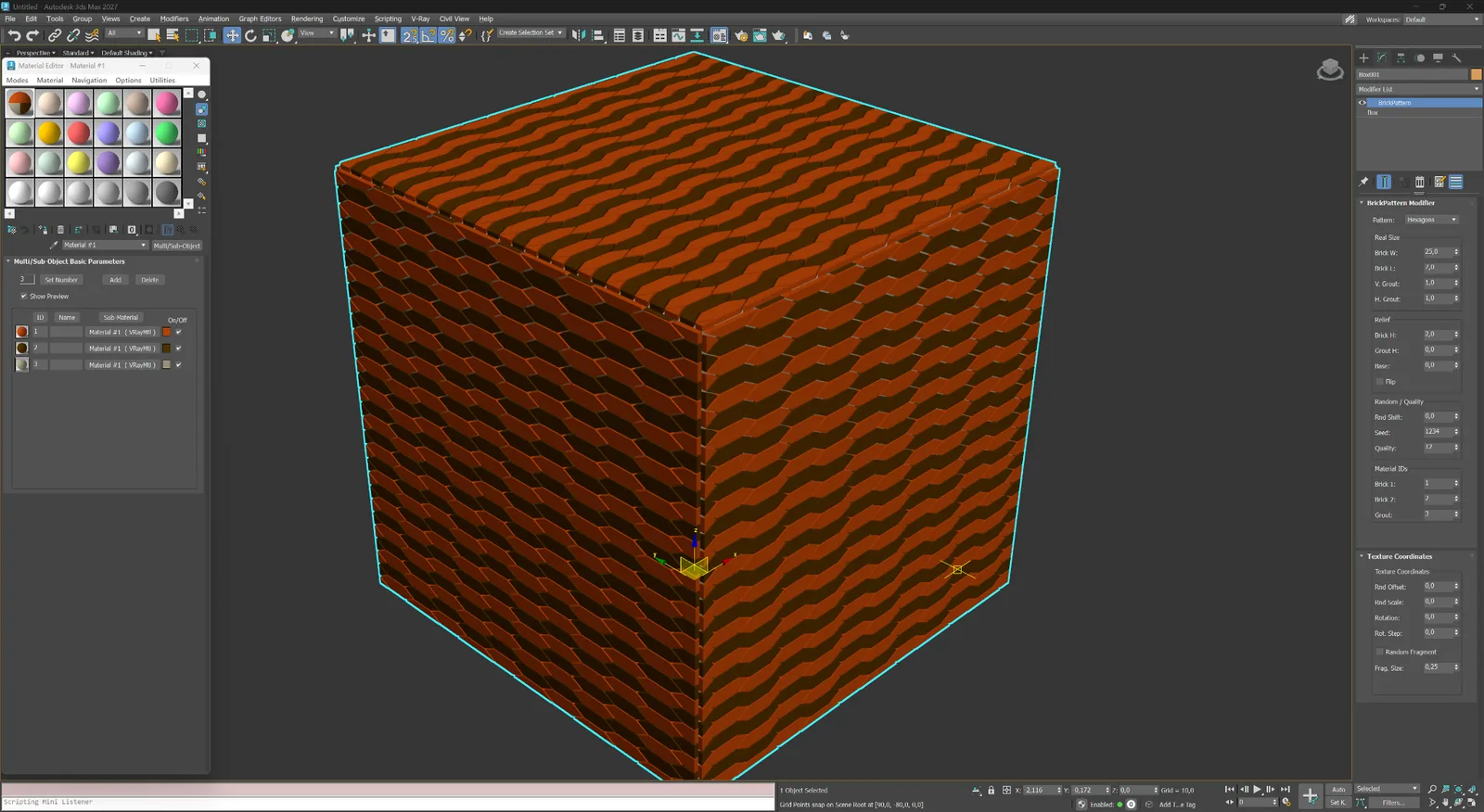
포장 및 장식
포장, 세라믹 타일 및 패턴형 파사드 시스템을 위한 반복 육각형 모듈입니다.
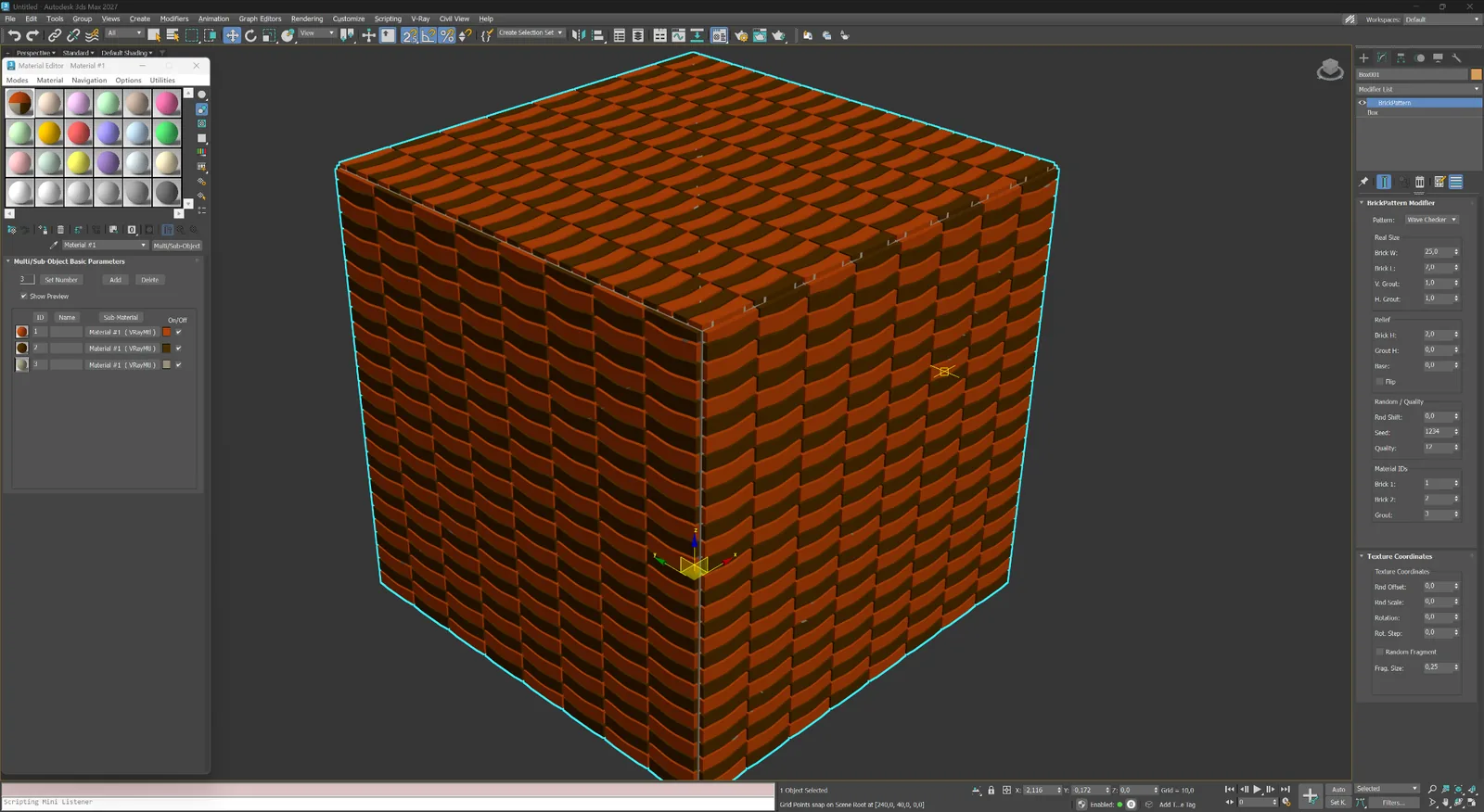
포장 및 장식
곡선 모듈이 교대로 배열되어 표면에 부드러운 체커 리듬을 만듭니다.
포장 및 장식
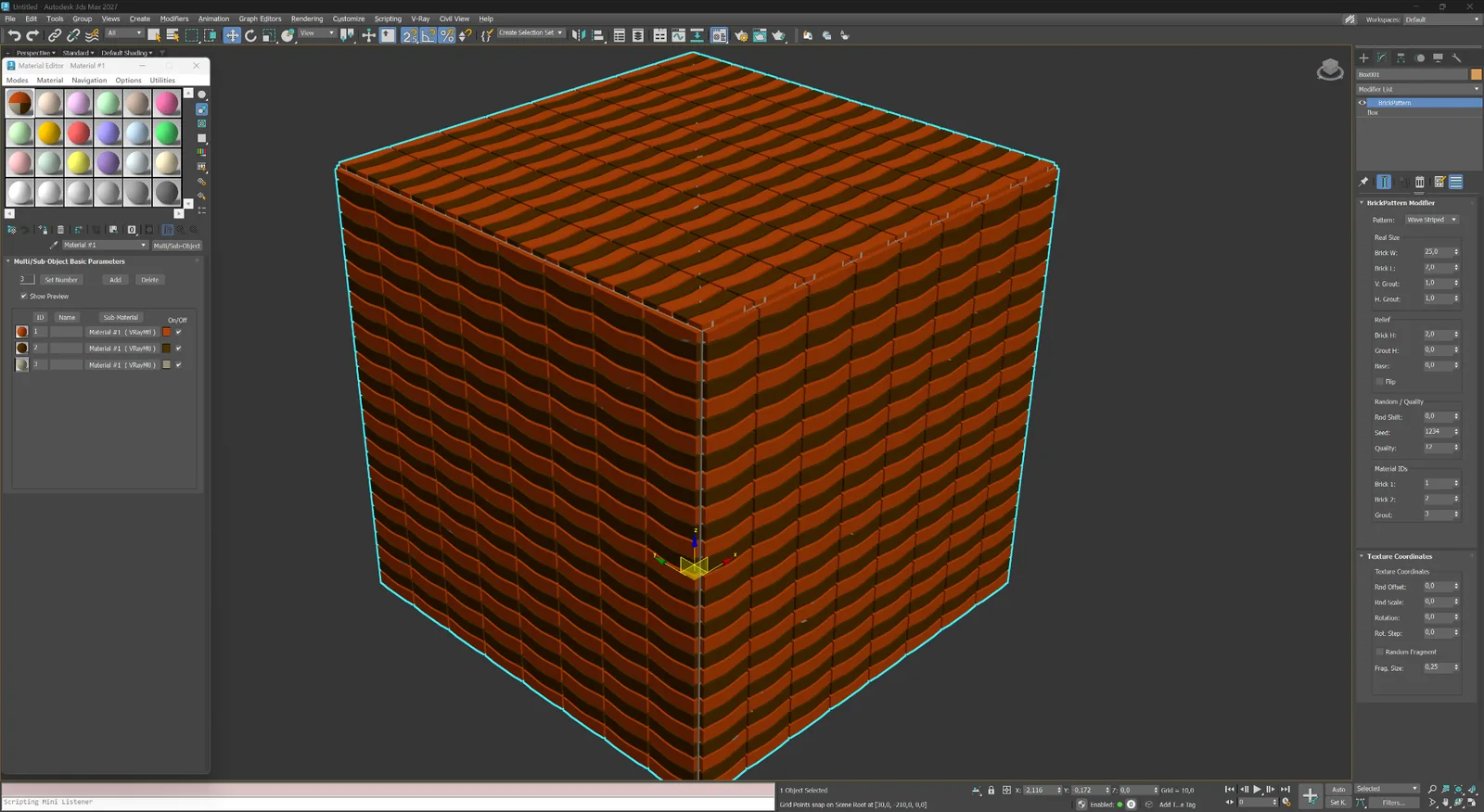
장식 포장과 표현력 있는 실내 표면을 위한 연속적인 물결 띠입니다.
포장 및 장식
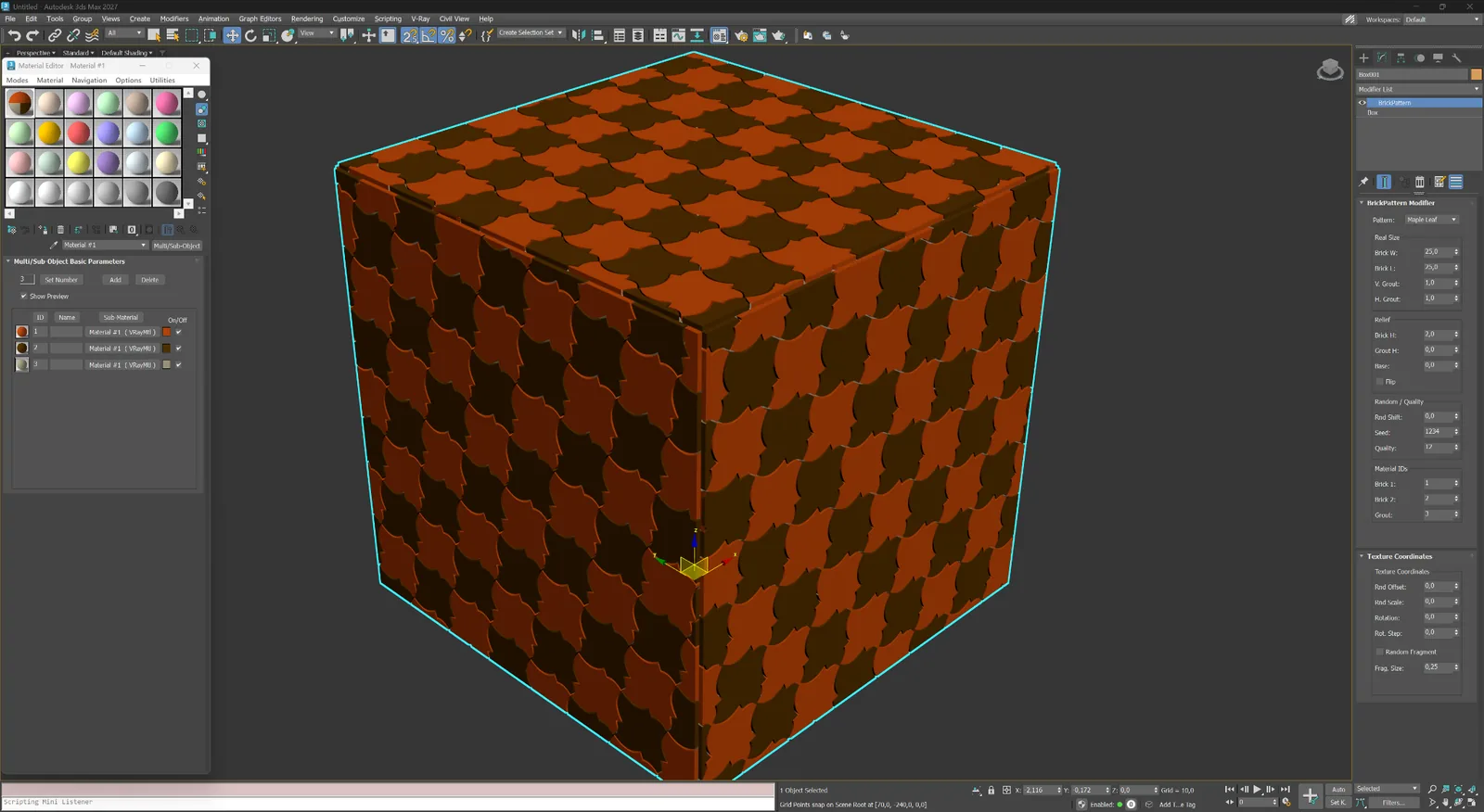
장식 포장 및 사용자 정의 타일을 위한 잎 모양 장식 모듈입니다.
포장 및 장식
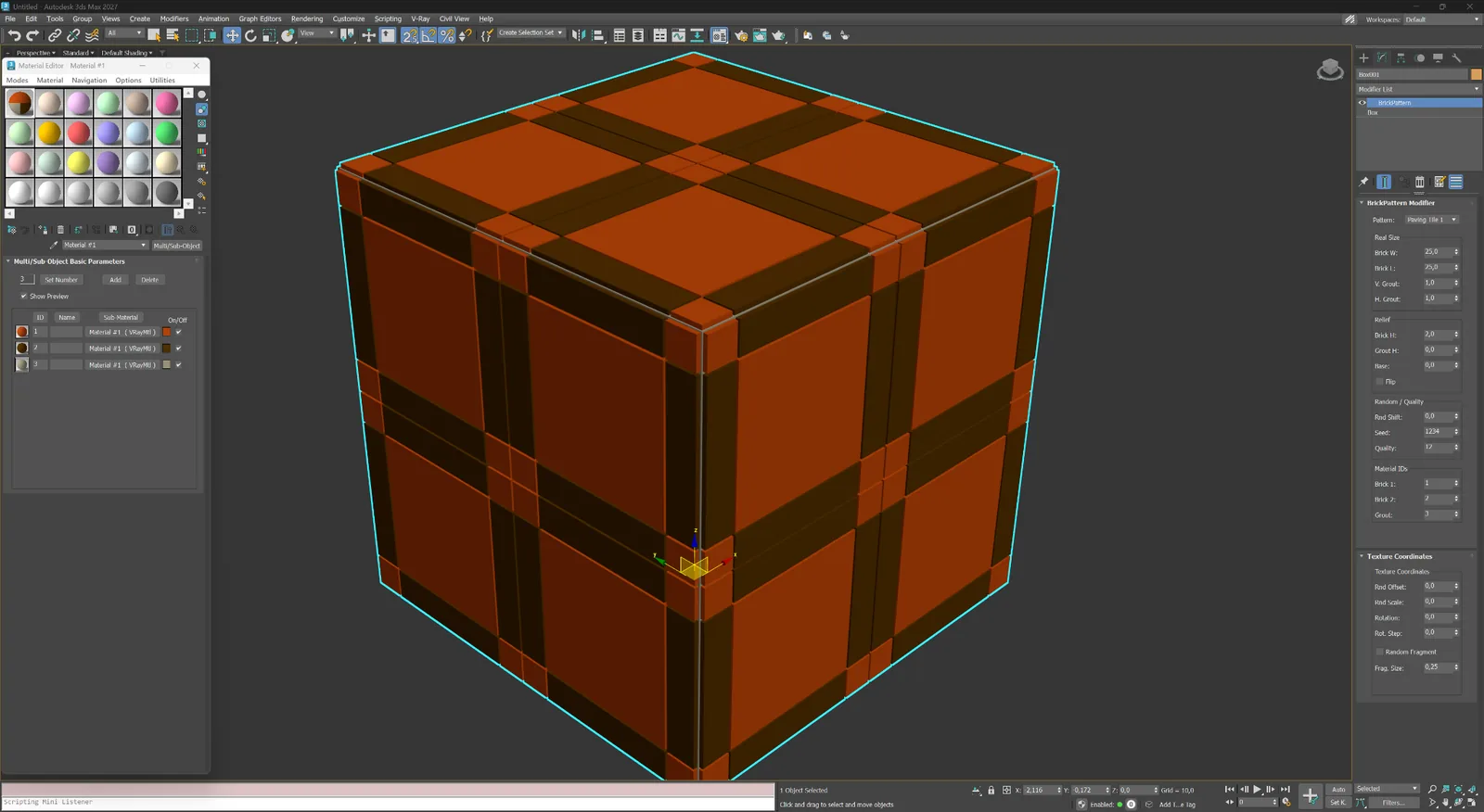
강한 십자 줄눈 지오메트리를 가진 대형 프레임 포장 모듈입니다.
포장 및 장식
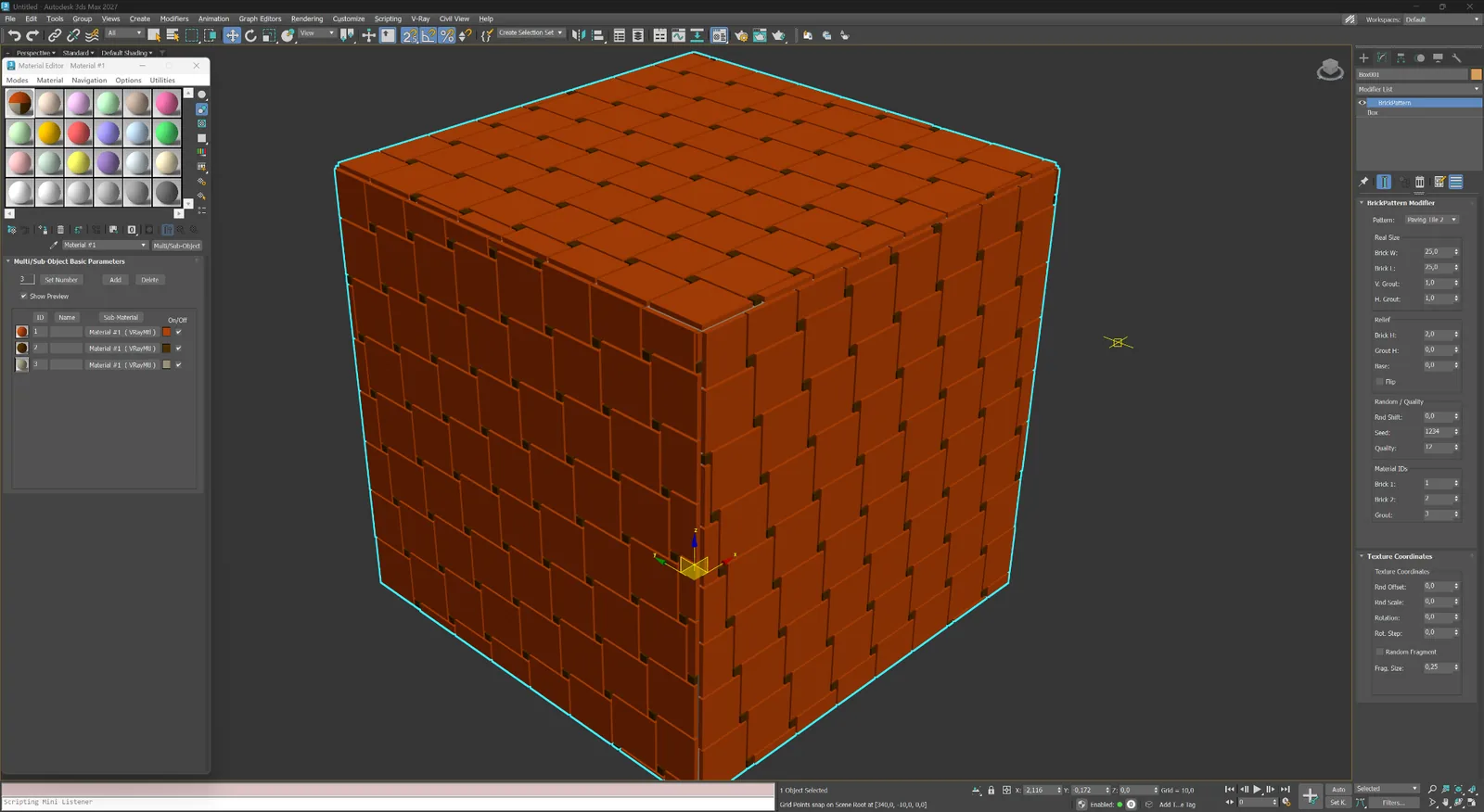
작은 모서리 삽입 요소와 규칙적인 반복을 가진 직사각형 타일 모듈입니다.
04
스크린, 포인트 패널 및 독자적인 레이아웃을 위한 비표준 기하학적 구성입니다.
추상 및 사용자 정의
실험적인 스크린, 패널 및 추상 표면을 위한 조밀한 대각선 지오메트리입니다.
추상 및 사용자 정의
비표준 건축 구성을 위한 사용자 정의 길쭉한 모듈 레이아웃입니다.
Modifier capabilities
BricksPattern does not produce a texture map — it modifies the mesh itself. The result is a surface with actual raised or recessed element geometry that responds correctly to any lighting setup, especially in close-up renders.
01
BricksPattern applies to any quad or poly mesh — flat walls, cylindrical columns, vaulted ceilings. The brick layout follows the local surface curvature and UV space, so curved surfaces look correct without manual adjustment.
02
Choose from Running Bond (1:2, 1:3), Stack Bond, Flemish, Basket Weave, Herringbone, Hexagonal and more. Pattern geometry is built from parametric element dimensions: width, height, depth, and joint width.
03
Joints are three-dimensional: their depth, bevel angle and width are all controllable. This produces accurate shadowing and self-occlusion in renderers such as V-Ray and Corona without relying on bump or normal maps.
04
Each brick or tile can receive individual random offsets in size, position and surface height. The variation is controlled by a seed value, giving you reproducible results while keeping the look natural and non-repetitive.
05
BricksPattern assigns separate Material IDs to brick faces and joint faces. This lets you apply different materials — glazed vs matte, weathered vs fresh — to each zone using a standard Multi/Sub-Object material.
06
BricksPattern and BricksMap are complementary. Use BricksMap for full-scene texture maps and repeated materials; use BricksPattern for foreground or hero elements that need real 3D brick topology for close-up camera shots.
워크플로
수정자를 추가하고 패턴을 선택한 다음 요소 크기와 줄눈 깊이를 설정하면 메시가 실시간으로 업데이트됩니다. BricksPattern을 다른 수정자와 함께 스택하거나 지오메트리가 확정되면 정적 메시로 축소할 수 있습니다.
01
평면, 벽 구간 또는 곡면을 선택합니다. Modifier 목록에서 BricksPattern을 추가합니다. 플러그인은 UV 채널을 읽고 즉시 표면을 벽돌 레이아웃으로 분할합니다.
02
패턴 유형, 벽돌 크기, 줄눈 너비 및 줄눈 깊이를 변경합니다. 시드 제어를 사용해 요소별 높이와 크기 변형을 추가합니다. 수정자 스택이 활성화된 동안 모든 변경은 비파괴적으로 적용됩니다.
03
자동 할당된 Material ID를 사용해 Multi/Sub-Object 재질을 적용합니다. V-Ray, Corona, Arnold 또는 기타 렌더러로 렌더링합니다. 실제 지오메트리가 베이킹 없이 정확한 그림자와 AO를 생성합니다.
BricksPattern vs BricksMap
best results are achieved using both together in one scene.
BricksPattern
BricksMap
라이선스
BricksPattern에는 전용 구매 페이지가 있습니다. 결제 후 라이선스가 계정에 표시됩니다. 웹사이트를 통해 온라인으로 활성화하거나 외부망이 차단된 워크스테이션에서는 이메일로 오프라인 활성화할 수 있습니다.