Version history
No version history is currently published on this page.

Create real repeating brick, tile, paving and parquet geometry.
No version history is currently published on this page.
18demonstrated layouts
4pattern families
3Dreal joints, relief and edges
2021–2027supported 3ds Max versions
Four-minute walkthrough
The demonstration starts with a simple mesh and shows how a selected pattern becomes editable geometry, receives relief and material zones, and remains compatible with the standard modifier stack.
See the complete modifier workflow inside 3ds Max.
01
Start from a clean object and add BricksPattern without destructively rebuilding the source mesh.
02
Switch between masonry, parquet, paving and custom layouts, then define real-world element dimensions.
03
Control grout width, element height, bevel and random variation while viewing the result immediately.
04
Use generated Material IDs and combine BricksPattern with Bend, selection and other standard 3ds Max modifiers.
Why geometry matters
A texture can suggest a joint. BricksPattern creates it. The result remains readable in grazing light, reflections, silhouettes and close camera positions.
▱
Real edges produce physically correct highlights, contact shadows and ambient occlusion without relying on a baked relief map.
⌁
The modifier follows the object surface, so the same pattern can wrap columns, curved walls and shaped architectural elements.
#
Seed-based random controls introduce natural irregularity while keeping the result reproducible across revisions.
ID
Separate IDs for bricks, accent elements and grout connect directly to a Multi/Sub-Object material workflow.
Pattern library in geometry
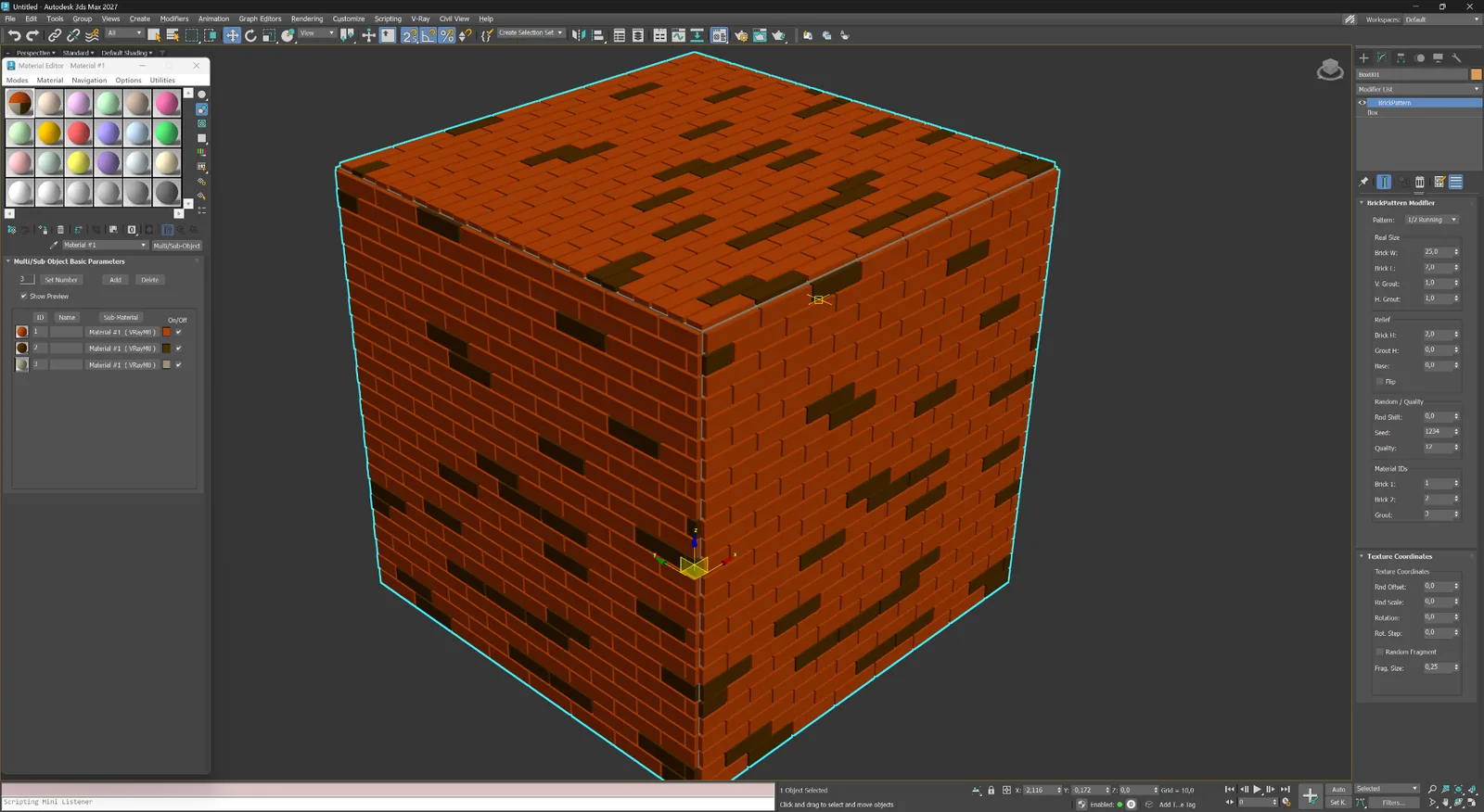
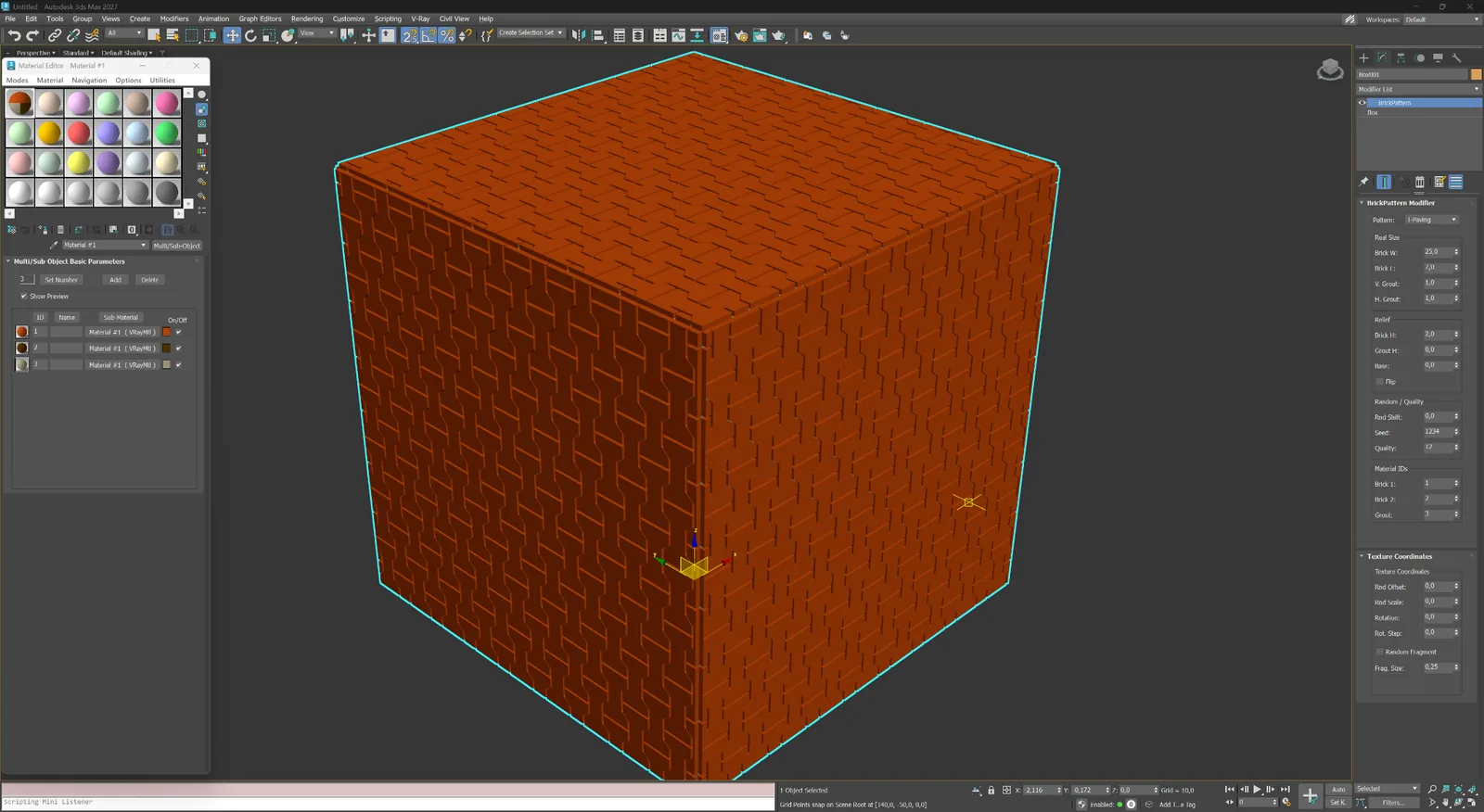
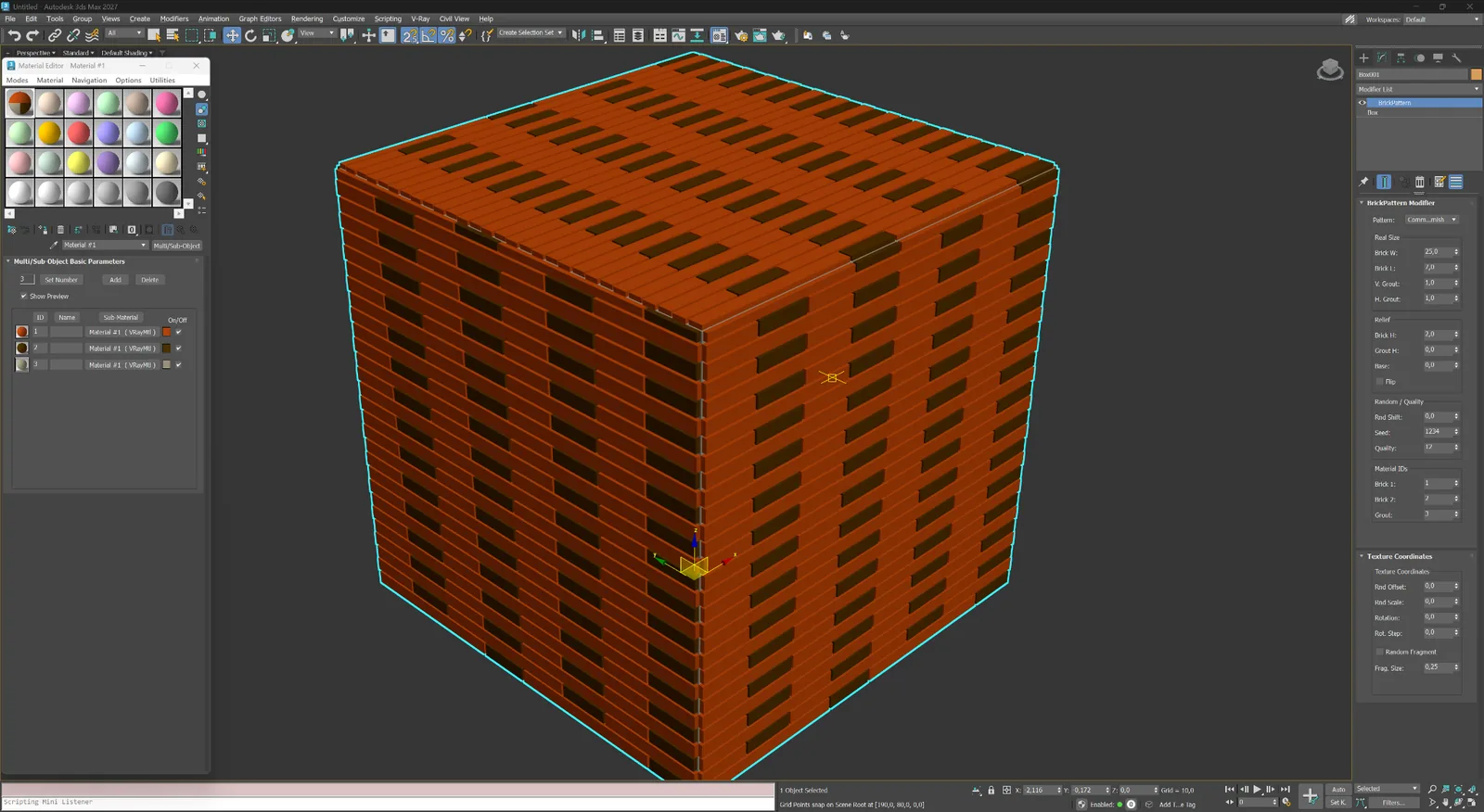
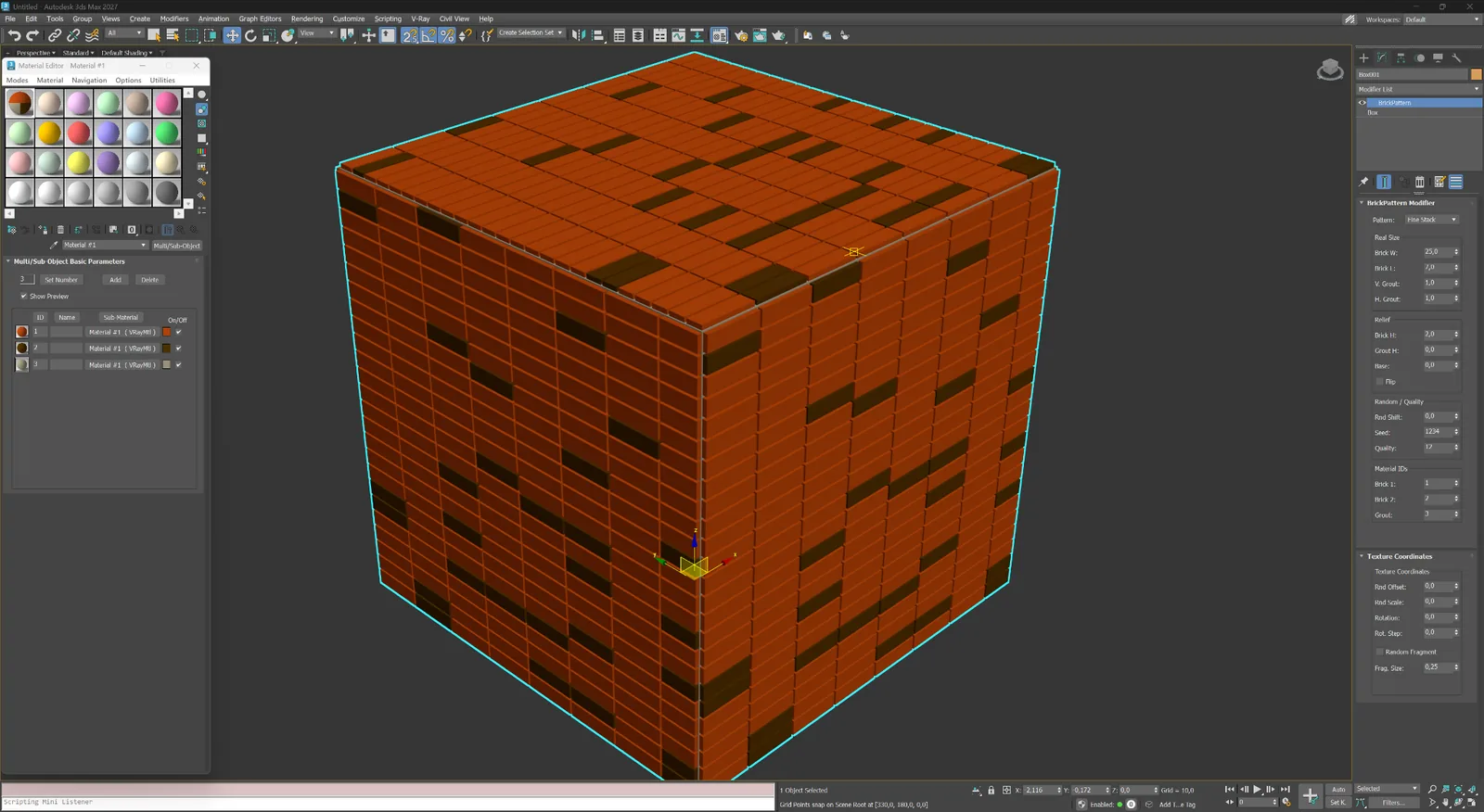
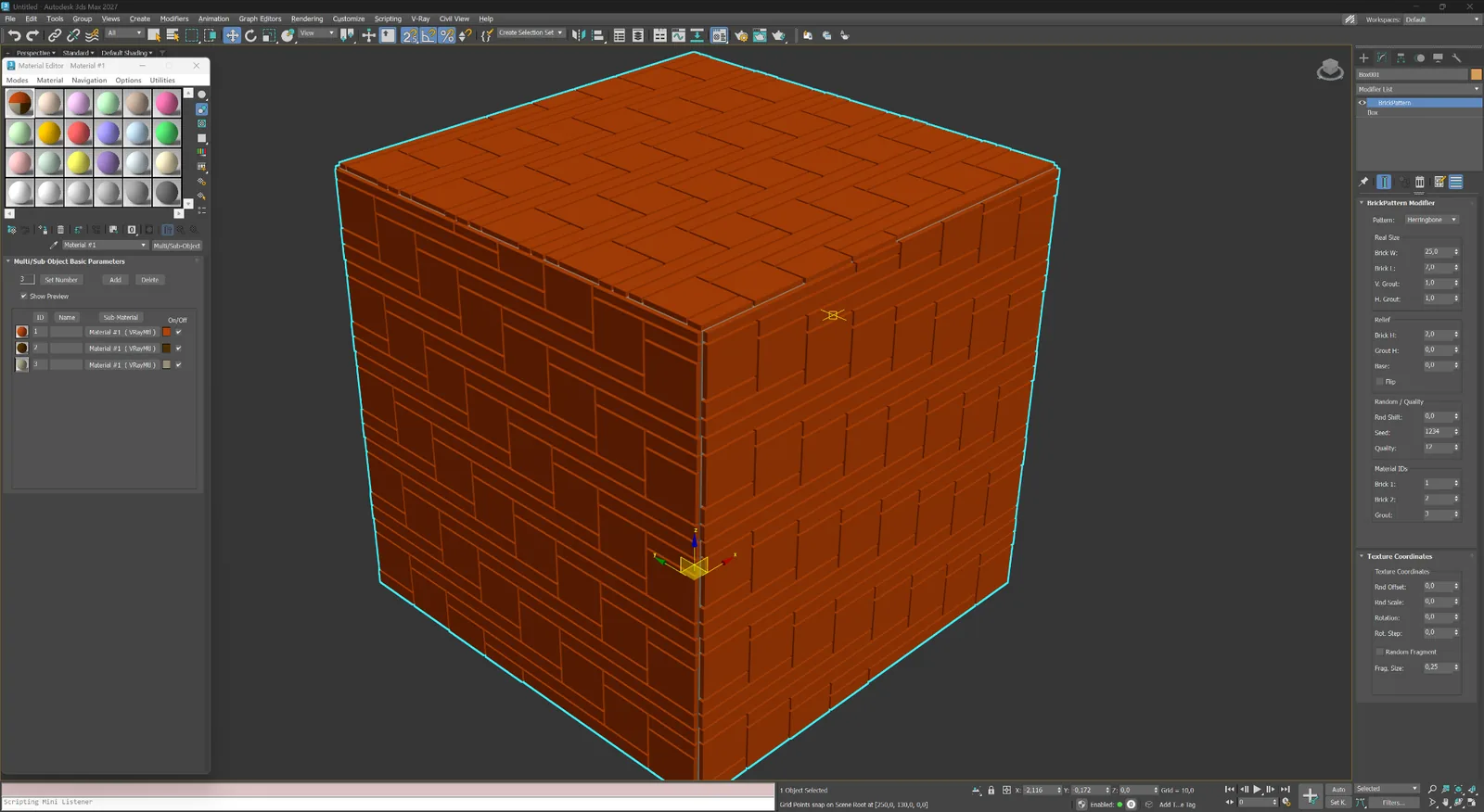
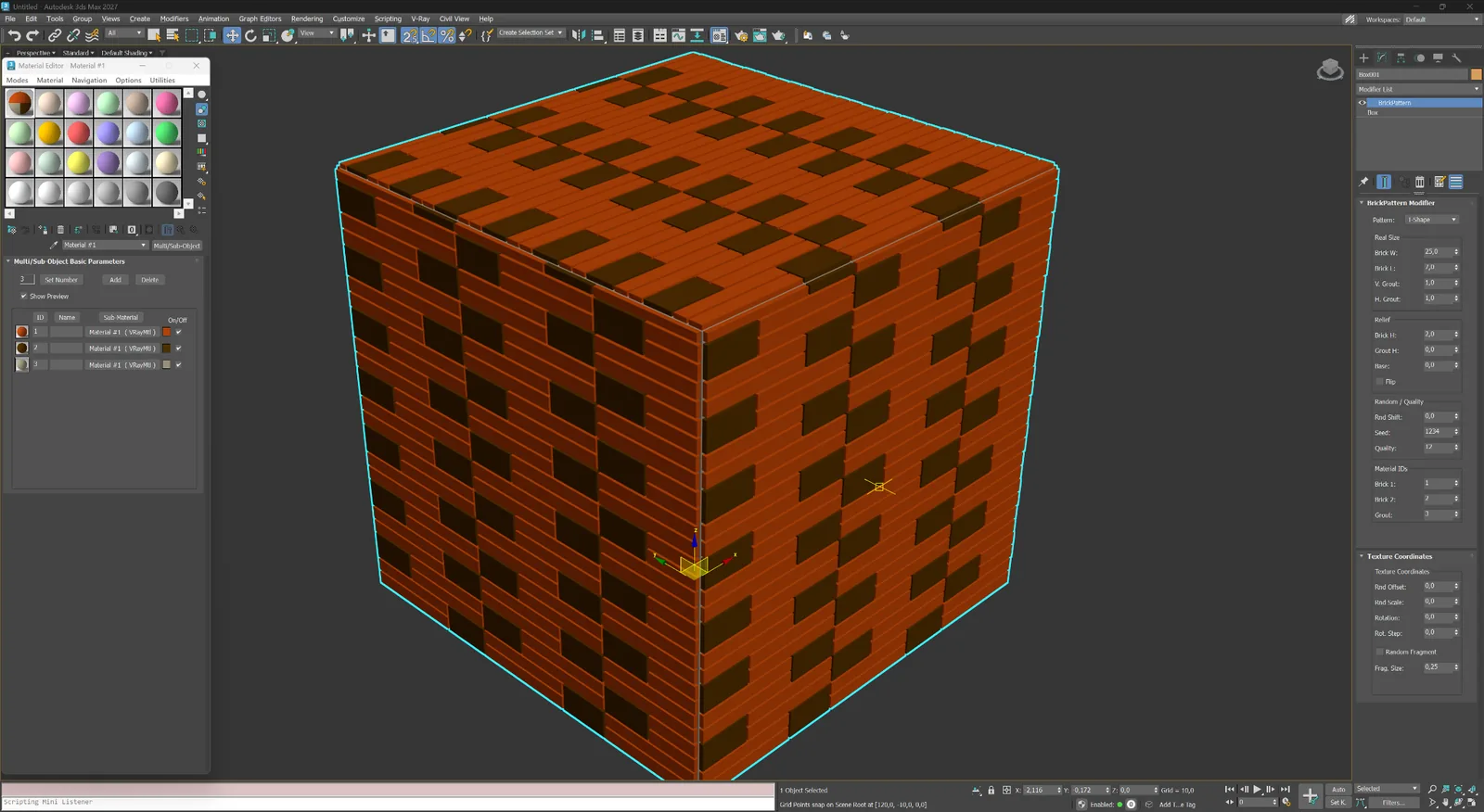
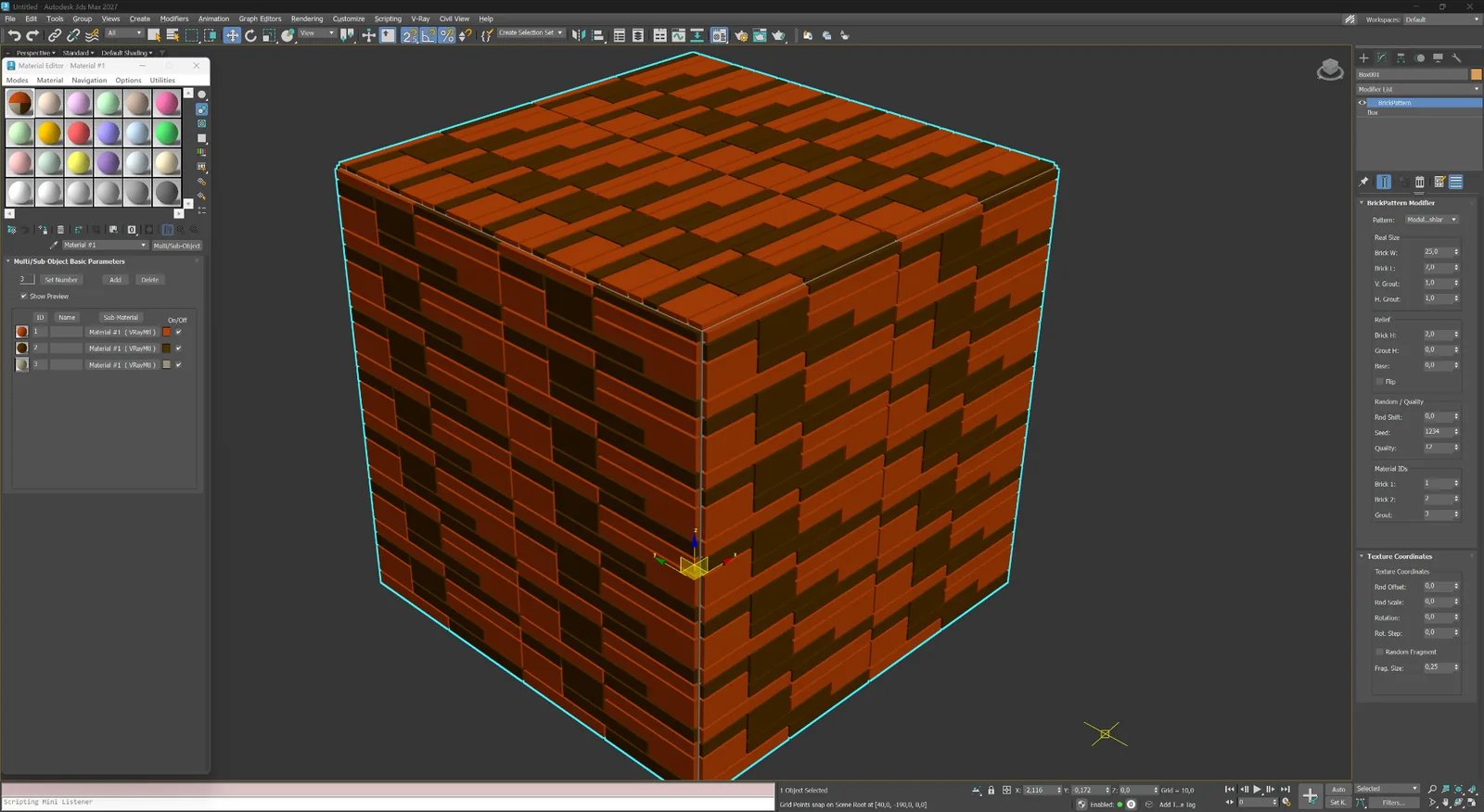
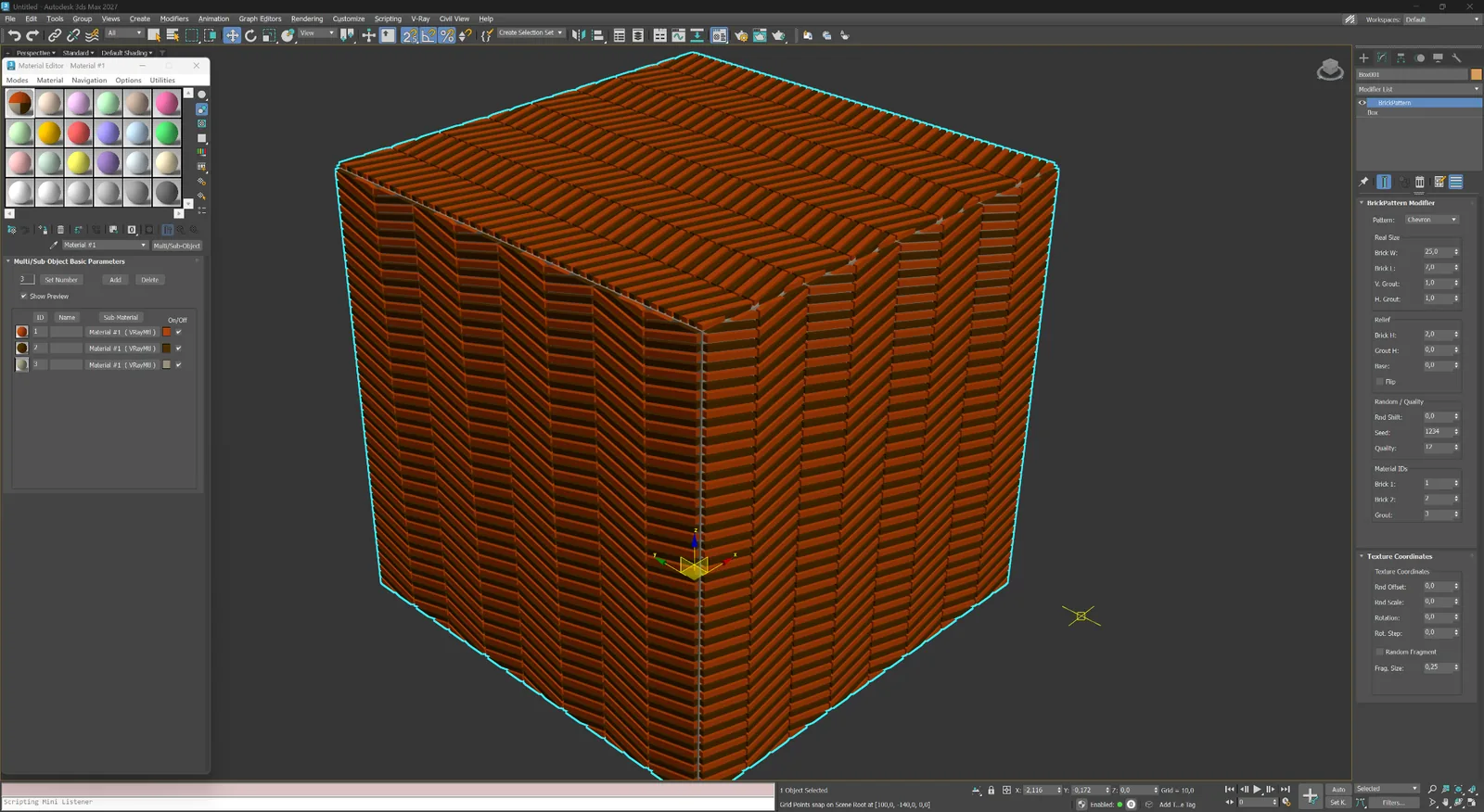
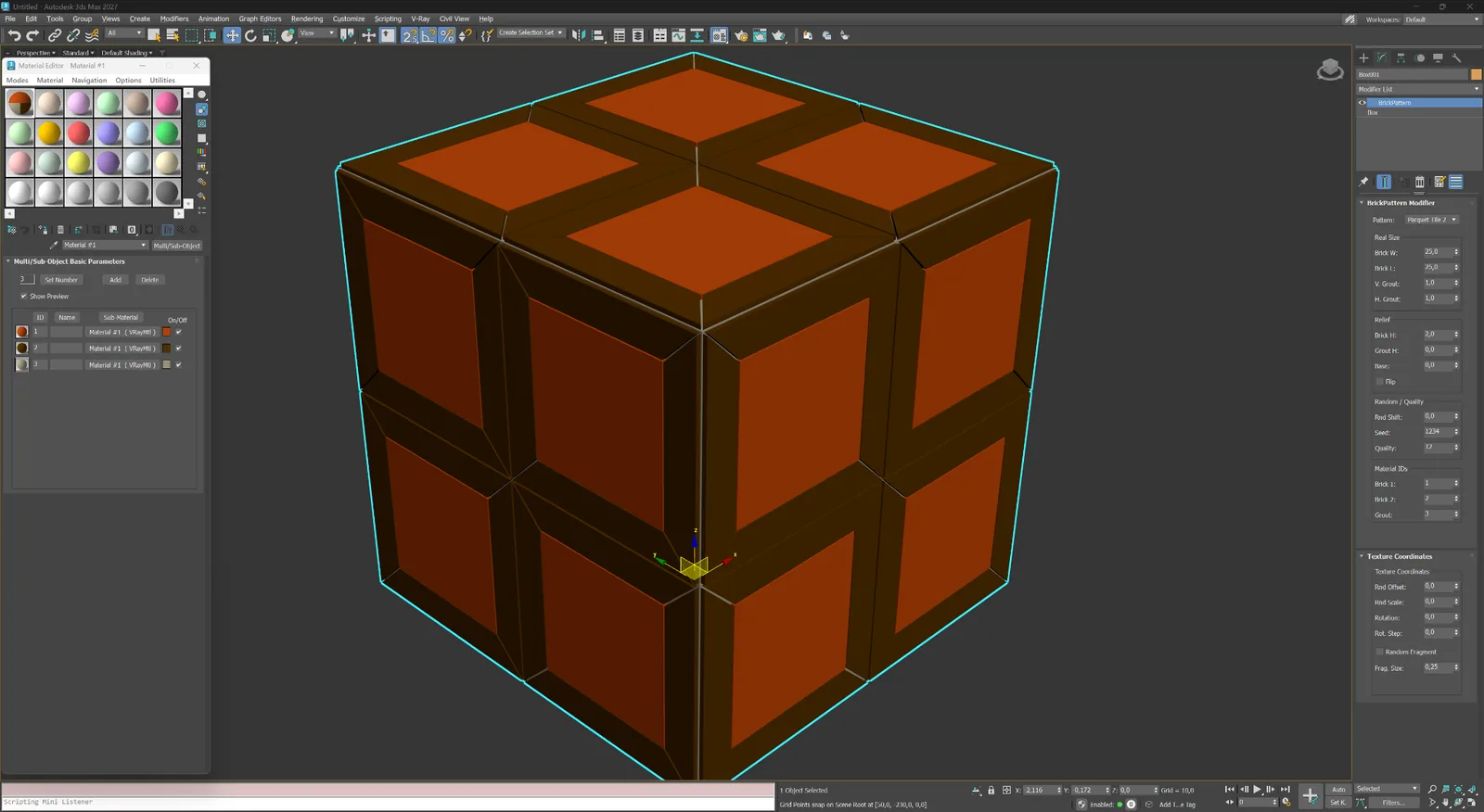
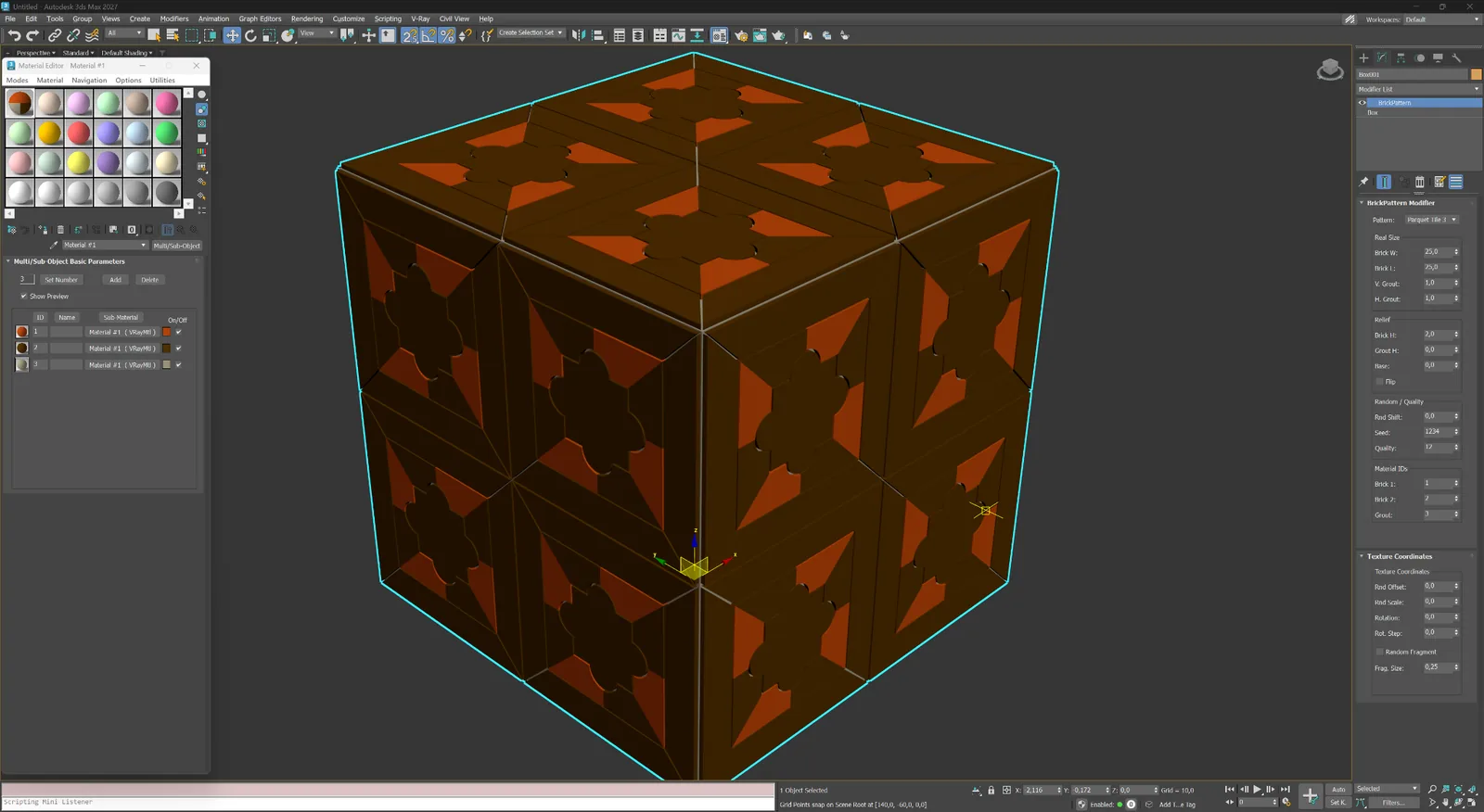
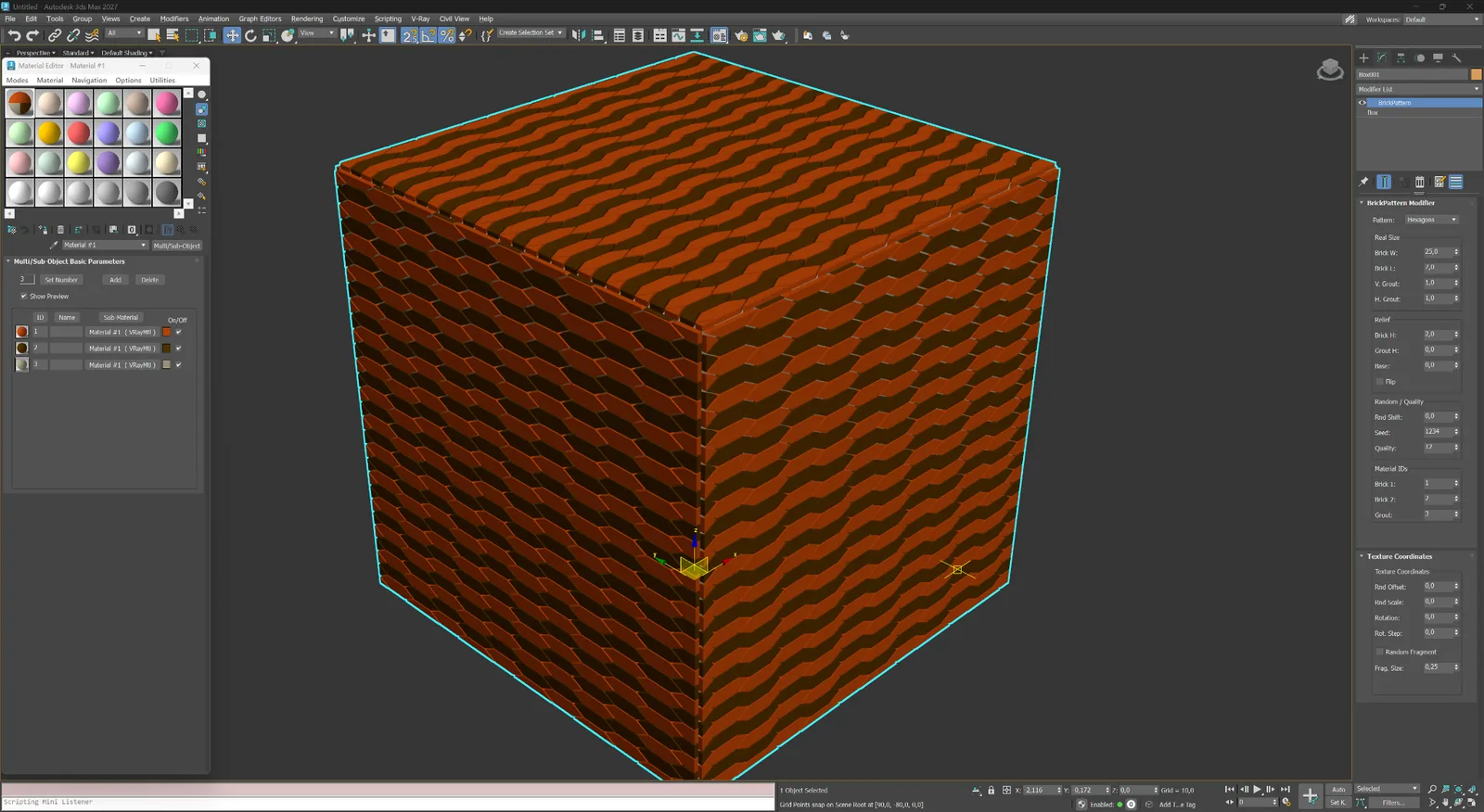
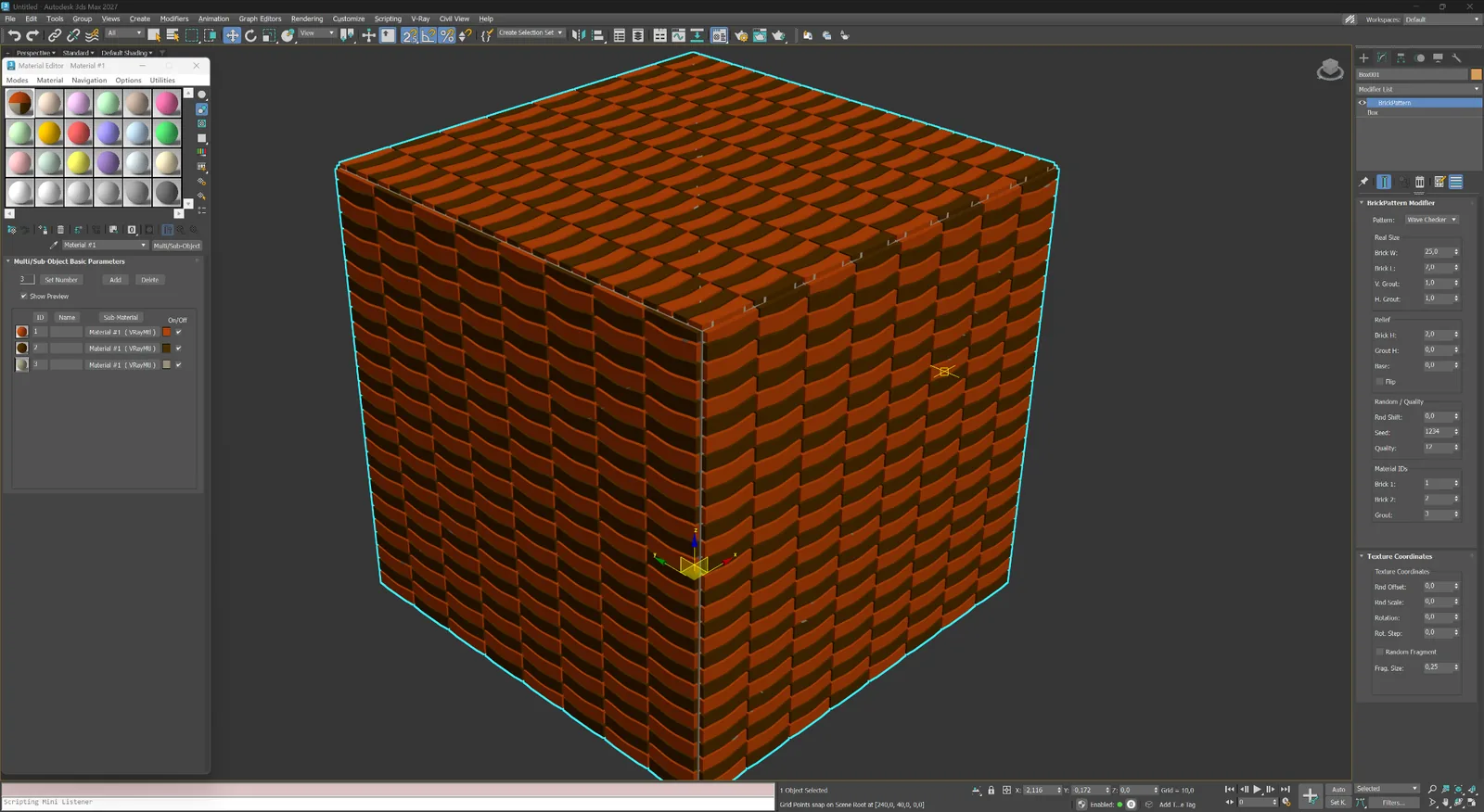
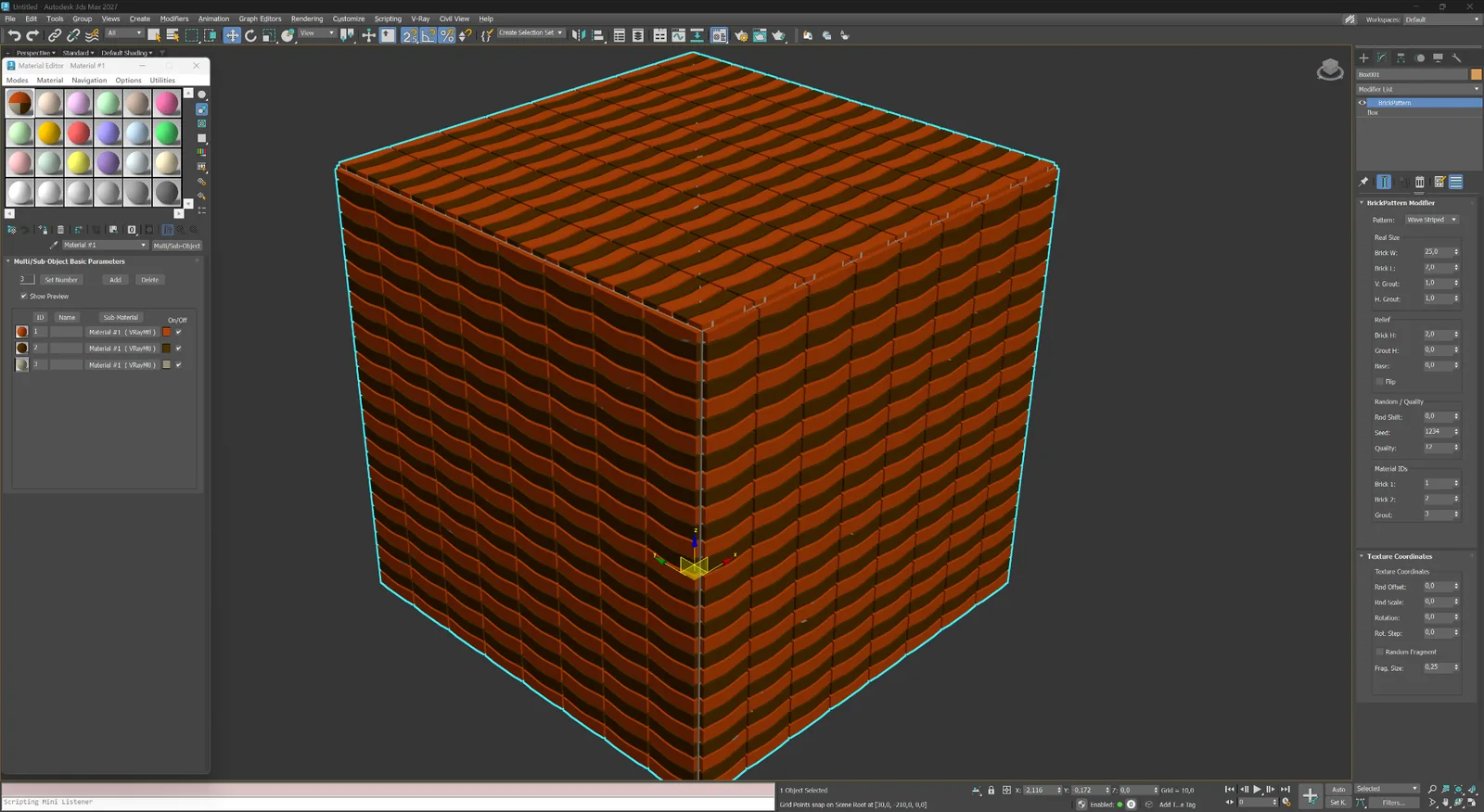
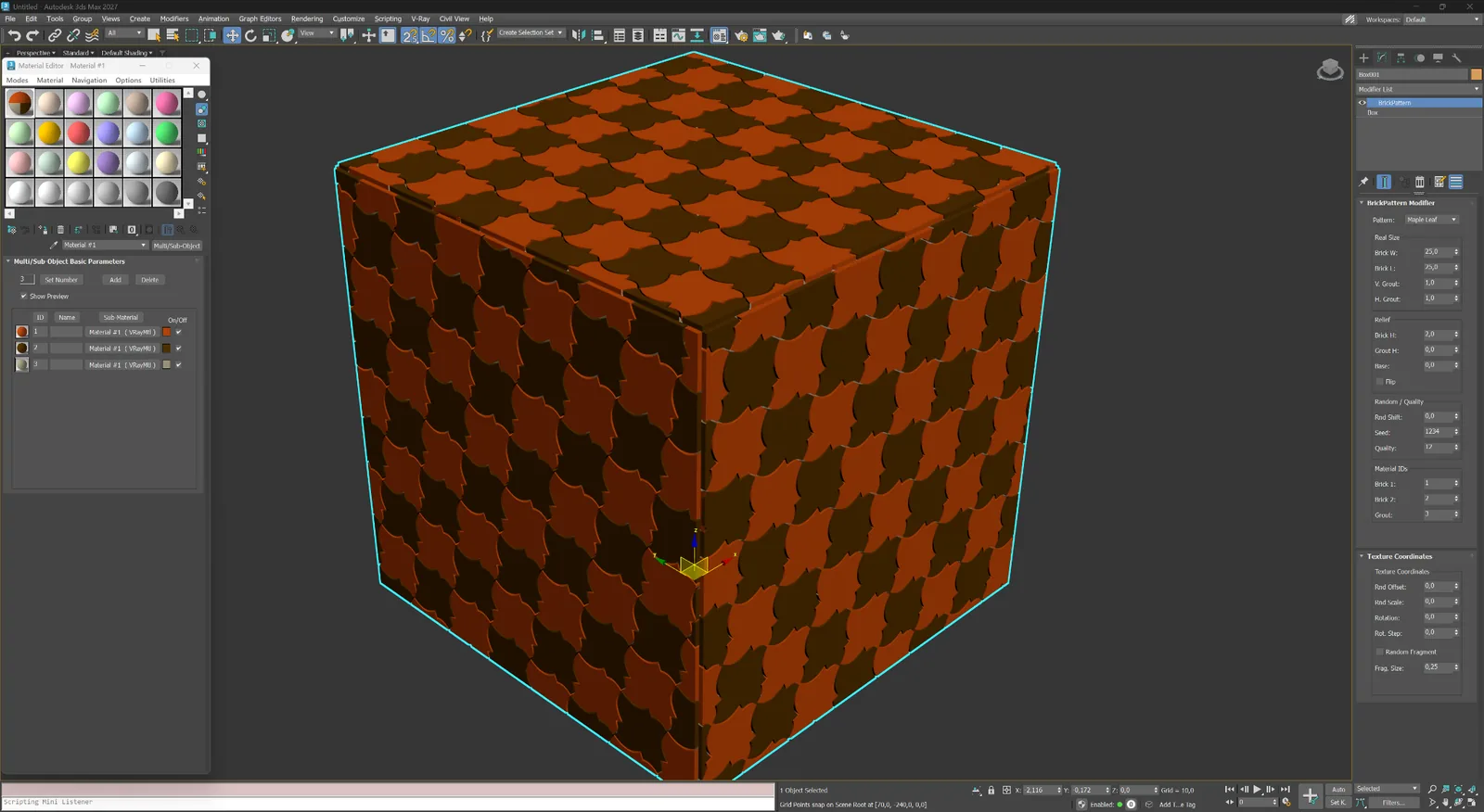
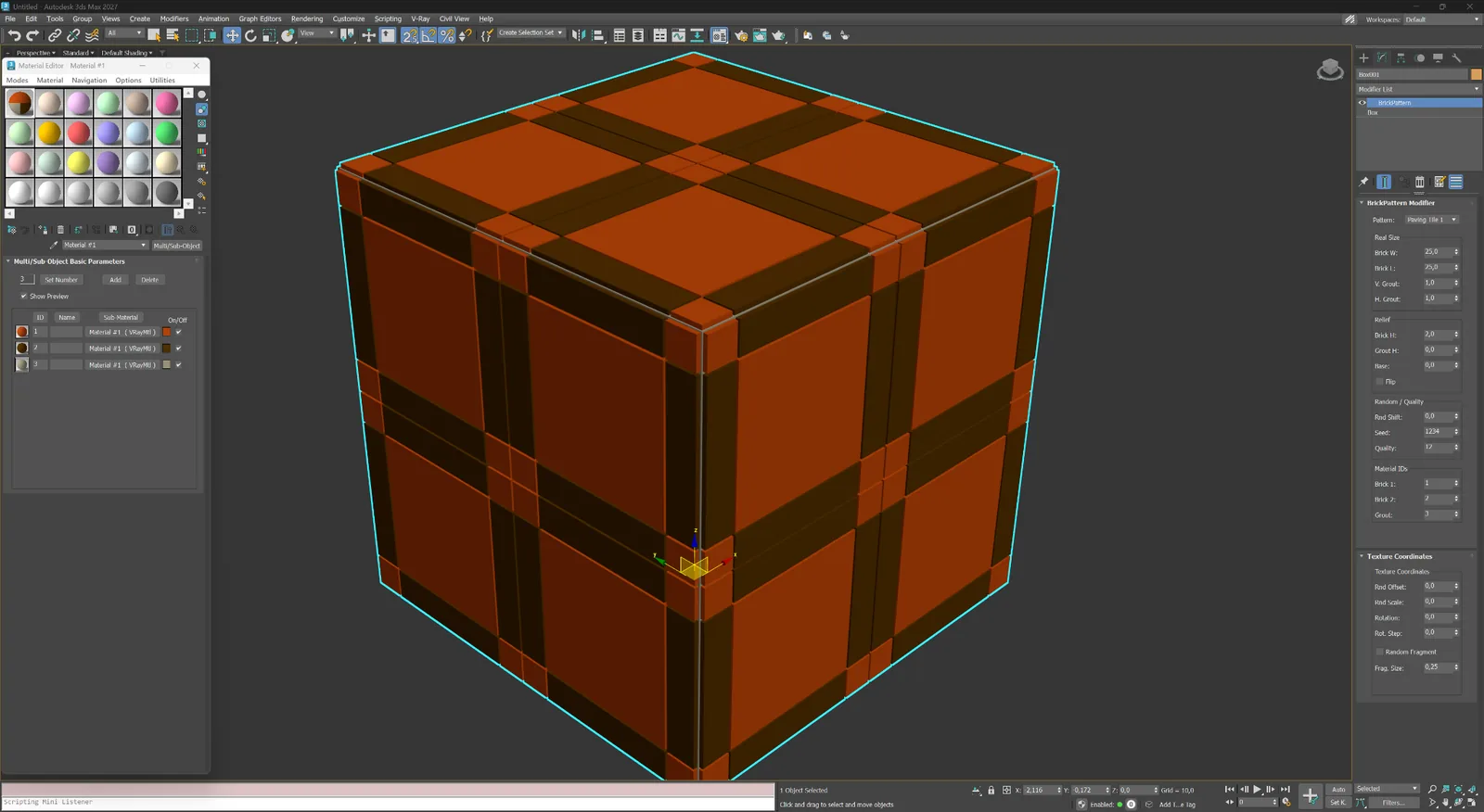
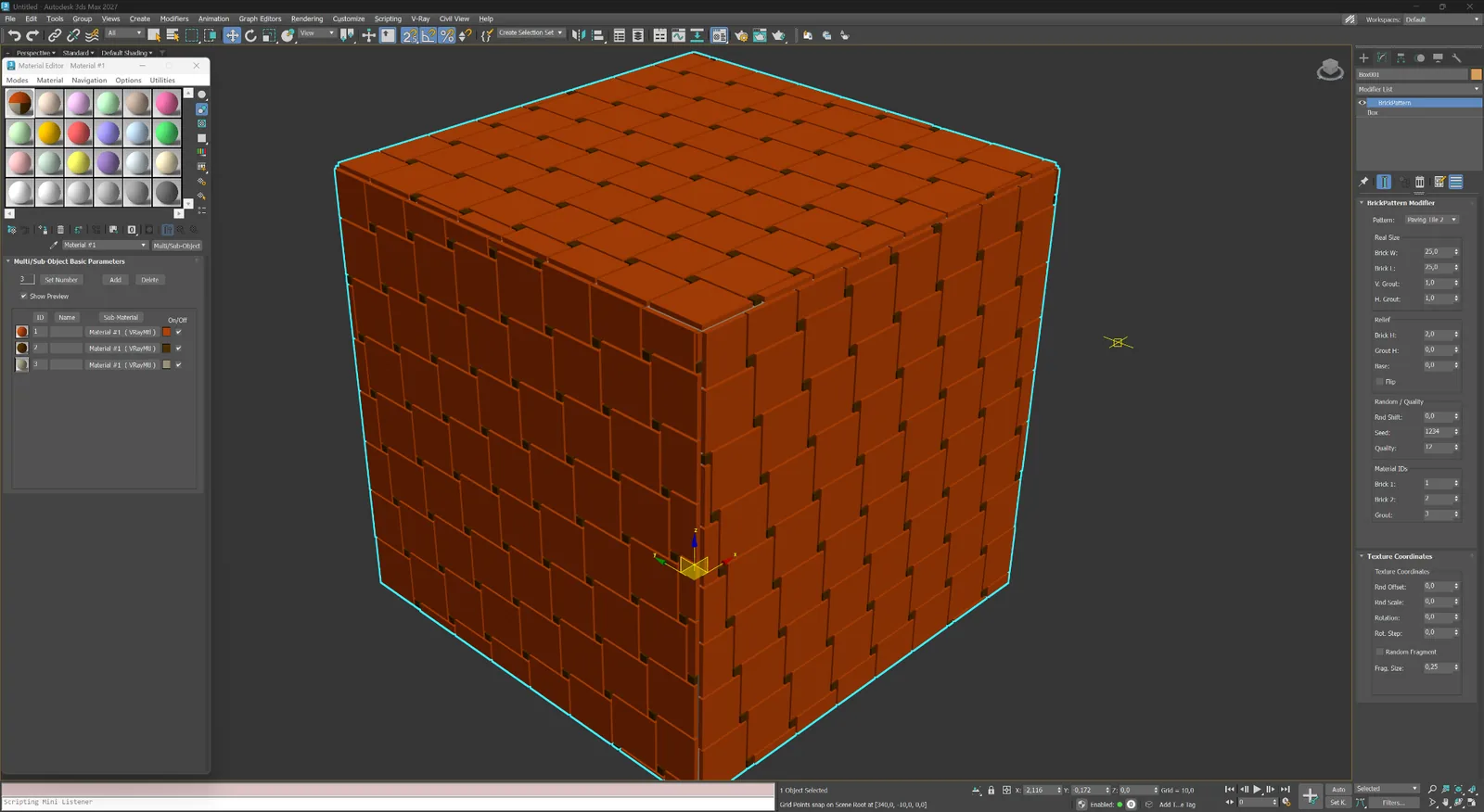
Every example below is generated by the modifier in Autodesk 3ds Max. Open any image to inspect the geometry and the active pattern in the parameter panel.
Masonry Parquet & modular Pavement & decorative Abstract & custom
01
Running, Flemish and stacked bonds for brick facades, walls and ceramic cladding.
Masonry
Classic running bond with a half-brick offset for facades, walls and close-up masonry.
Masonry
Running bond with a one-third offset for a longer, less repetitive masonry rhythm.
Masonry
Alternating stretcher and header logic for traditional decorative brickwork.
Masonry
A precise stacked grid suited to contemporary brick, tile and panel facades.
02
Directional and modular systems for flooring, tile, stone and decorative architectural panels.
Parquet & modular
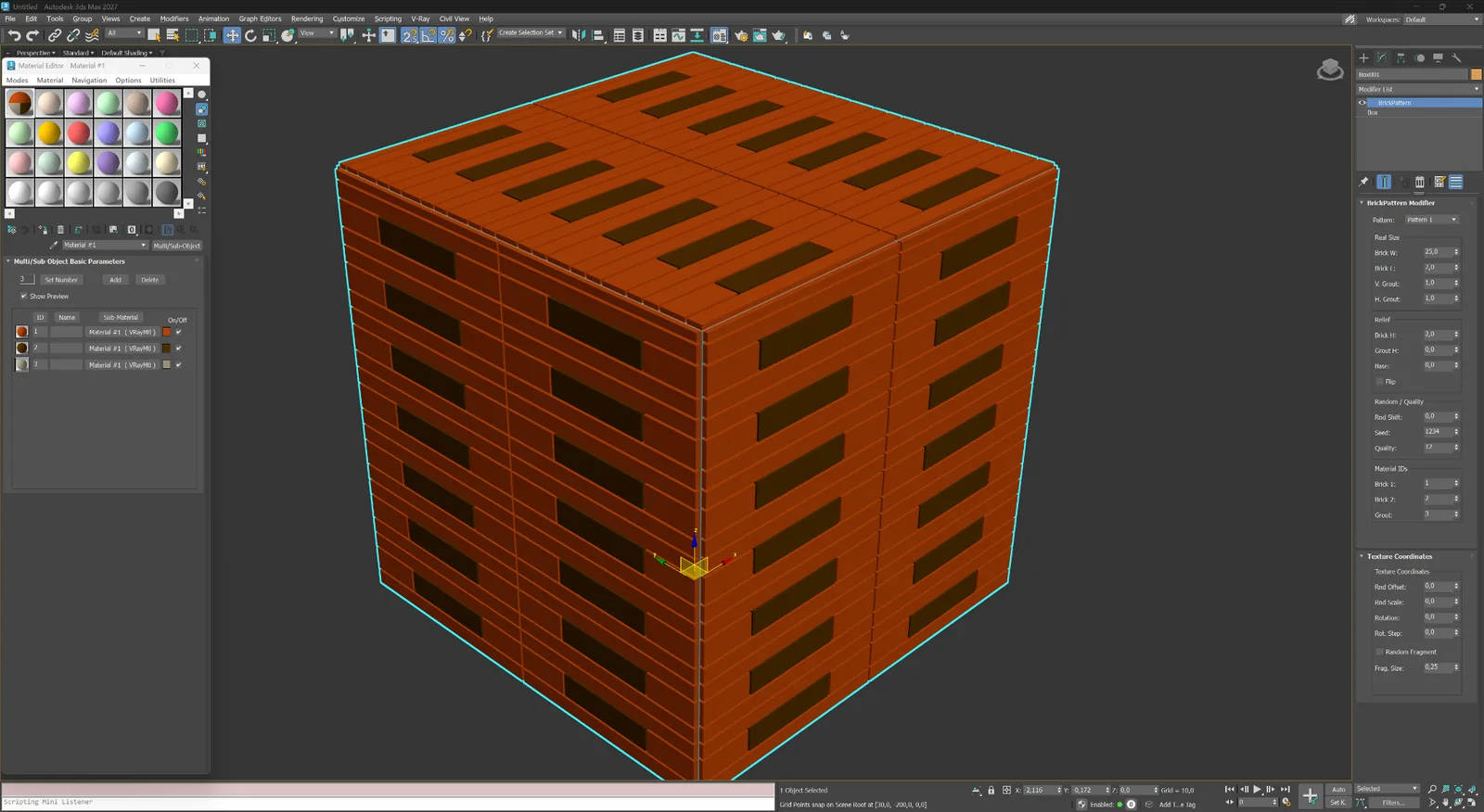
Interlocking rectangular elements for parquet, tile, stone and decorative cladding.
Parquet & modular
A modular T-shaped layout for distinctive floors, screens and architectural panels.
Parquet & modular
Mixed rectangular modules arranged as a controlled ashlar composition.
Parquet & modular
Angled elements meeting on a central axis for sharp directional surfaces.
Parquet & modular
Large framed modules with a clean geometric centre for ornamental floors and wall systems.
Parquet & modular
Decorative framed modules with a floral centre for expressive parquet and panel compositions.
03
Hexagonal, wave, leaf and framed tile systems for landscape and ornamental surfaces.
Pavement & decorative
Repeating hexagonal modules for paving, ceramic tile and patterned facade systems.
Pavement & decorative
Alternating curved modules that create a soft checker rhythm across the surface.
Pavement & decorative
Continuous wave bands for decorative paving and expressive interior surfaces.
Pavement & decorative
A leaf-shaped decorative module for ornamental pavement and custom tiles.
Pavement & decorative
Large framed paving modules with strong cross-joint geometry.
Pavement & decorative
Rectangular tile modules with compact corner inserts and a regular repeat.
04
Non-standard geometric logics for screens, feature panels and proprietary layouts.
Abstract & custom
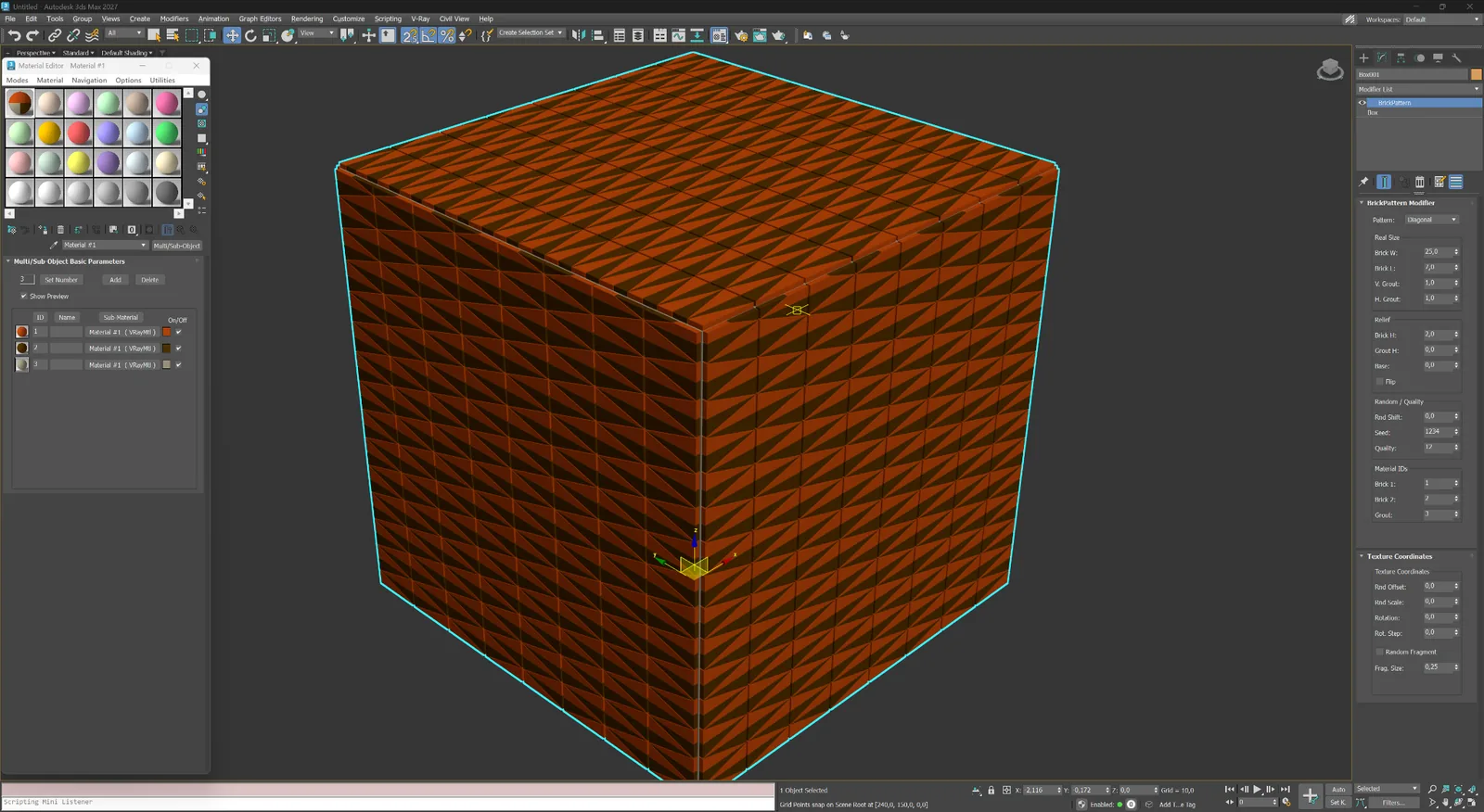
Dense diagonal geometry for experimental screens, panels and abstract surfaces.
Abstract & custom
A custom elongated module layout for non-standard architectural compositions.
One modifier, explicit controls
The interface is organised from pattern selection and real dimensions to relief, variation, Material IDs and texture coordinates. This keeps iteration fast and predictable.
01
Select a layout and work in real-world units instead of compensating with texture scale later.
02
Set element width and height together with vertical and horizontal joint widths.
03
Control element height, grout depth, base thickness and edge bevel for readable close-up geometry.
04
Use random shift, a repeatable seed and quality settings to balance natural variation and mesh density.
05
Assign separate IDs to two element groups and the grout for immediate Multi/Sub-Object material setup.
06
Adjust random offset, scale, rotation and fragment settings without leaving the modifier.
Workflow
Add the modifier, pick a pattern, set element dimensions and joint depth — the mesh is updated in real time. You can stack BricksPattern with other modifiers, or collapse it to a static mesh when the geometry is final.
01
Select a plane, wall segment or curved surface. Add BricksPattern from the Modifier list. The plugin reads the UV channel and subdivides the surface into the brick layout immediately.
02
Change pattern type, brick dimensions, joint width and joint depth. Add per-element height and size variation using the seed controls. All changes are non-destructive while the modifier stack is active.
03
Apply a Multi/Sub-Object material using the automatically assigned Material IDs. Render with V-Ray, Corona, Arnold or any other renderer. The real geometry produces correct shadows and AO without baking.
Choose the right representation
The products solve different levels of detail and work best together in one scene.
BricksPattern
BricksMap
Licensing
BricksPattern has its own purchase page. After payment the license appears in your account. Activate online through the website or offline by e-mail for air-gapped workstations.