سجل الإصدارات
لا يوجد حاليًا سجل إصدارات منشور في هذه الصفحة.
BricksPattern generates real three-dimensional brick, tile, parquet and paving geometry on flat and curved mesh surfaces in Autodesk 3ds Max.
لا يوجد حاليًا سجل إصدارات منشور في هذه الصفحة.
18Geometry-level brick and tile patterns applied directly to your mesh.
4Modifier capabilities
3DReal joint geometry
2021–20273ds Max 2021–2027
Workflow
Add the modifier, pick a pattern, set element dimensions and joint depth — the mesh is updated in real time. You can stack BricksPattern with other modifiers, or collapse it to a static mesh when the geometry is final.
How BricksPattern fits into an archviz pipeline.
01
Select a plane, wall segment or curved surface. Add BricksPattern from the Modifier list. The plugin reads the UV channel and subdivides the surface into the brick layout immediately.
02
Change pattern type, brick dimensions, joint width and joint depth. Add per-element height and size variation using the seed controls. All changes are non-destructive while the modifier stack is active.
03
Apply a Multi/Sub-Object material using the automatically assigned Material IDs. Render with V-Ray, Corona, Arnold or any other renderer. The real geometry produces correct shadows and AO without baking.
04
BricksPattern assigns separate Material IDs to brick faces and joint faces. This lets you apply different materials — glazed vs matte, weathered vs fresh — to each zone using a standard Multi/Sub-Object material.
Modifier capabilities
BricksPattern does not produce a texture map — it modifies the mesh itself. The result is a surface with actual raised or recessed element geometry that responds correctly to any lighting setup, especially in close-up renders.
▱
BricksPattern applies to any quad or poly mesh — flat walls, cylindrical columns, vaulted ceilings. The brick layout follows the local surface curvature and UV space, so curved surfaces look correct without manual adjustment.
⌁
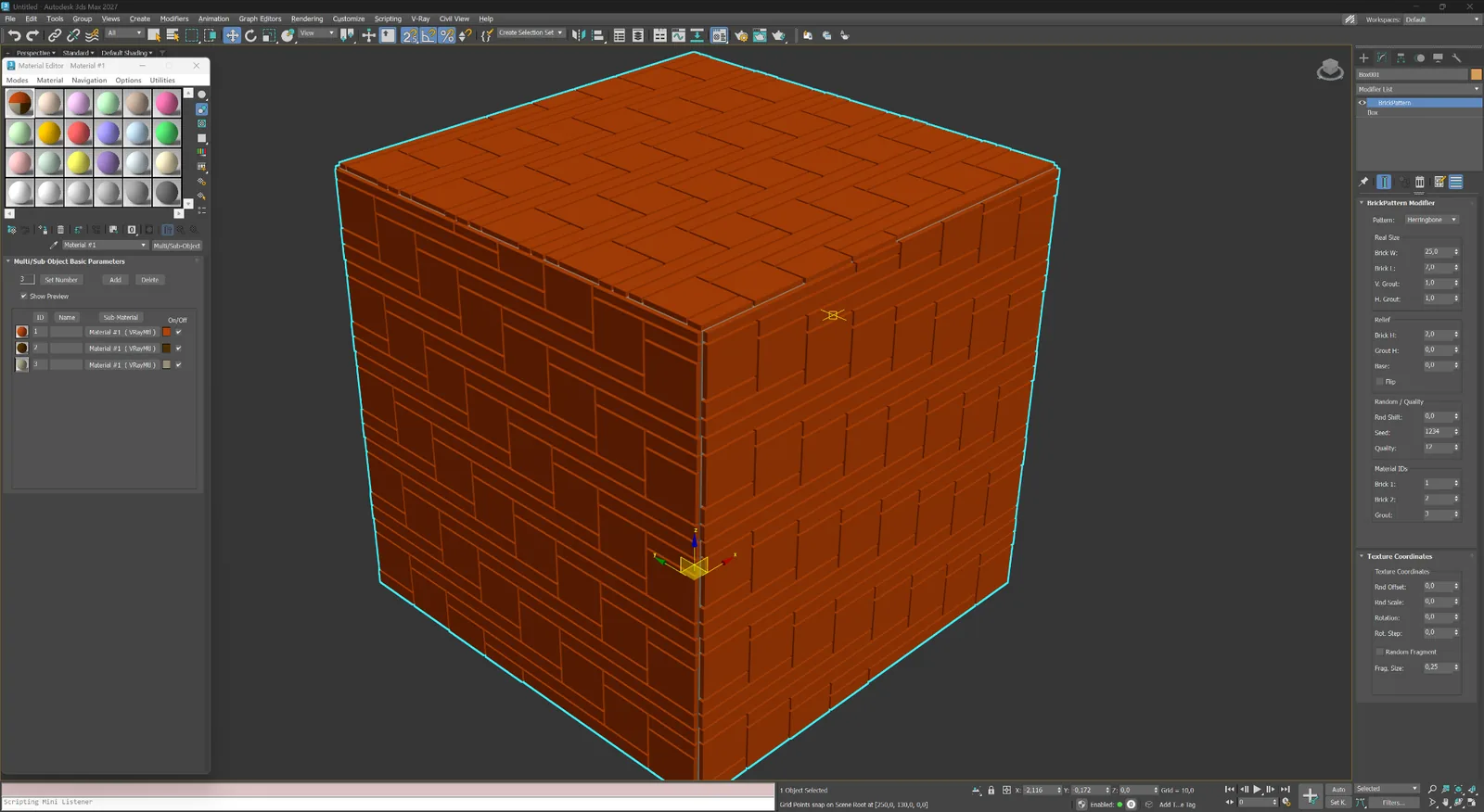
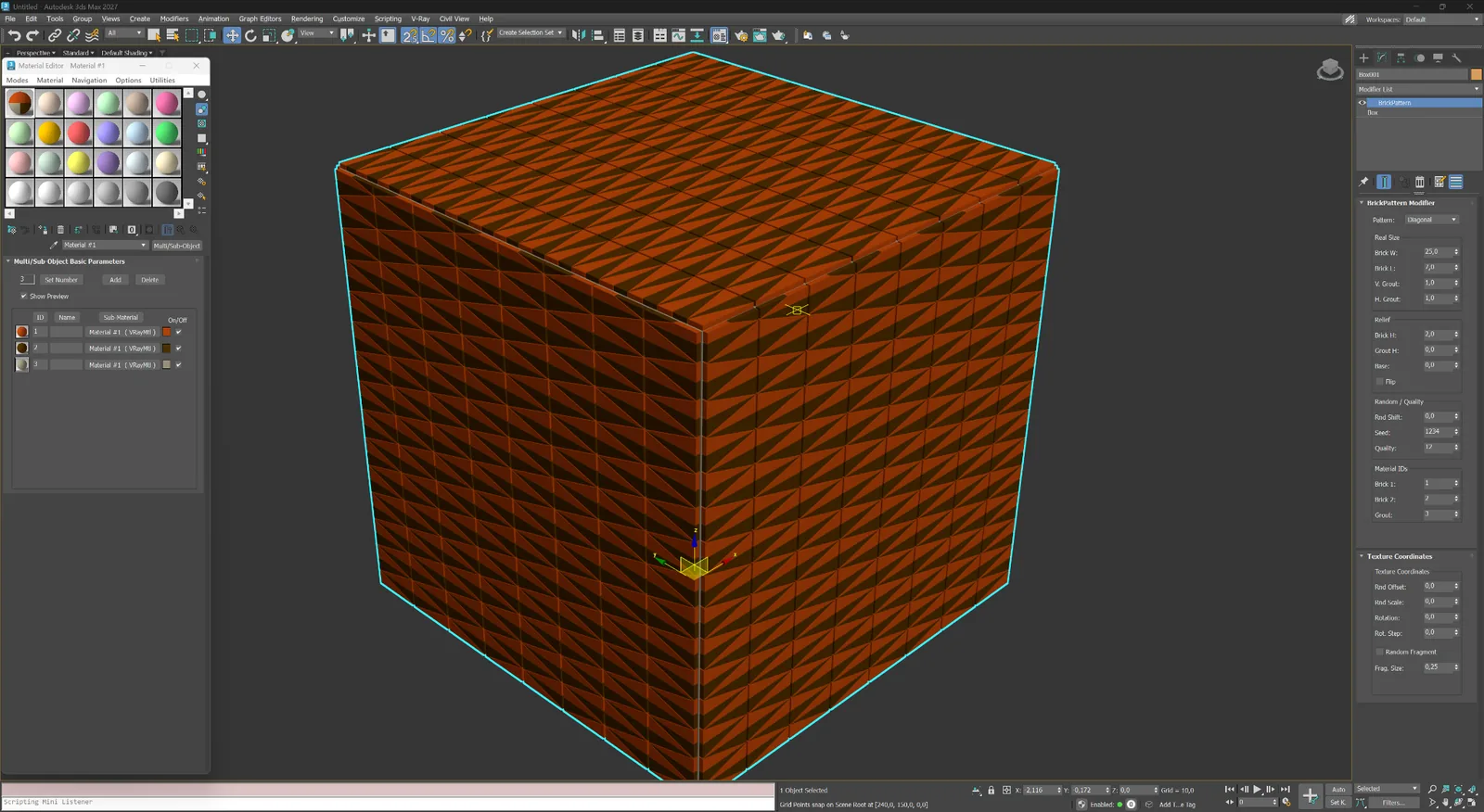
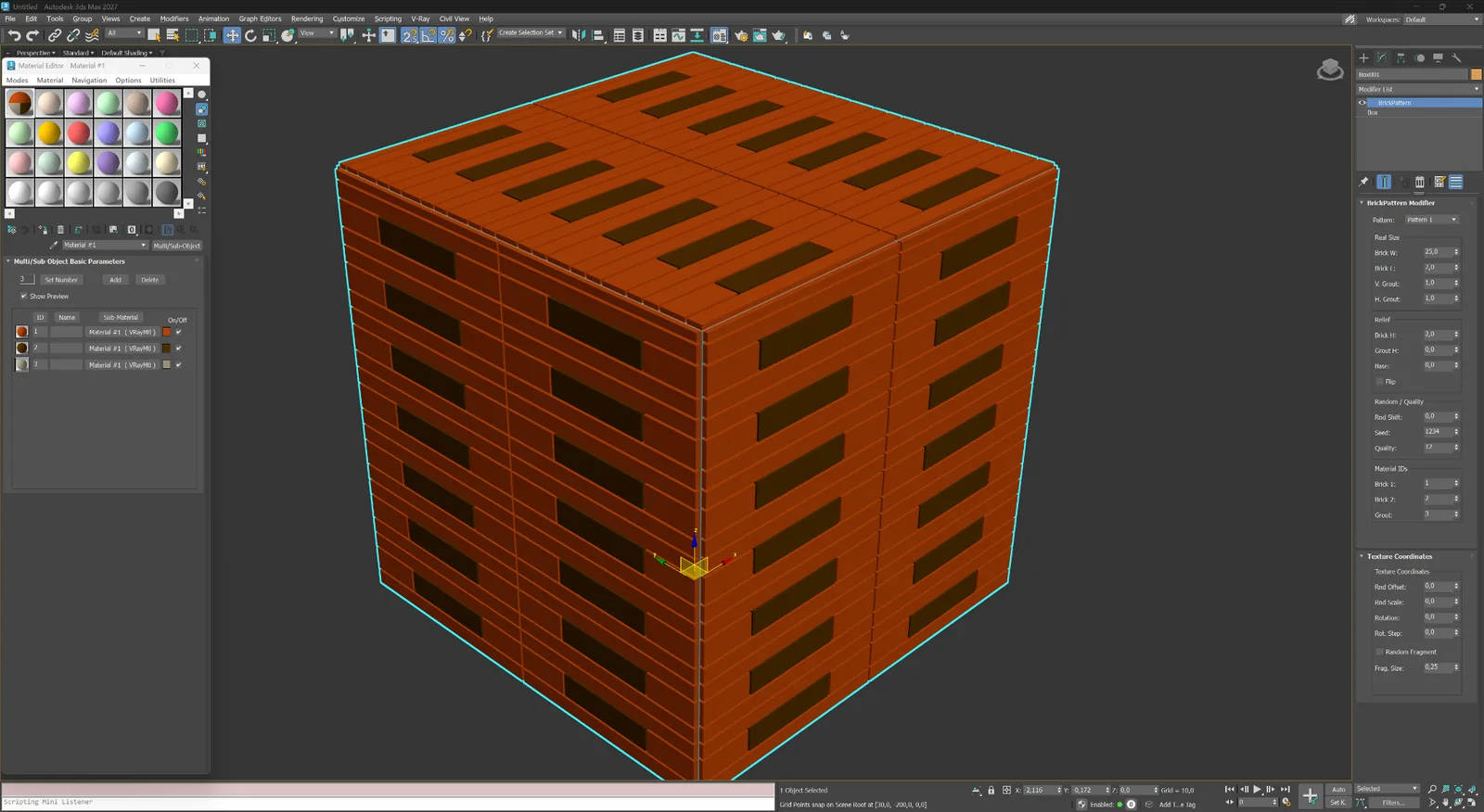
Choose from Running Bond (1:2, 1:3), Stack Bond, Flemish, Basket Weave, Herringbone, Hexagonal and more. Pattern geometry is built from parametric element dimensions: width, height, depth, and joint width.
#
Joints are three-dimensional: their depth, bevel angle and width are all controllable. This produces accurate shadowing and self-occlusion in renderers such as V-Ray and Corona without relying on bump or normal maps.
ID
Each brick or tile can receive individual random offsets in size, position and surface height. The variation is controlled by a seed value, giving you reproducible results while keeping the look natural and non-repetitive.
Modifier capabilities
BricksPattern does not produce a texture map — it modifies the mesh itself. The result is a surface with actual raised or recessed element geometry that responds correctly to any lighting setup, especially in close-up renders.
البناء بالطوب باركيه ووحدات رصف وزخرفة تجريدي ومخصص
01
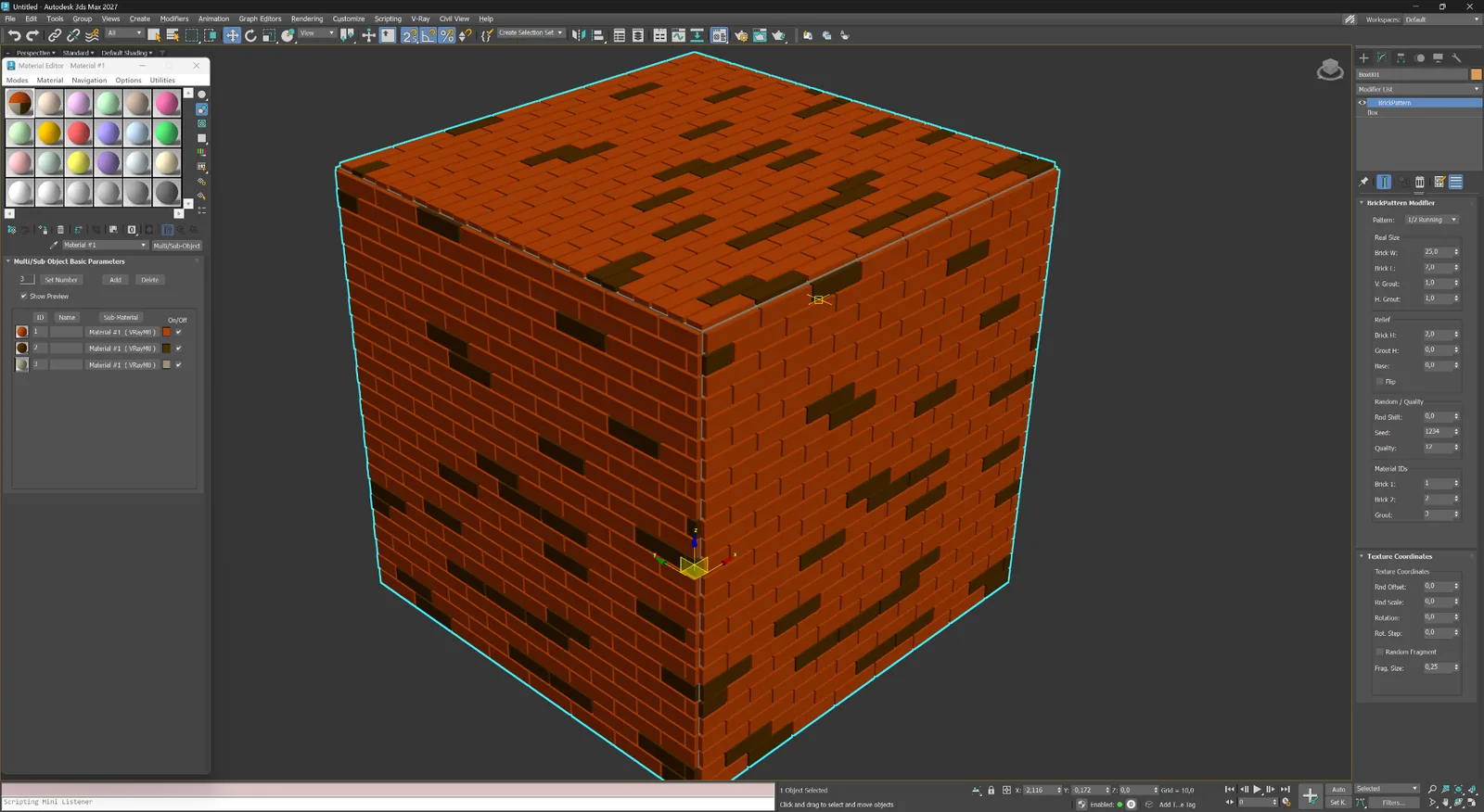
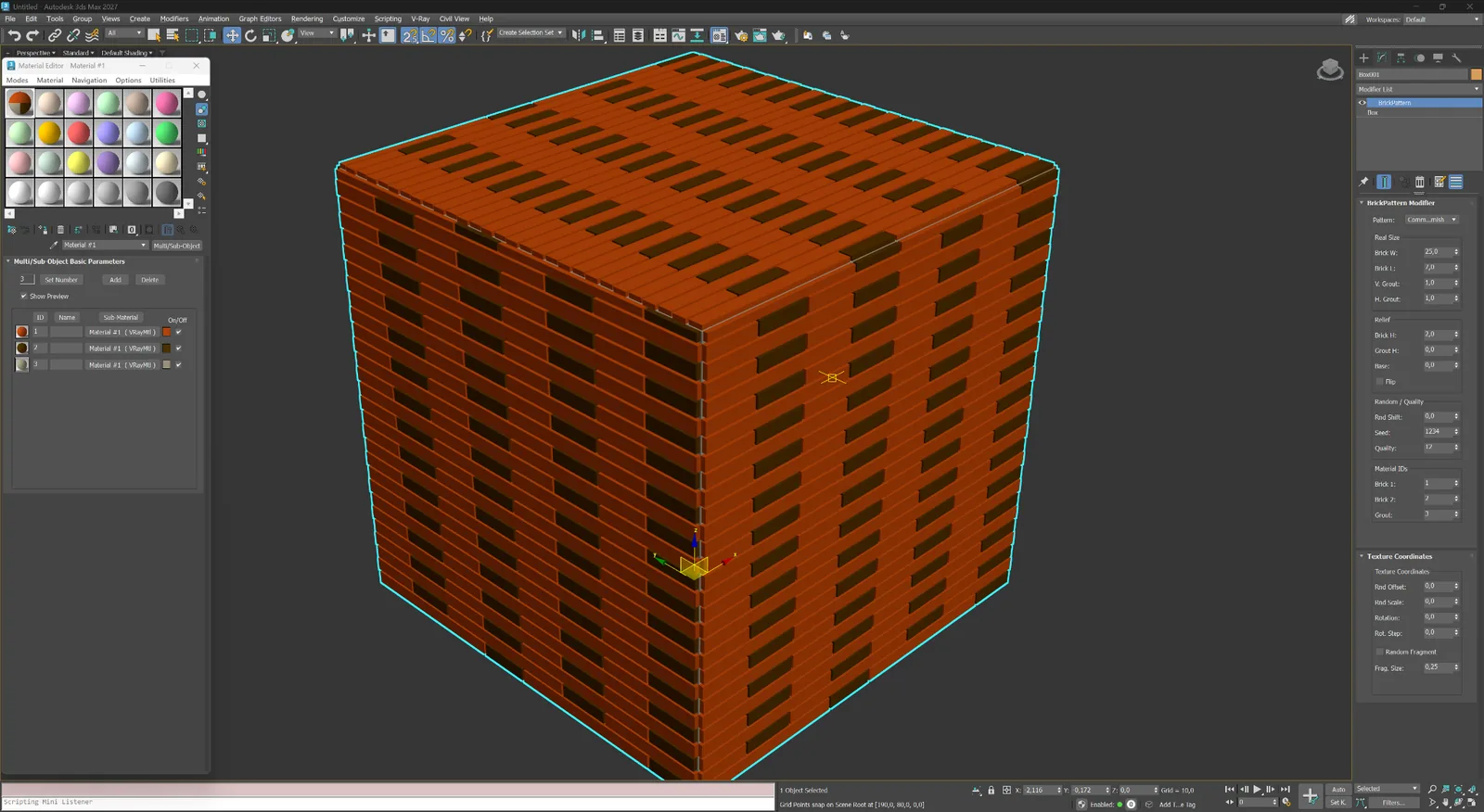
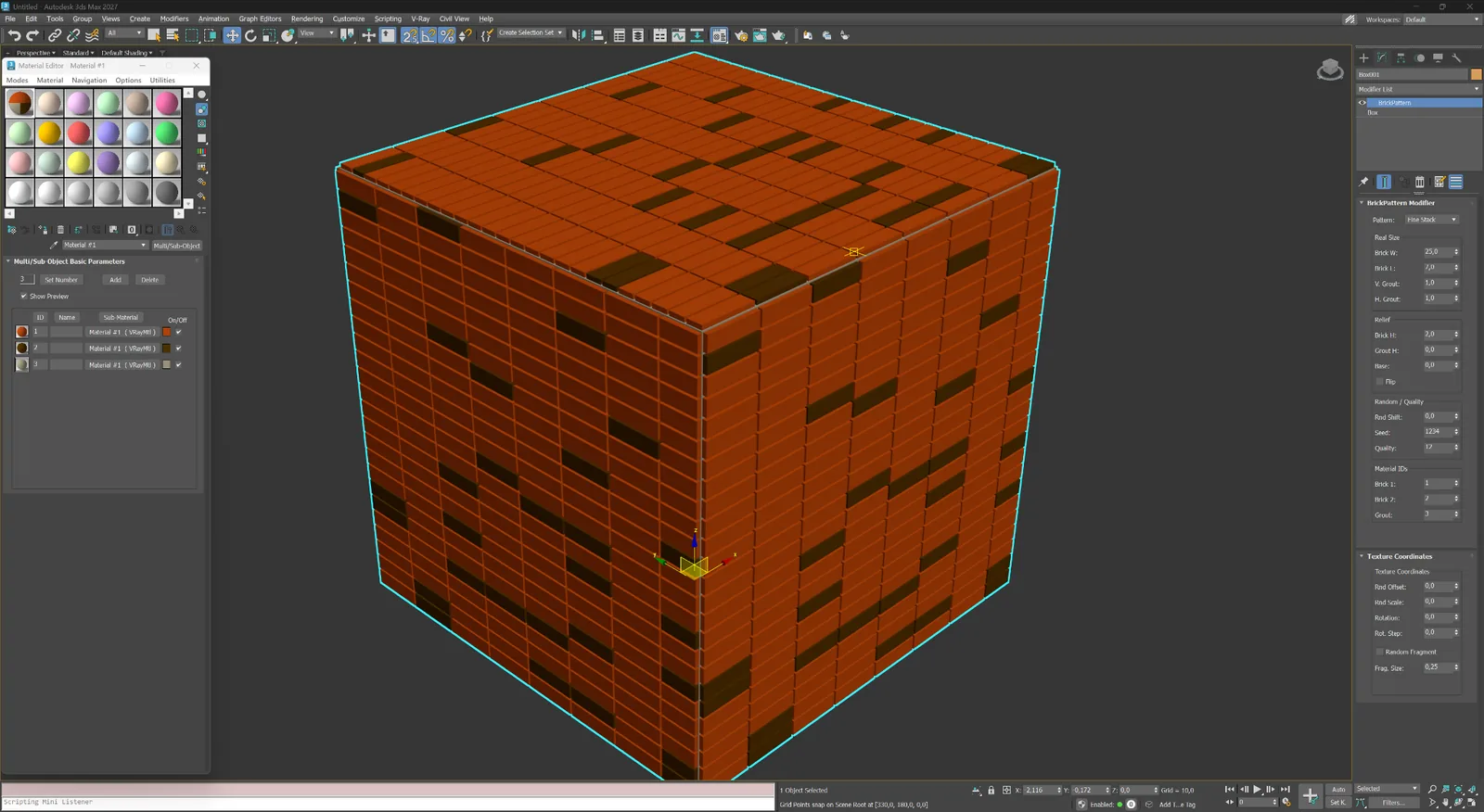
روابط Running وFlemish وStacked لواجهات الطوب والجدران والكسوة الخزفية.
البناء بالطوب
رباط Running كلاسيكي بإزاحة نصف طوبة للواجهات والجدران ولقطات البناء القريبة.
البناء بالطوب
رباط Running بإزاحة الثلث لإيقاع بناء أطول وأقل تكرارًا.
البناء بالطوب
منطق متناوب بين stretcher وheader لأعمال الطوب الزخرفية التقليدية.
البناء بالطوب
شبكة مكدسة دقيقة تناسب واجهات الطوب والبلاط والألواح المعاصرة.
02
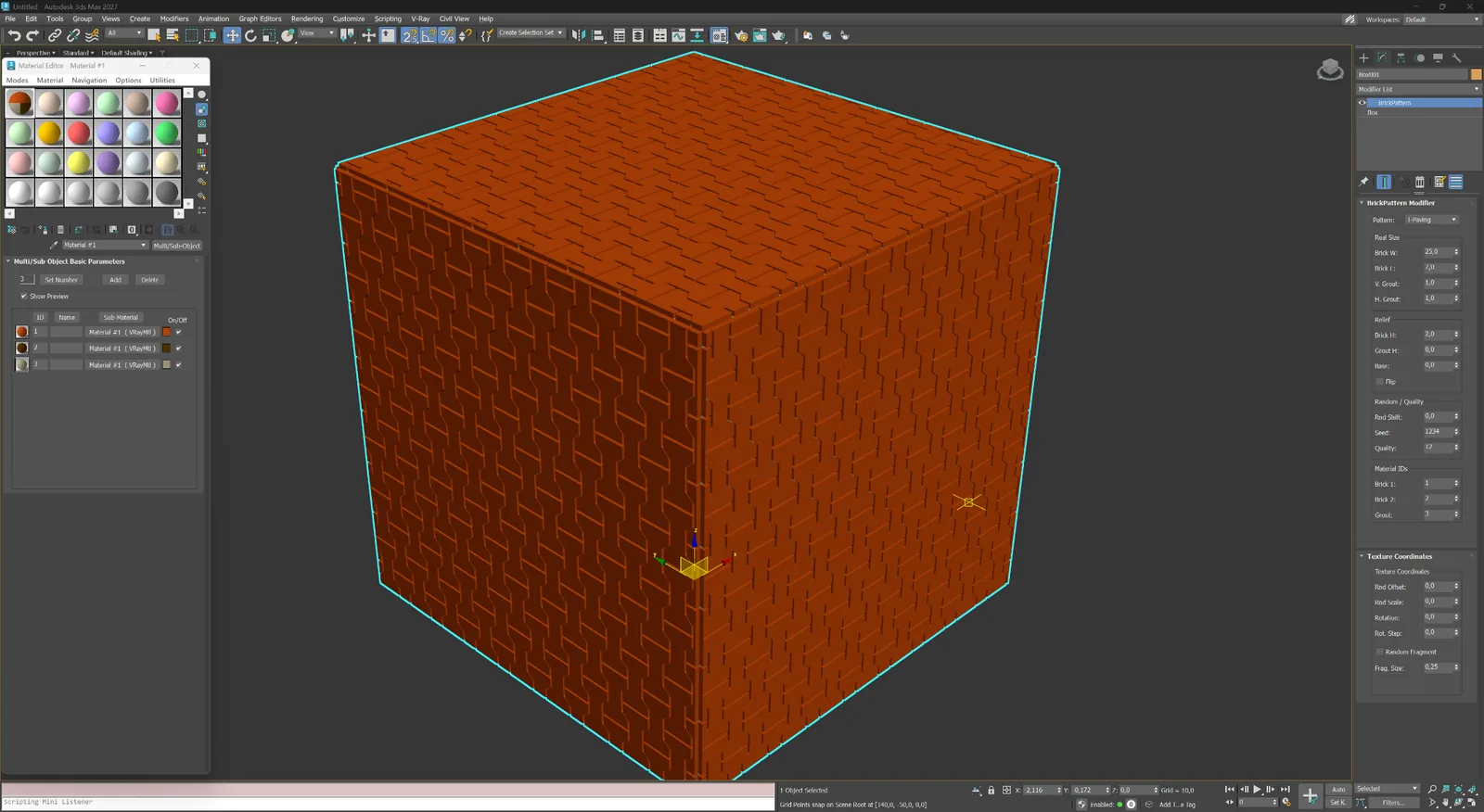
أنظمة اتجاهية ووحداتية للأرضيات والبلاط والحجر والألواح المعمارية الزخرفية.
باركيه ووحدات
عناصر مستطيلة متشابكة للباركيه والبلاط والحجر والكسوات الزخرفية.
باركيه ووحدات
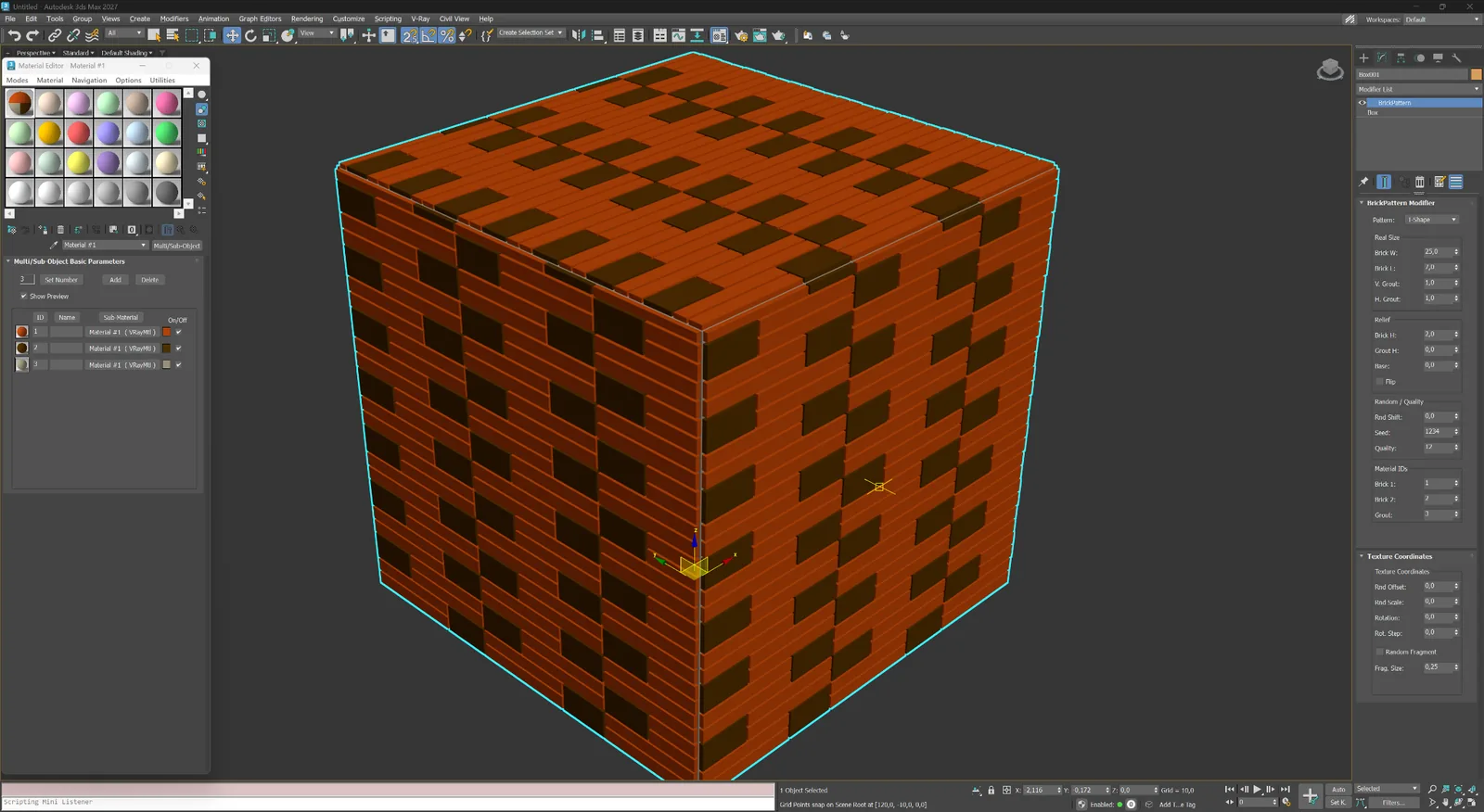
تخطيط وحدات على شكل T لأرضيات وشاشات وألواح معمارية مميزة.
باركيه ووحدات
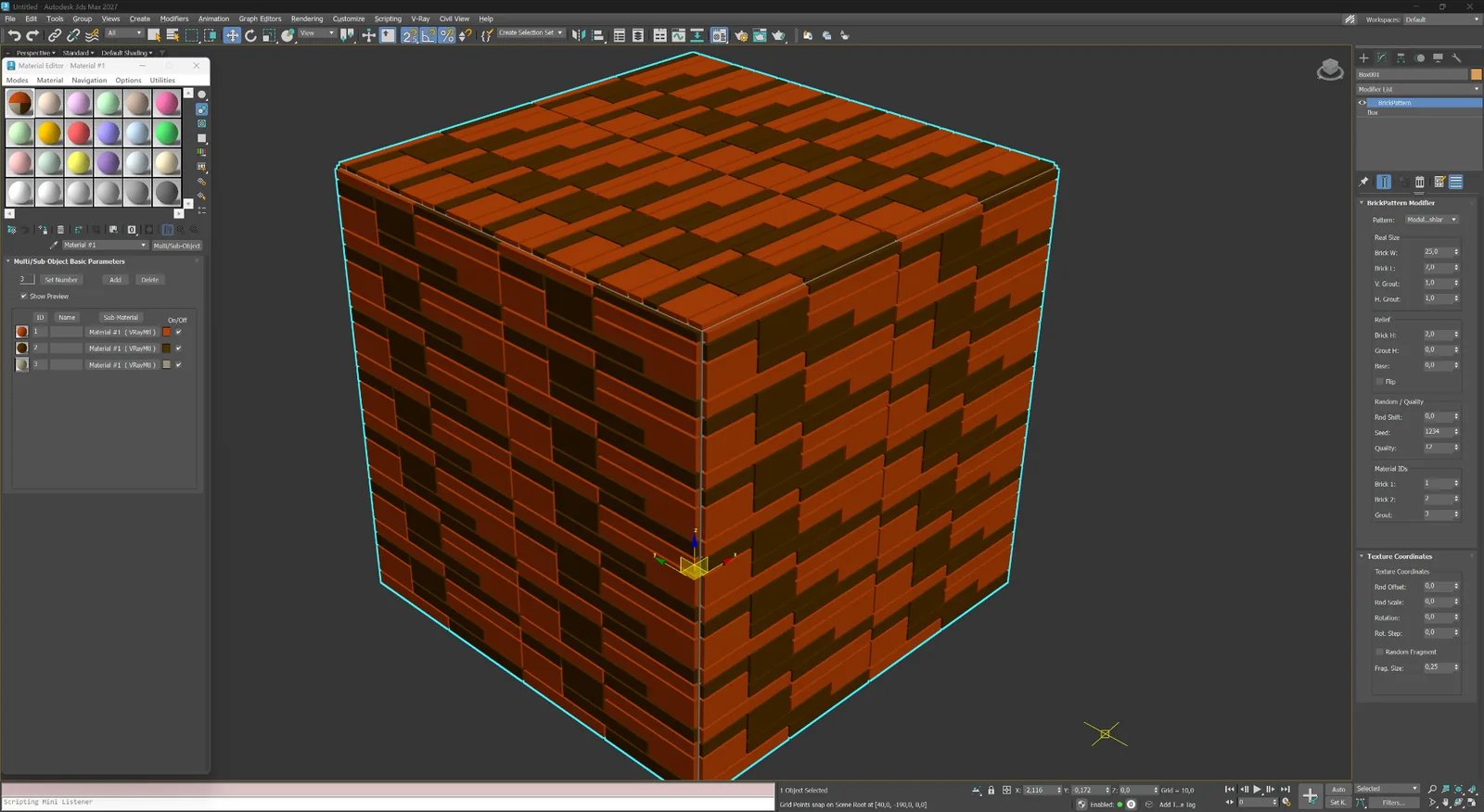
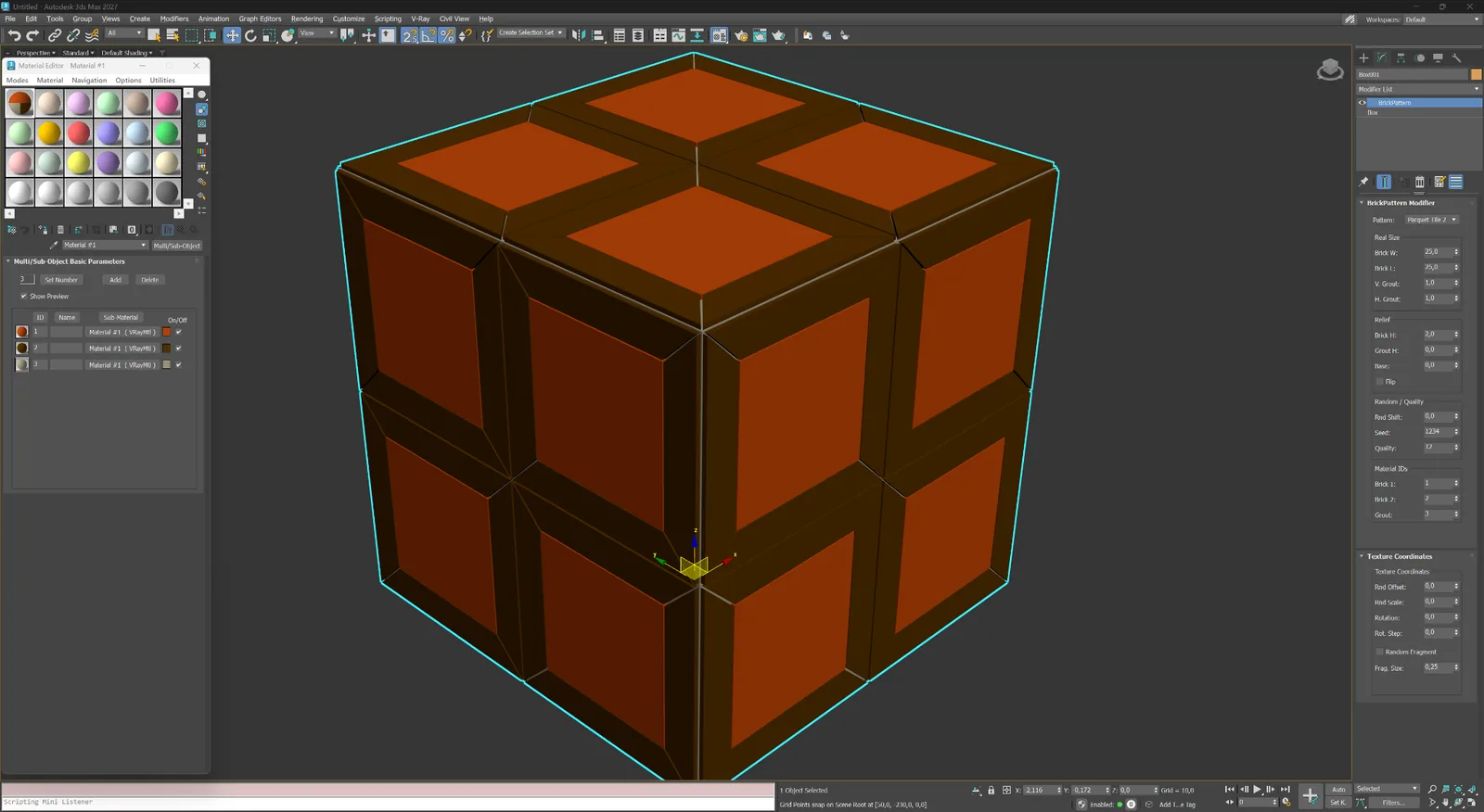
وحدات مستطيلة مختلطة مرتبة كتكوين Ashlar منضبط.
باركيه ووحدات
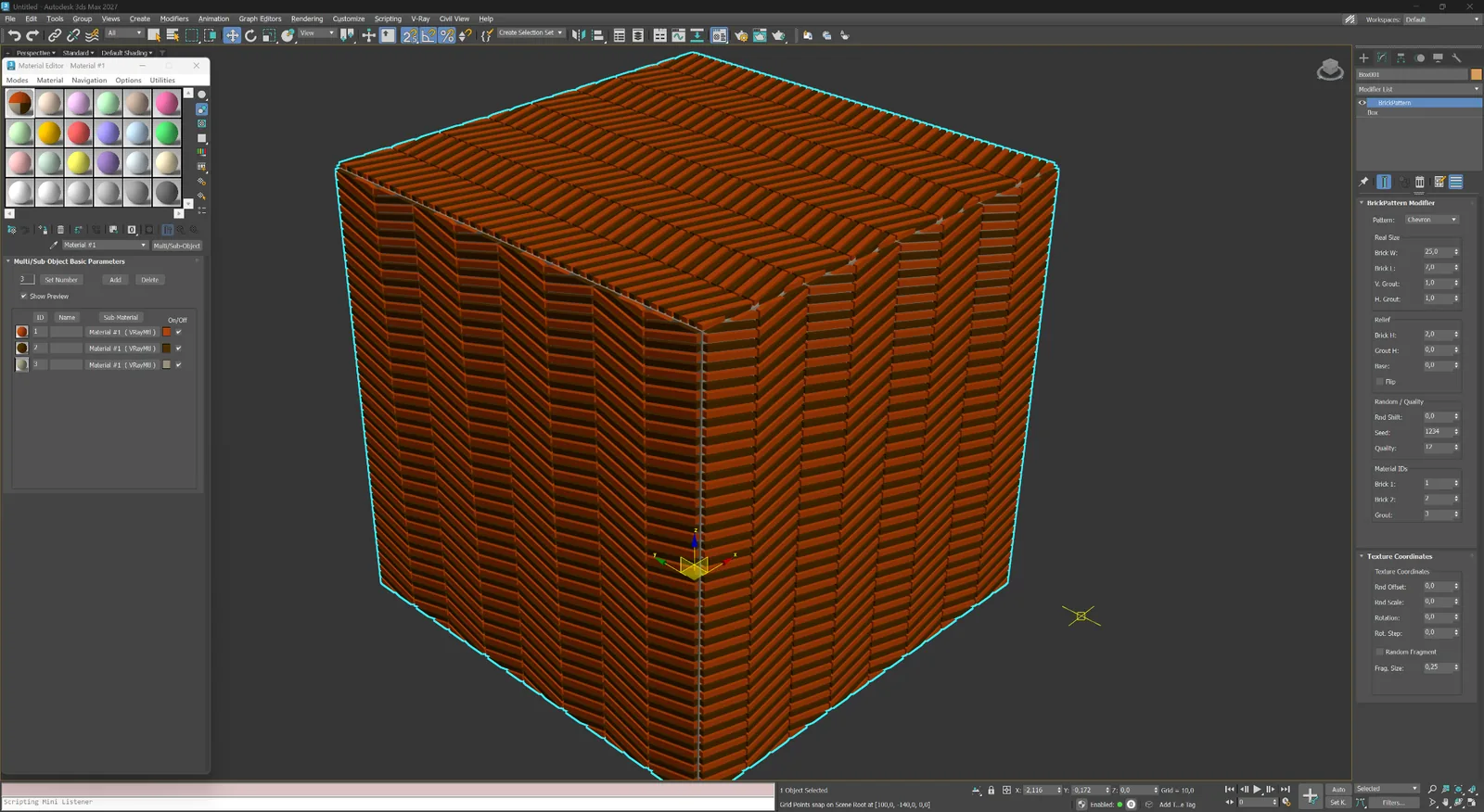
عناصر مائلة تلتقي على محور مركزي لأسطح ذات اتجاه حاد.
باركيه ووحدات
وحدات كبيرة مؤطرة بمركز هندسي نظيف للأرضيات الزخرفية وأنظمة الجدران.
باركيه ووحدات
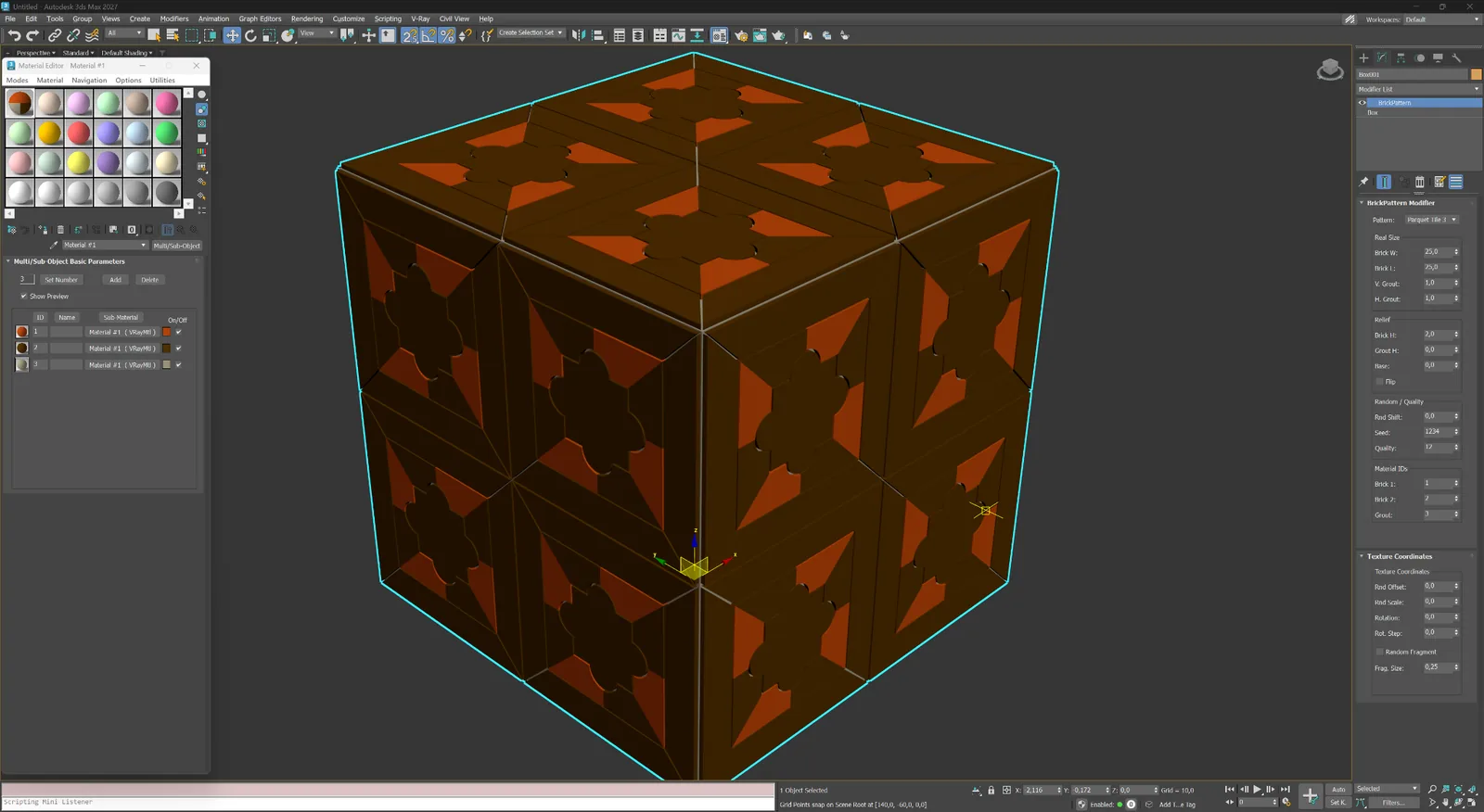
وحدات مؤطرة زخرفية بمركز زهري لتكوينات باركيه وألواح تعبيرية.
03
أنظمة بلاط سداسية وموجية وورقية ومؤطرة للمناظر الطبيعية والأسطح الزخرفية.
رصف وزخرفة
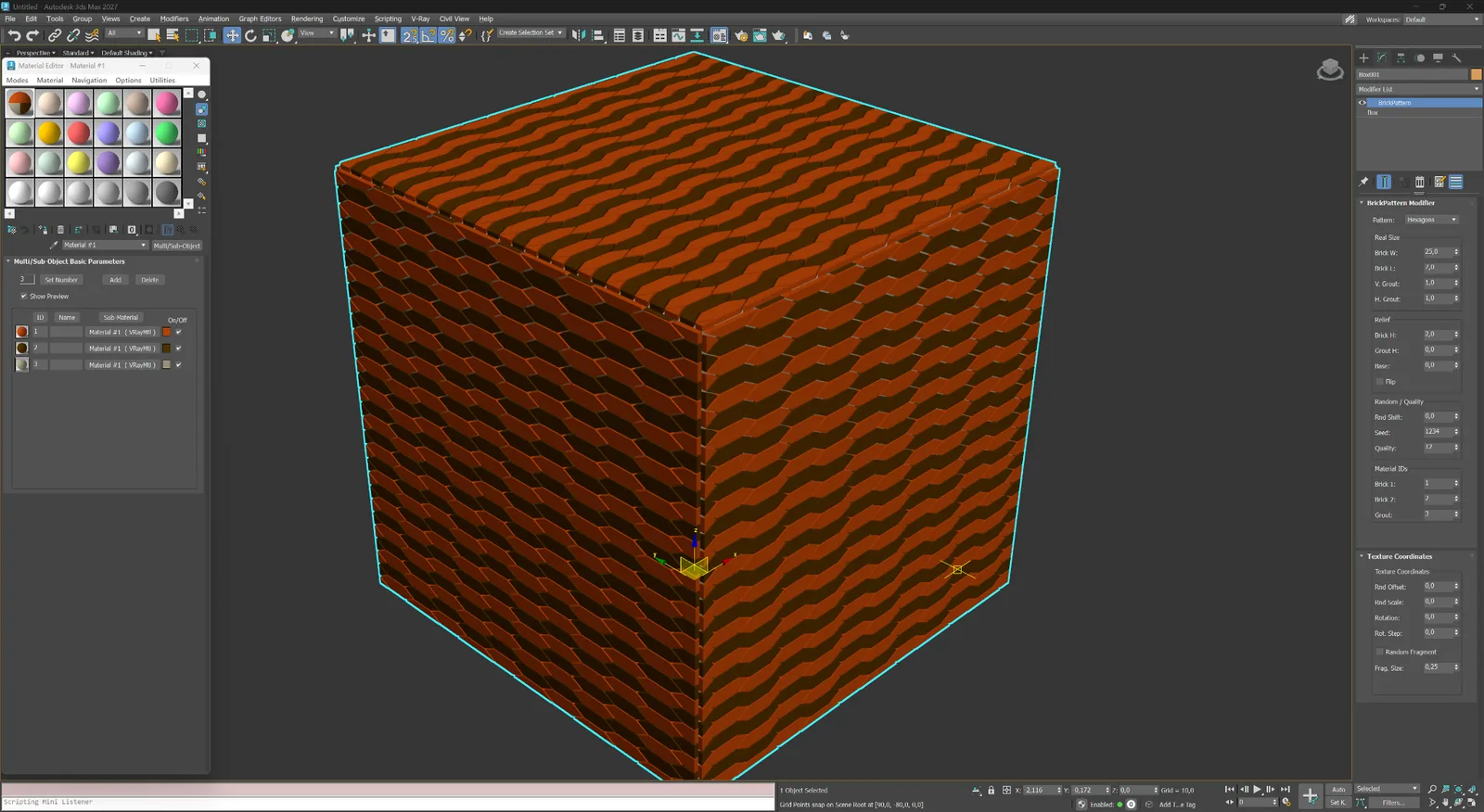
وحدات سداسية متكررة للرصف والبلاط الخزفي وأنظمة الواجهات المزخرفة.
رصف وزخرفة
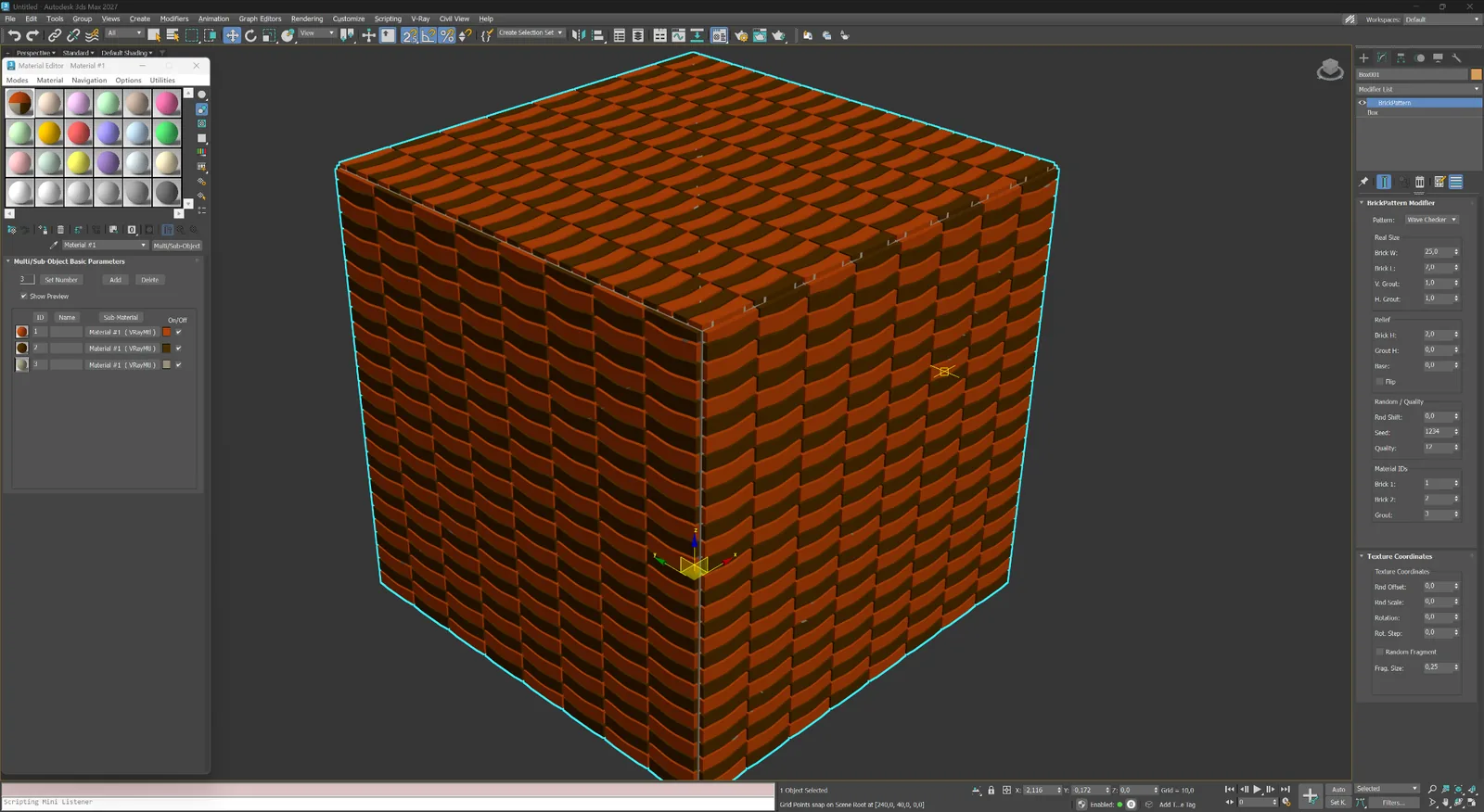
وحدات منحنية متناوبة تنشئ إيقاعًا رقعيًا ناعمًا عبر السطح.
رصف وزخرفة
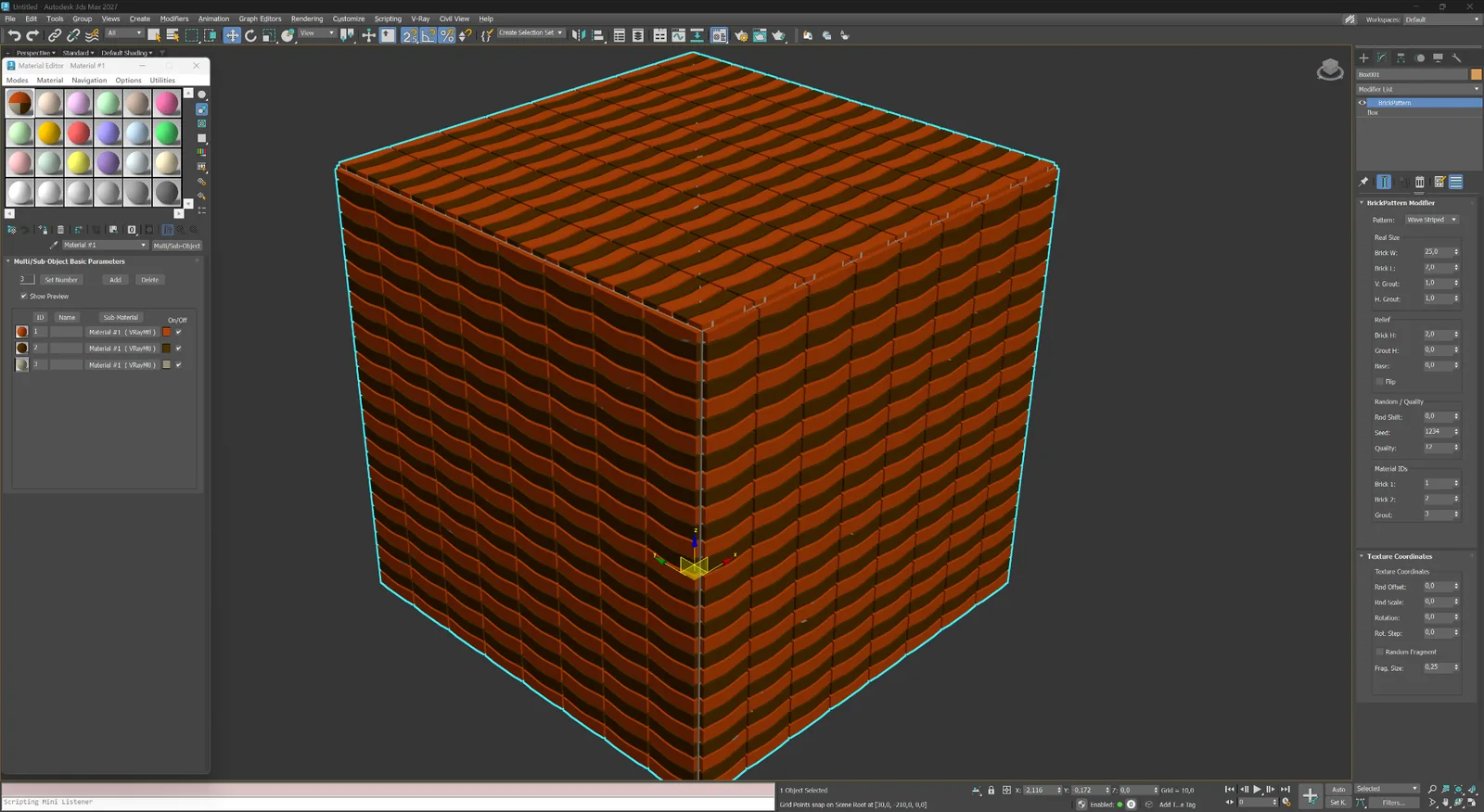
أشرطة موجية مستمرة للرصف الزخرفي والأسطح الداخلية التعبيرية.
رصف وزخرفة
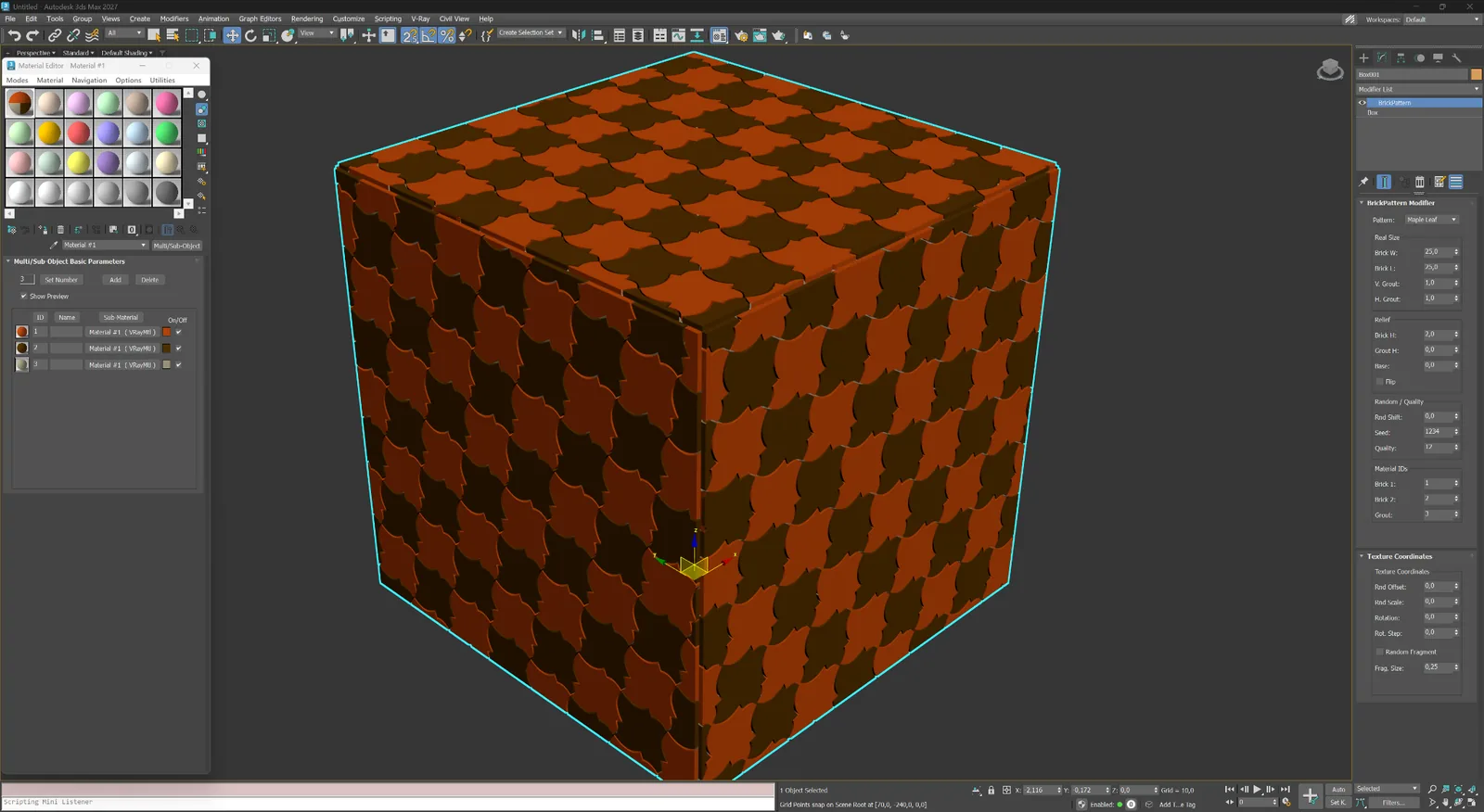
وحدة زخرفية بشكل ورقة لرصف زخرفي وبلاط مخصص.
رصف وزخرفة
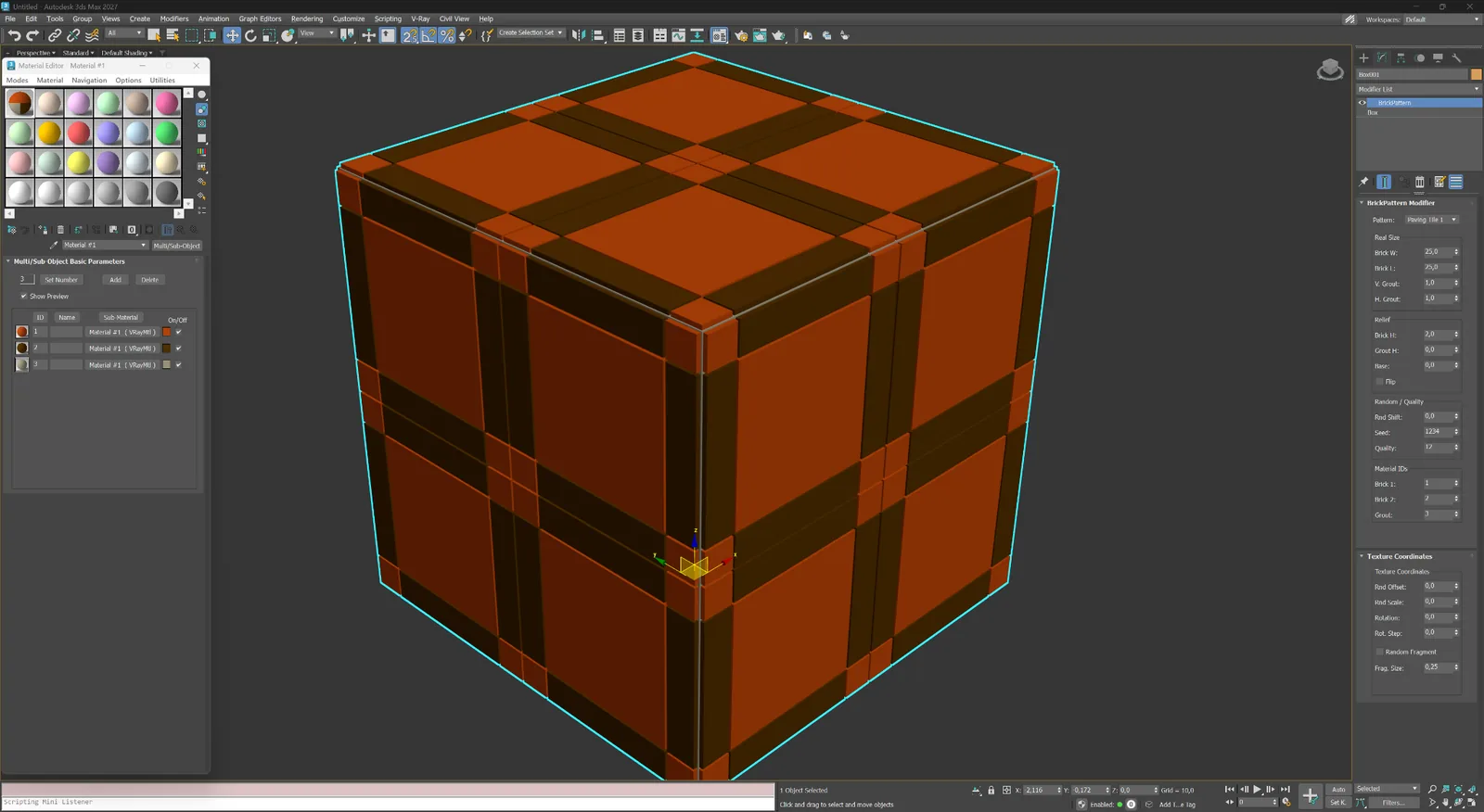
وحدات رصف كبيرة مؤطرة بهندسة فواصل متقاطعة قوية.
رصف وزخرفة
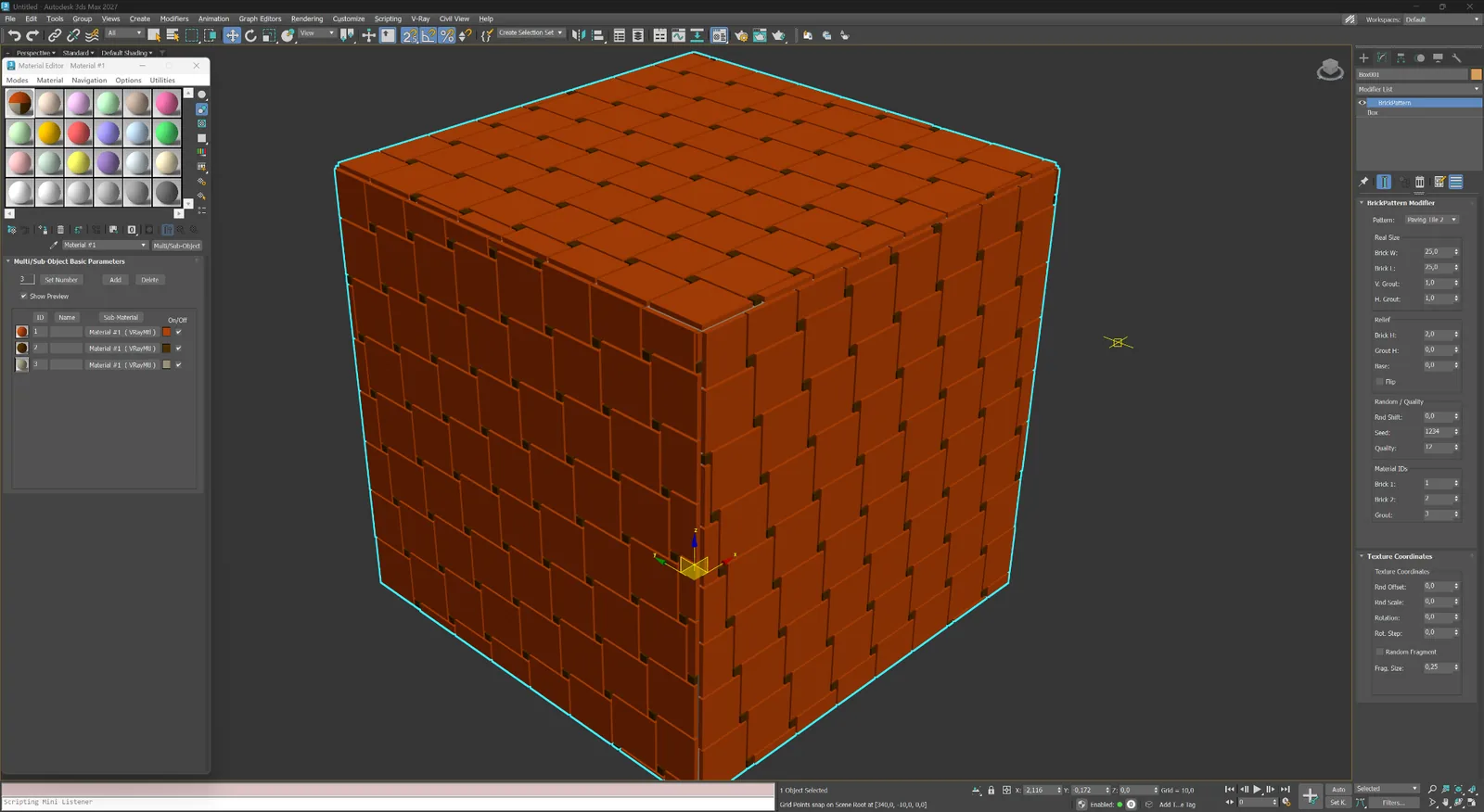
وحدات بلاط مستطيلة بإدخالات ركنية مدمجة وتكرار منتظم.
04
منطق هندسي غير قياسي للشاشات والألواح البارزة والتخطيطات الخاصة.
تجريدي ومخصص
هندسة قطرية كثيفة للشاشات التجريبية والألواح والأسطح التجريدية.
تجريدي ومخصص
تخطيط وحدات ممدودة مخصص لتكوينات معمارية غير قياسية.
Modifier capabilities
BricksPattern does not produce a texture map — it modifies the mesh itself. The result is a surface with actual raised or recessed element geometry that responds correctly to any lighting setup, especially in close-up renders.
01
BricksPattern applies to any quad or poly mesh — flat walls, cylindrical columns, vaulted ceilings. The brick layout follows the local surface curvature and UV space, so curved surfaces look correct without manual adjustment.
02
Choose from Running Bond (1:2, 1:3), Stack Bond, Flemish, Basket Weave, Herringbone, Hexagonal and more. Pattern geometry is built from parametric element dimensions: width, height, depth, and joint width.
03
Joints are three-dimensional: their depth, bevel angle and width are all controllable. This produces accurate shadowing and self-occlusion in renderers such as V-Ray and Corona without relying on bump or normal maps.
04
Each brick or tile can receive individual random offsets in size, position and surface height. The variation is controlled by a seed value, giving you reproducible results while keeping the look natural and non-repetitive.
05
BricksPattern assigns separate Material IDs to brick faces and joint faces. This lets you apply different materials — glazed vs matte, weathered vs fresh — to each zone using a standard Multi/Sub-Object material.
06
BricksPattern and BricksMap are complementary. Use BricksMap for full-scene texture maps and repeated materials; use BricksPattern for foreground or hero elements that need real 3D brick topology for close-up camera shots.
سير العمل
أضف المعدل واختر نمطًا وحدد أبعاد العناصر وعمق الفواصل — يتم تحديث الـMesh لحظيًا. يمكنك تكديس BricksPattern مع معدلات أخرى أو Collapse إلى Mesh ثابت عند اكتمال الهندسة.
01
حدد مستوى أو جزءًا من جدار أو سطحًا منحنيًا. أضف BricksPattern من قائمة Modifier. تقرأ الإضافة قناة UV وتقسم السطح إلى تخطيط الطوب فورًا.
02
غيّر نوع النمط وأبعاد الطوب وعرض الفاصل وعمقه. أضف اختلافات في الارتفاع والحجم لكل عنصر باستخدام عناصر تحكم Seed. تظل كل التغييرات غير مدمرة ما دام Modifier Stack نشطًا.
03
طبّق مادة Multi/Sub-Object باستخدام Material IDs المعينة تلقائيًا. نفّذ التصيير بـ V-Ray أو Corona أو Arnold أو أي محرك آخر. تنتج الهندسة الحقيقية ظلالًا وAO صحيحة دون baking.
BricksPattern vs BricksMap
best results are achieved using both together in one scene.
BricksPattern
BricksMap
الترخيص
لـ BricksPattern صفحة شراء مستقلة. بعد الدفع تظهر الرخصة في حسابك. فعّلها عبر الإنترنت من خلال الموقع أو دون اتصال بالبريد الإلكتروني لمحطات العمل المعزولة.