RS.BIMManager
Version history
1.16.36–1.16.39 | 12–17.10.2026
- RS.BIMManager is now a standalone Windows application, shared by all Revit 2021–2027 versions, with an agent inside Revit. The RS.BIMManager button on the RS-Systems tab launches the application and passes it the open model: the application immediately selects that model's project, or comes to the foreground if already running. All features of the previous plugin window have moved to the application. The original window can still be opened from the application using “BIMManager window in Revit”.
- Project register: “Find projects” searches the specified folders, usually a network drive containing projects, and locates project databases. A database can also be added manually. Register edits are merged with colleagues' changes, as in the plugin. A project's Revit version is selected with the 2021–2027 switch and stored in the register with a history of changes.
- The project file table shows the Revit version in which each file was saved, determined without Revit and without downloading the entire file over the network, whether it is workshared, its modification date and path. Files from a different version and missing files are highlighted. The “Files” section provides adding and removing project files, disciplines, enabling and disabling files, recalculating paths after a folder move, and “Write CDE to models…” with a “CDE” column.
- “Open in Revit”: the application selects the Revit version automatically and opens the model in an existing Revit session or launches the required version. A workshared model opens as a new local copy by default; the previous copy is renamed with a timestamp. “Settings” lets you choose detachment, opening the central model itself, and worksets. “Open with Audit” is also available. There is a list of running Revit sessions with their documents and a “Launch Revit…” command.
- Project sections: “Project” (name, code, disciplines, information and Revit version history, and “Delete project…” with confirmation), “Log” (filters by period, models, record type, author and text; HTML and CSV reports), “Monitoring” (daily reconciliation, current users, “Check” and “Apply monitoring”), and “New project…”.
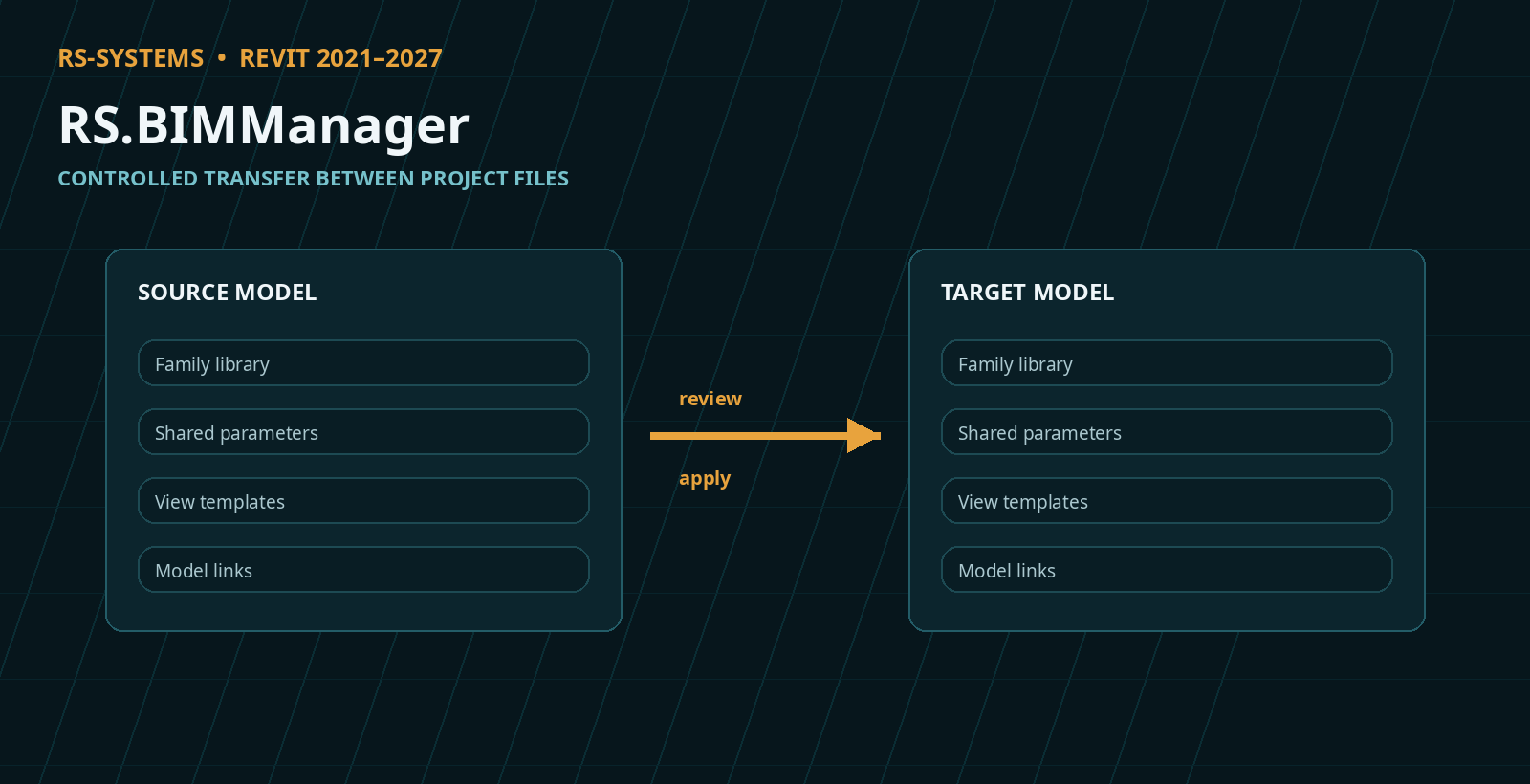
- “Links”, “Worksets”, “Levels”, “Views”, “Templates”, “Parameters”, “Families” and “Family parameters” have moved to the application. Link and workset information is read from files without opening the models. “Remap paths…” can be applied directly to closed files. Changes accumulate and are executed by “Apply…” in a single run: each model opens once, and workshared models are synchronized. Progress and “Stop run” are in the status bar, and a report is produced on completion.
- “Revit tools” for an open document: views and sheets (open, configure, create a view or template, and assign a template), links (load, reload, reload from another file, unload and remove), export of sheets, views and schedules to PDF, DXF, XLSX and CSV through RS.Exporter, and a “Plugins” tab for opening any plugin window in that Revit session.
- Telegram in the application shares one session with RS.Messenger: signing in through Messenger also signs you in to the application, and vice versa. It provides folders with colors and unread counters, search, selected chats (“Selected only”), and conversations with attachments, screenshots, reactions and search, as in Messenger. Any number of chats can be pinned and reordered by dragging. Group chats have bold names and a distinct background, configurable in “Folder colors…”. The latest and pinned messages each appear on a single line.
- “Conversations” section: project model chats from RS.Messenger, including general model chats and chats between pairs of linked models. A feed with attachments, reply by double-clicking a message, and sending messages with attachments of up to 10 files, 5 MB each. Messages sent from the application appear in Messenger inside Revit. Executable attachments from other participants open only after a confirmation prompt.
- “⚙ Settings” contains “General”, “Theme” (Auto / Light / Dark / RS-Systems; Auto follows the Revit theme), “Colors” (separate window colors for each theme), “Revit tabs” (view tab coloring: fill or stripe, with colors by project or file), and “License and updates” (opens the agent settings in a running Revit session). Raised borders match the other products in the range.
- Installation: the BIM manager module now installs the application, with a shortcut under Start → RS-Systems, its Revit agent and the logging agent. Uninstalling or updating affects all of them together. As before, the user module installs only the logging agent.
- Fixed, including in the plugin window: an edit to a view could affect another view with the same name, such as a floor plan and reflected ceiling plan; views are now identified by group and name. Unsaved level and view edits were shown after a model failed to save. Stopping a transfer of templates, parameters or families before writing now genuinely leaves everything unchanged.
- View tab coloring: the entire tab is filled by default, and the active tab is no longer brighter than the others. Licensing and updates are shared across the product range: trial extension by code, offline activation, website codes in the RS-XXXX-XXXX-XXXX format, Suite licensing, and one update window. The product is named rs.BIMManager in its windows and RS.RVT.BIMManager in the installed programs list.
1.16.23–1.16.32 | 05–09.10.2026
- Installation now uses a single file. By default, it installs the user module: a workstation logging agent without buttons or windows. The BIM manager module, consisting of the console with a button on the RS-Systems tab and the agent, is enabled separately through “Advanced…” on the Revit version selection screen. The selection is retained during updates. If the console was already installed, it remains the BIM manager module after updating, and the previous separate agent package is removed automatically. Check the module selection on workstations that need the console.
- New access mode, “Pay by time”: instead of licensing each plugin, you can top up your website account balance and use any plugin in the range for 1 cent per minute of actual work. A minute is billable when you enter data, launch a command or processing is underway. An open but idle window is not charged, and using several plugins simultaneously still costs 1 cent per minute. The account is connected using a code on a website page; the plugin does not receive your password. Connecting through one plugin connects all of them.
- Access priority: plugin license → regional promotion → trial period → pay by time. A new plugin first runs free for 90 days, and charging starts only afterward. Your balance is not used while a license or trial is active. The remaining balance and a “Top up” button, when less than an hour remains, are shown in the status bar. There are no balance pop-ups.
- Pay by time works online only. Without a connection or with a zero balance, new commands and panels cannot be launched, but open windows and processing already underway are not interrupted. Offline use is available only during a trial or with a license.
- License protection has been strengthened: setting the computer clock back no longer extends the trial or license. The plugin reports: “The computer clock has been set back. Set the correct date and time.” Existing trials are not reset. A purchased license activates automatically in the background after reinstalling Windows or Revit, or after purchasing it on another device.
- Usage data has been reduced to a minimum: only a “plugin in use” flag and accumulated working minutes are sent. The installation identifier, versions, license status and details of your actions in the model are not sent.
- Important: the product identifier used for licensing has been corrected. Previously, the website did not recognize BIMManager, so purchasing, online checks and the server-managed trial did not work. After updating, the BIMManager trial restarts for 90 days.
1.16.16–1.16.21 | 30.09–01.10.2026
- Fixed: small plugin windows no longer stretch across the full screen width and are sized to their contents.
1.16.12–1.16.15 | 28–29.09.2026
- Website updates have been reworked. Checks now distinguish between an up-to-date version, an available update, an unpublished installer and an unavailable website. Downloads run in the background with progress and cancellation. The installer is verified using SHA-256 and starts after Revit closes. “Settings” brings together theme, licensing, updates and build information. Ribbon button placement has been standardized: Params in Manage, Browser in Tools, and MCP in AI.
1.12.0–1.16.9 | 23–26.09.2026
- Updated RS-Systems interface: Manage / Tools / Models / AI panels, compact uniform buttons with short English labels, Revit-style icons for light and dark themes, automatic window placement within the monitor's work area with DPI awareness, and optional Revit view tab coloring by project or file.
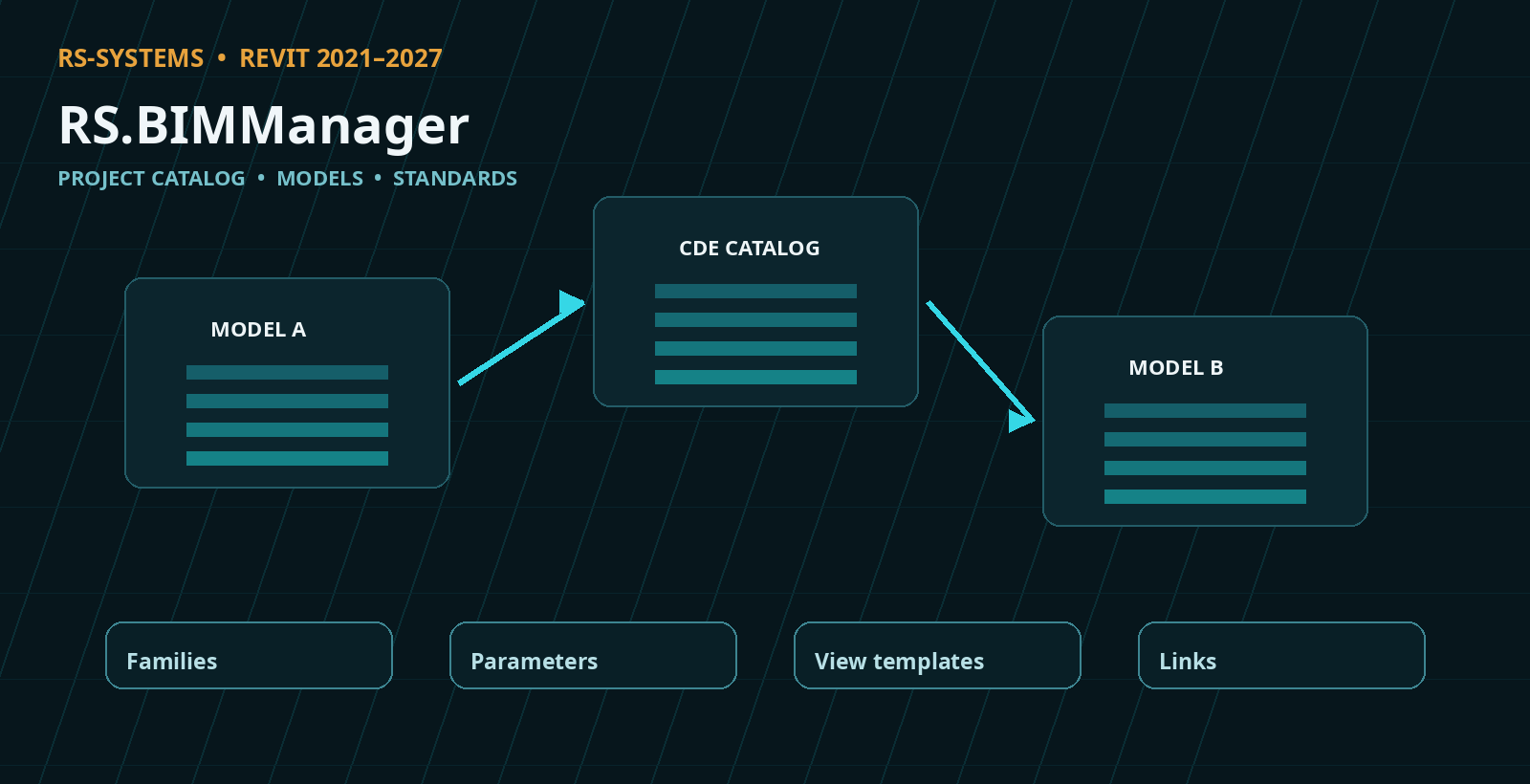
- Projects no longer require a root model. The project catalog is stored in the CDE folder, a link to it is written to project models, and BIM Manager is accessible from any project file. Families, parameters and view templates can be transferred between any project files. The permanent reference model and history repository are no longer used.
- “Family parameters” can use multiple shared parameter files simultaneously, add and replace parameters, formulas and values, and save reusable presets. Old RS.CDE project databases and the previous standards history are not migrated automatically.
1.11.4 | 10.09.2026
- Application windows use their own icon. F1 help and interface localization are not yet implemented.
1.11.2
- Links can be added from a project model list with checkboxes or by file path. Linking a model into itself is blocked.
1.11.1
- The pending changes list now has scrolling and checkboxes. Unchecked changes are discarded when applying the list.
1.10.0–1.11.0
- Project models can be compared with a reference, and selected content can be accepted into the root model. Project standards are stored in the root model with version history and rollback support.